4-78
FACSIMILE
Contents
7
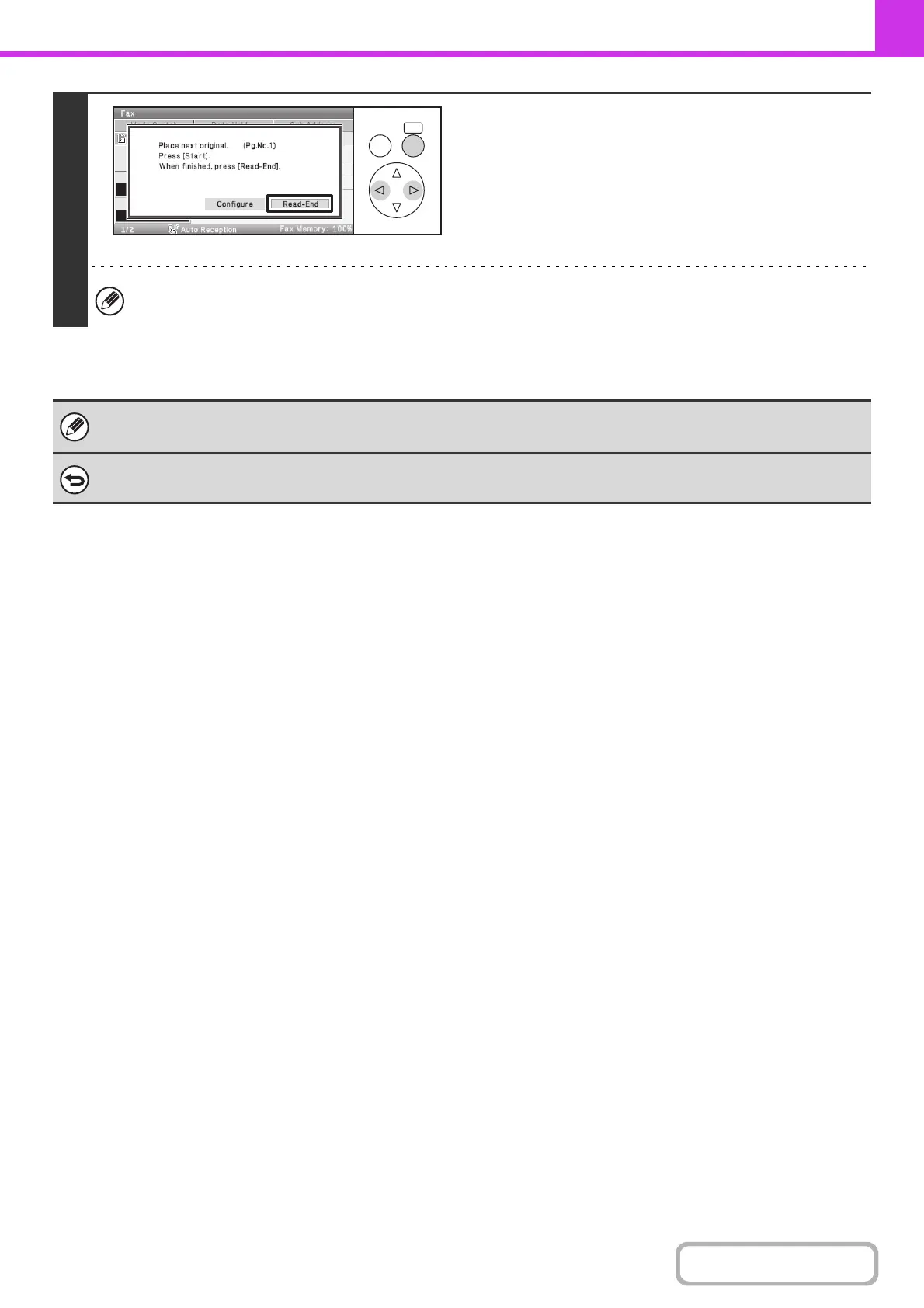
Select the [Read-End] key.
If you will continue scanning additional cards, you can select the [Configure] key to change the exposure, resolution,
scan size, and send size.
• The ratio cannot be specified and "Rotation Sending Setting" cannot be selected.
• This function cannot be used in direct transmission mode or when the speaker is used to dial.
To cancel Card Shot...
Select the [Cancel] key in the screen of step 4.
OKBACK



 To Next Page