To view your video library:
1. From the home screen, click the Video menu.
2. From the left screen, click the myTwonky menu to view your library.
3. From the left screen, click the Playlists menu to view your dened playlist les.
To view your music menu:
1. From the home screen, click the Music menu.
2. From the left screen, click the myTwonky menu to view your library.
3. From the left screen, click the Playlists menu to view your dened playlist les.
To view your photo library:
1. From the home screen, click the Photo menu.
2. From the left screen, click the myTwonky menu to view your library.
3. From the left screen, click the Slideshow menu to view your dened playlist les.
Conguring Twonky Settings
The Settings menu allows you to view the Media Box status, congure setup settings, congure
sharing settings, enable the aggregate function, and congure the advanced server settings.
To view Status:
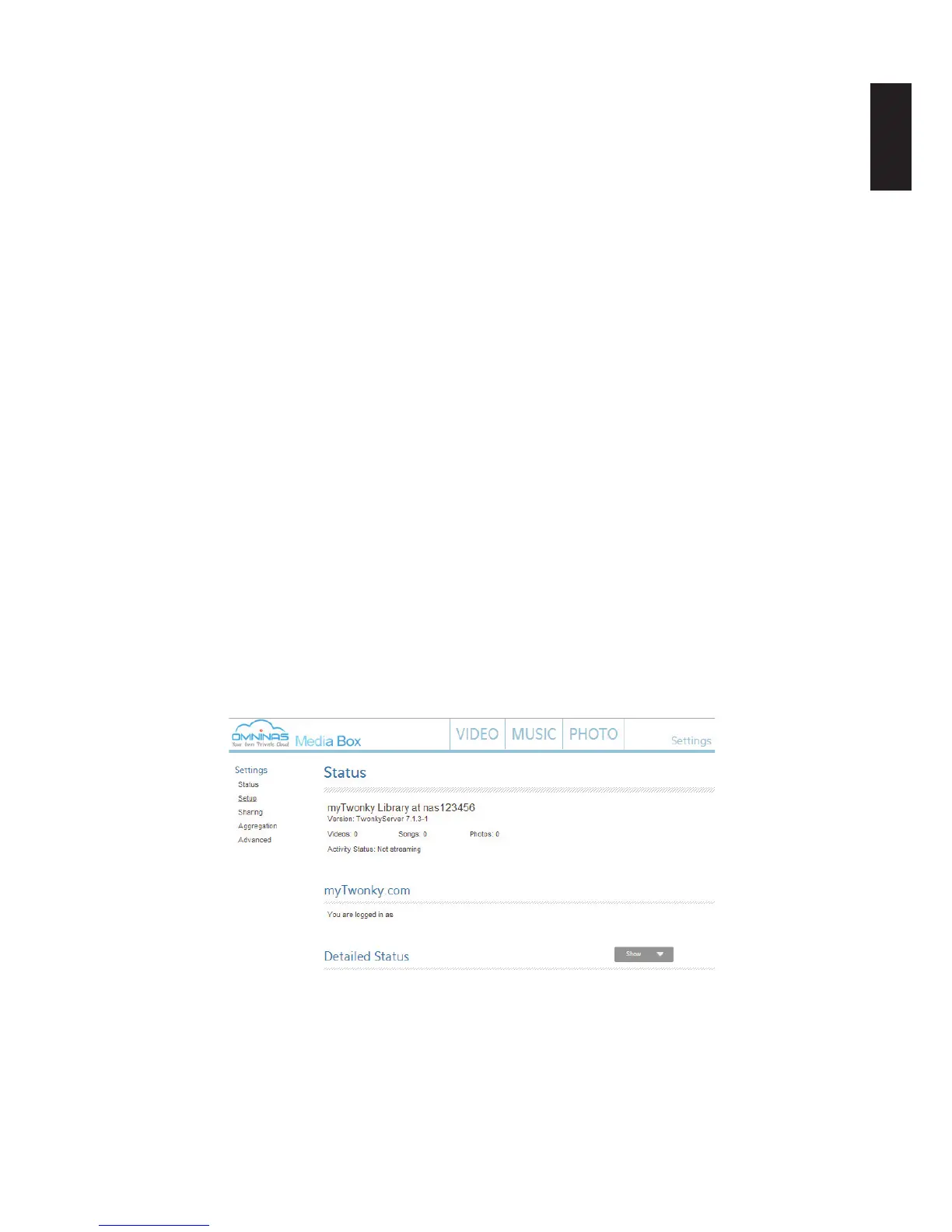
From the home screen, click the Settings -> Status menu.
The Status screen displays. From the Status settings menu, you can view the myTwonky
library statistics, your logged in prole, and detailed hardware information.
Media Box Status



 To Next Page