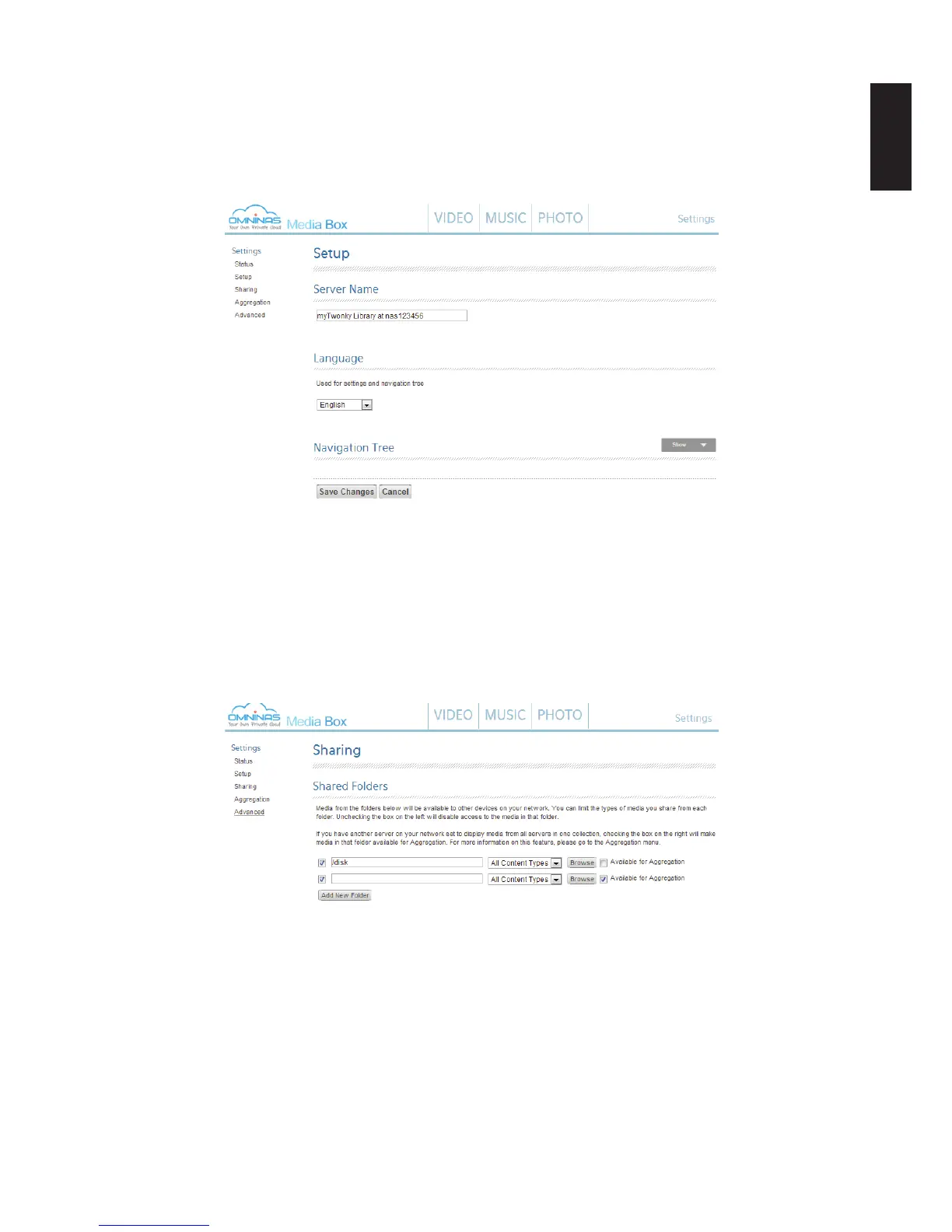
To congure Setup:
1. From the home screen, click the Settings -> Setup menu.
From the Advaned Settings menu, you can secure setting pages, synchronize the multime-
dia library, compile folders, setup media scan intervals, and enable the restart function.
Media Box Setup Settings
To congure Sharing:
1. From the home screen, click the Settings -> Sharing menu.
From the Shared Folders,you can select additional server within your network to make
available through your library, enable sharing of new media, and view the list of aggregate
servers within your network that are also synchronized with your Media Box.
Media Box Sharing Settings



 To Next Page