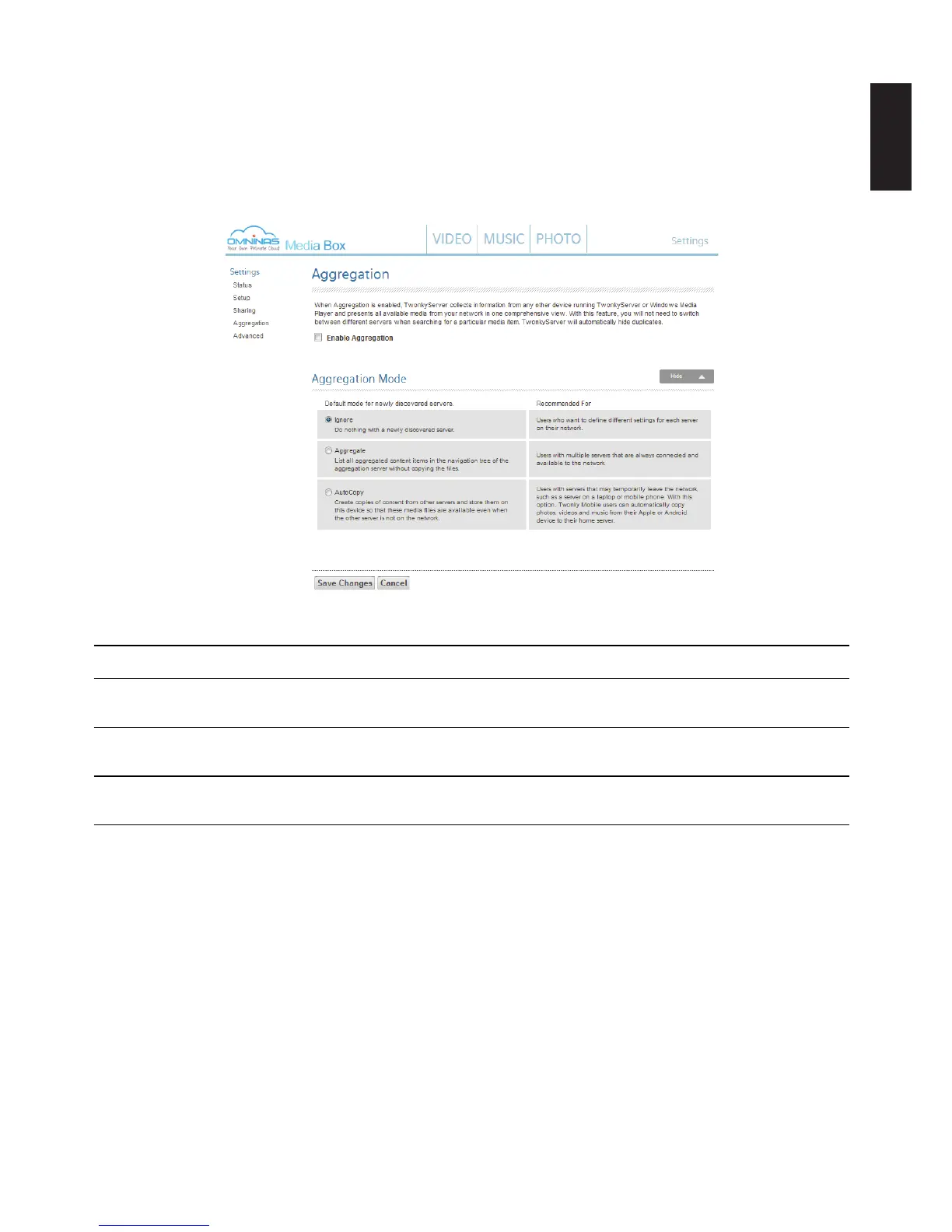
To enable Aggregation:
1. From the home screen, click the Settings -> Aggregation menu.
From the Aggregation menu, you can enable the collection of media from other Twon-
kyServers within your network. There are three types of modes for the collection of medai:
Ignore (Default), Aggregate, and AutoCopy.
Media Box Aggregation
Ignore (default) Select this to do nothing with any newly discovered servers.
Aggregate Slect this to list out all aggregated content without copying the les.
AutoCopy Seect this to copy all content onto your OMNINAS from the newly discovered servers.



 To Next Page