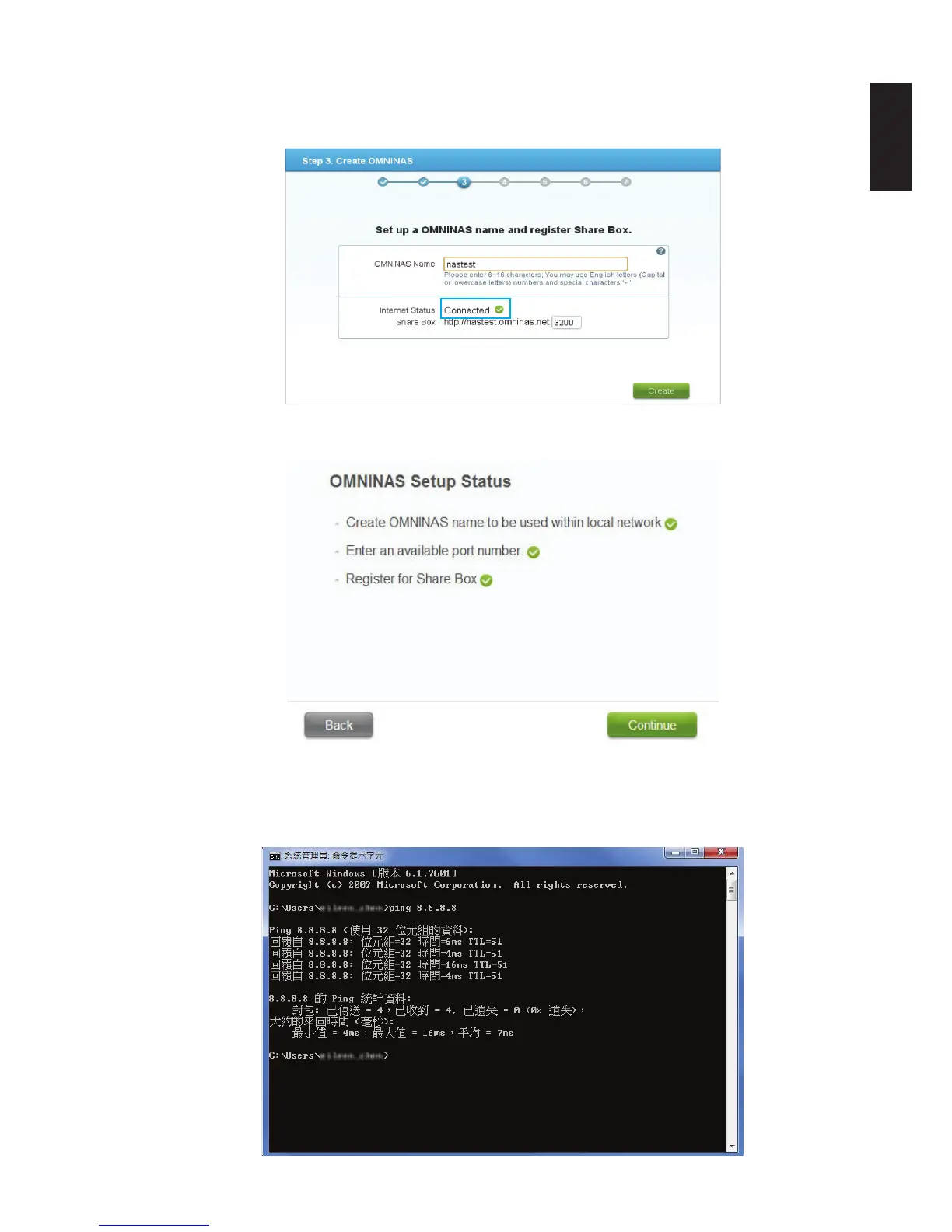
Step 2: At wizard step 3, NAS system will check whether your internet connection is ready or not.
Please make sure it is connected for share box registration.
Step 3: Share box registered successfully at wizard step 3.
[Method 2] This is suitable for advanced user with technical background.
Step 1: Open DOS box and type “ping 8.8.8.8” to check Google DNS connection.
*Correct connection should have the screenshot shown as below.



 To Next Page