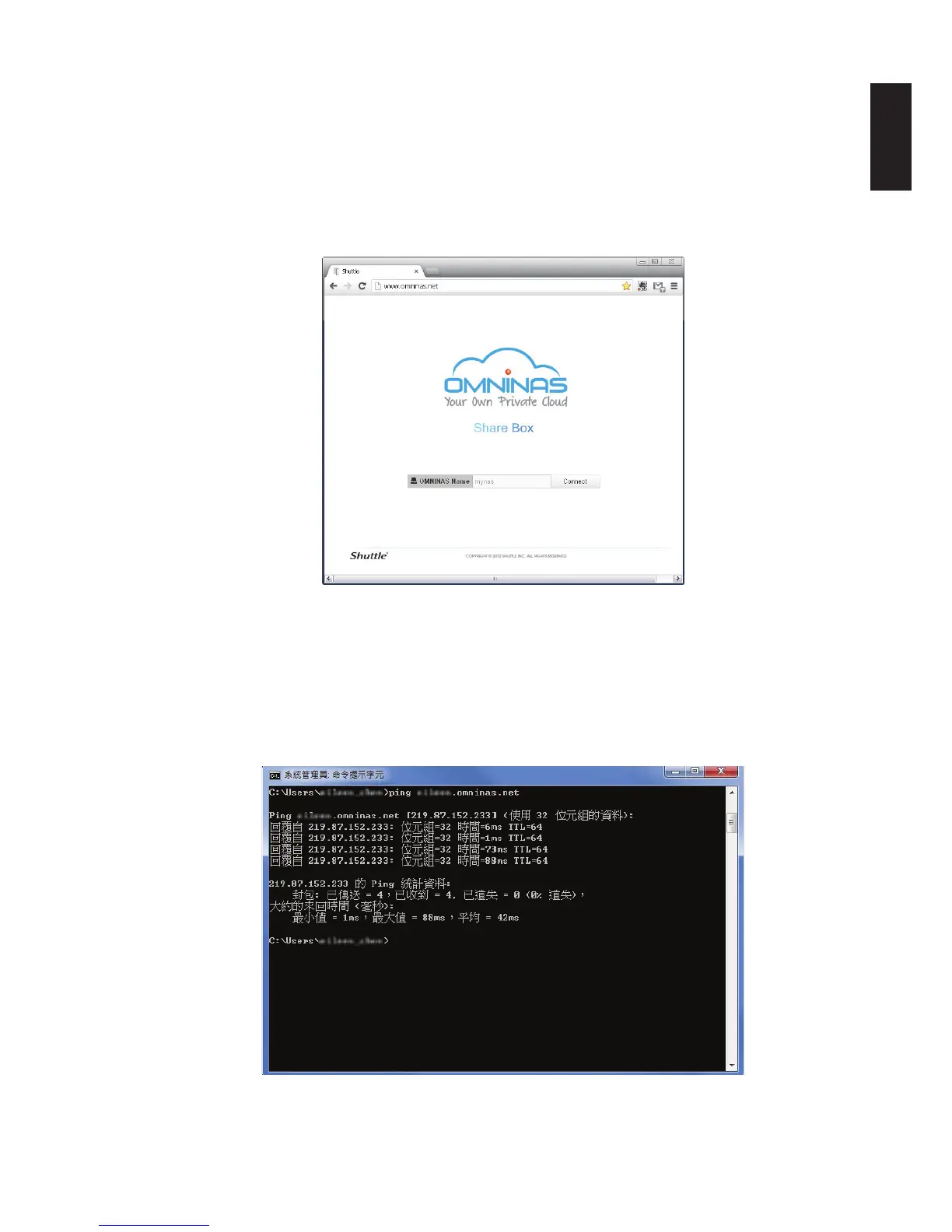
Step 2: If you didn’t see a similar screenshot but just connection timeout messages, please stop and
check your internet connection rst.
Step 3: Type www.omninas.net in browser to check Shuttle DDNS server connection. If connection is
timeout, please stop and check with your ISP (Internet Service Provider) about the failure of your inter-
net access.
Step 4: If you can access correctly then type user registered name in “OMNINAS Name” location to start
the connection.
Step5 : You can also type “ping XXXXXX.omninas.net” in DOS box to check the registration is working
or not.
Note:
Replace the XXXXXX with your registered name.
*If it returns with the following message, it means that your registration ihas been completed with Shuttle
DDNS server.



 To Next Page