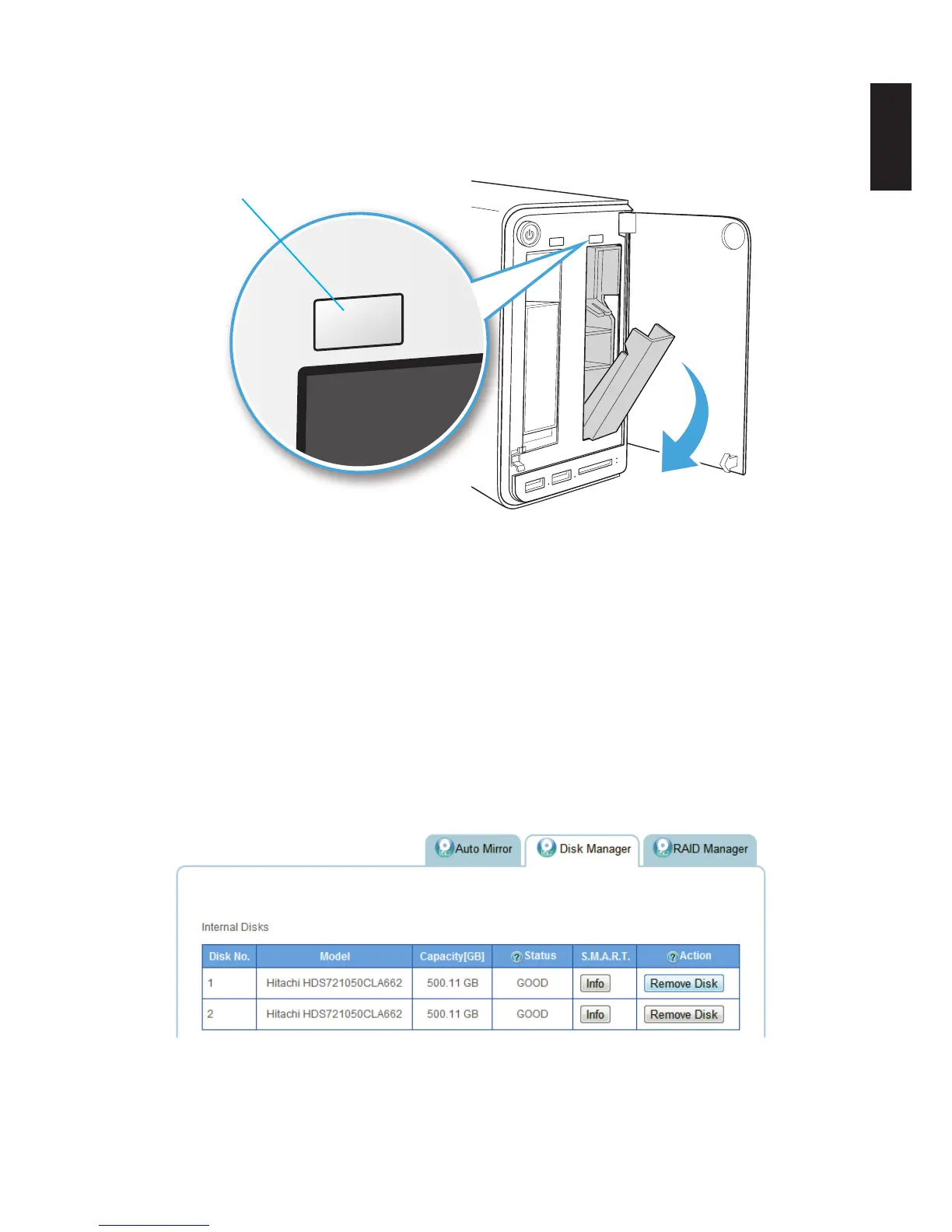
3. Press the Hot-swap button (front panel) until an audible beep sounds and the LED starts to
blink. See following gure.
Hot swap button
Hot Swap Button Function
Replace the drive. Once inserted, an audible sound alerts that the HDD is replaced. The
status LED ashes red.
After a short time, the Status tab in Disk Manager detects and displays the new HDD sta-
tus.
To replace a drive using the Disk Manager menu:
1. Log in to the OMNINAS web interface.
2. Click on Storage -> Disk Manager to view your available disk drives.
3. Select your target drive and click Remove Disk.
Hot Swap Through Disk Manager



 To Next Page