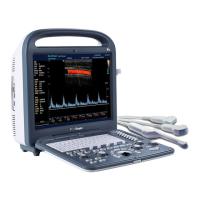
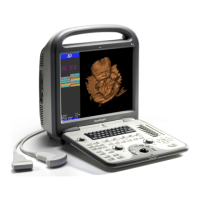
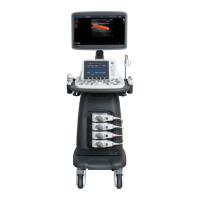
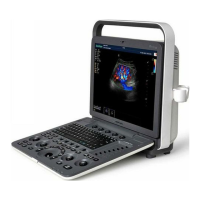
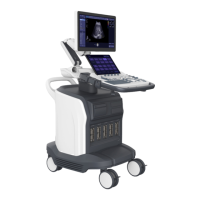
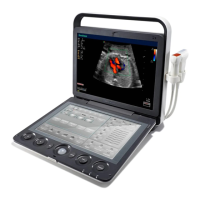
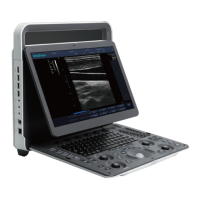
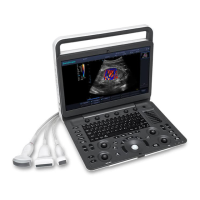
SSI-6000/SSI-5800/SSI-5500/SSI-5500BW
Digital Color Doppler Ultrasound System
4.6.3 Set Calculation Menu
Figure 4.9: Set calculation menu
Press the Set Calculation Menu tab to configure the calculation menu which appears
in the diagnosis.
Instructions:
• Move the cursor over an imaging mode button (2D, Pw, or M) and press
SET .
• Use the arrow keys to select the calculation item.
• Press UPDATE to turn on or off an item.
• Press MENU to open or fold a submenu.
4.6.4 Set Measurement Method
Figure 4.10: Set measurement method
Press the Set Measurement Method tab to configure the measurement method.
P/N: 4701-0061-01B
4-7


 To Next Page