2-4
056404-443 Operating Manual Definition of Symbols
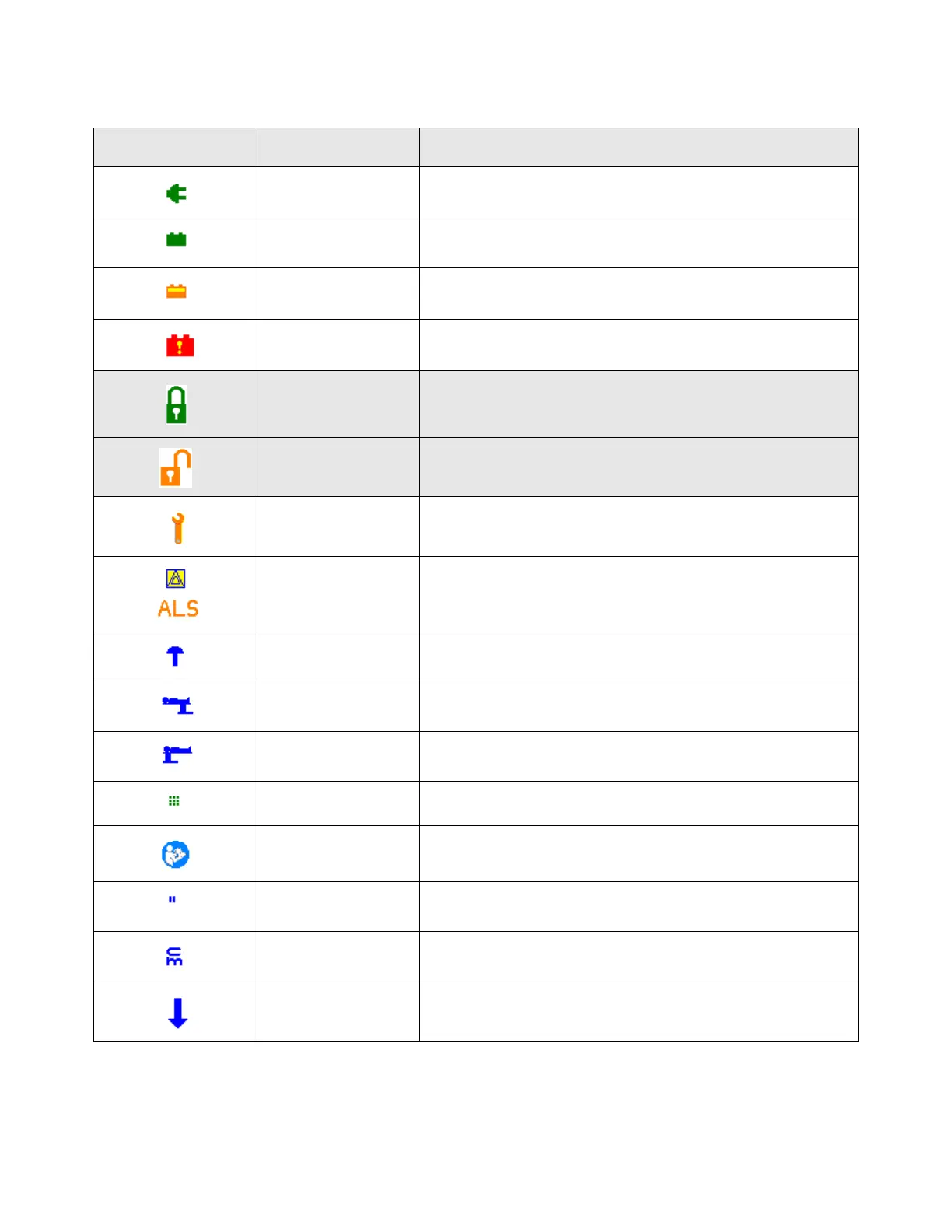
Table 2-1. Universal Hand Control, Screen Symbols
Symbol Color Definition
Green POWER: Table is connected to facility power
Green POWER: Table is running with a fully charged battery
Orange/Yellow POWER: Table is running with a half-charged battery
Red/Yellow POWER: Table is running with a discharged battery
Green FLOOR LOCK STATUS: Floor locks are engaged
Orange FLOOR LOCK STATUS: Floor locks are not engaged
Orange MAINTENANCE: Surgical table has detected a condition
requiring Service
Blue/Yellow symbol
with Orange text
AUTO LIMIT SENSOR (ALS): ALS sensors activating to pre-
vent table collision with obstacle
Blue KIDNEY BRIDGE: Bridge is extended.
Blue HEAD/FOOT: Slide is positioned toward patient’s head
Blue HEAD/FOOT: Slide is positioned toward patient’s foot
Green KEY PRESS: Key has been pressed on Universal Hand Control
Cyan REFER TO INSTRUCTIONS: Reminds user to refer to supplied
Operator Manual
Blue INCHES: Indicates slide position readout is displayed in
inches
Blue CENTIMETER: Indicates slide position readout is displayed in
centimeters
Blue POINTER: Indicates button user needs to push when
selecting compatibility mode














 To Next Page