6-15
Routine Maintenance Operator Manual 056404-443
Figure 6-10. Install Base Cover Insert and Attach to Base Cover
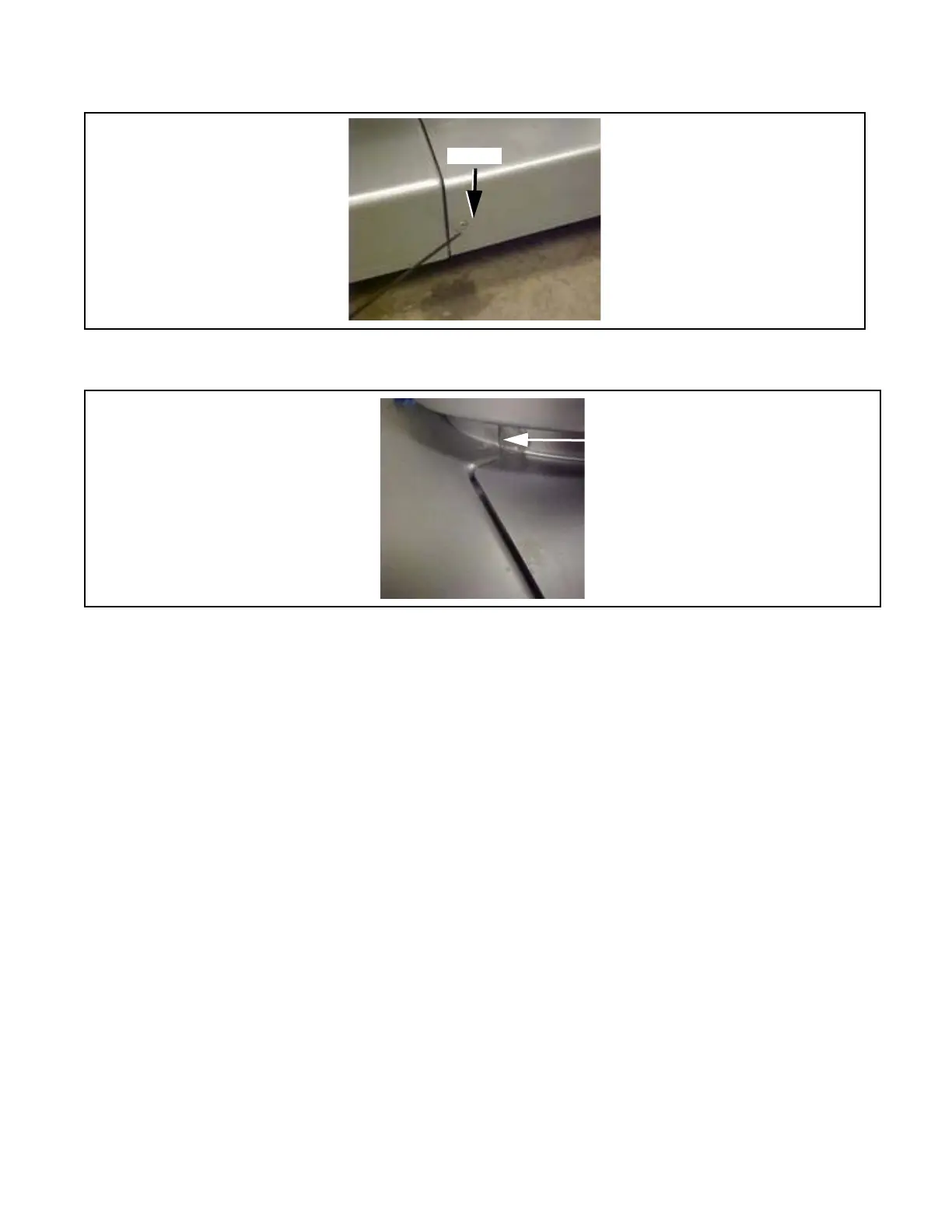
3. Apply RTV to seam between base cover insert and base cover (see FIGURE 6-11).
Figure 6-11. Seal Seam Between Base Cover Insert and Base Cover
4. Apply RTV around base perimeter where column shrouds attach.
5. Seal around entire perimeter between upper plastic column covers and column ensuring to fill entire gap as
shown in F
IGURE 6-8. Smooth out RTV as much as possible.
6. Seal along both seams of upper plastic column covers as shown in F
IGURE 6-9.
7. After applying RTV, remove any excess sealant using an alcohol dampened rag.
8. Allow sufficient cure time as recommended by the RTV manufacturer before returning table for use.














 To Next Page