4-6
056404-443 Operator Manual Operating Instructions
6. Place hand control on table side rail.
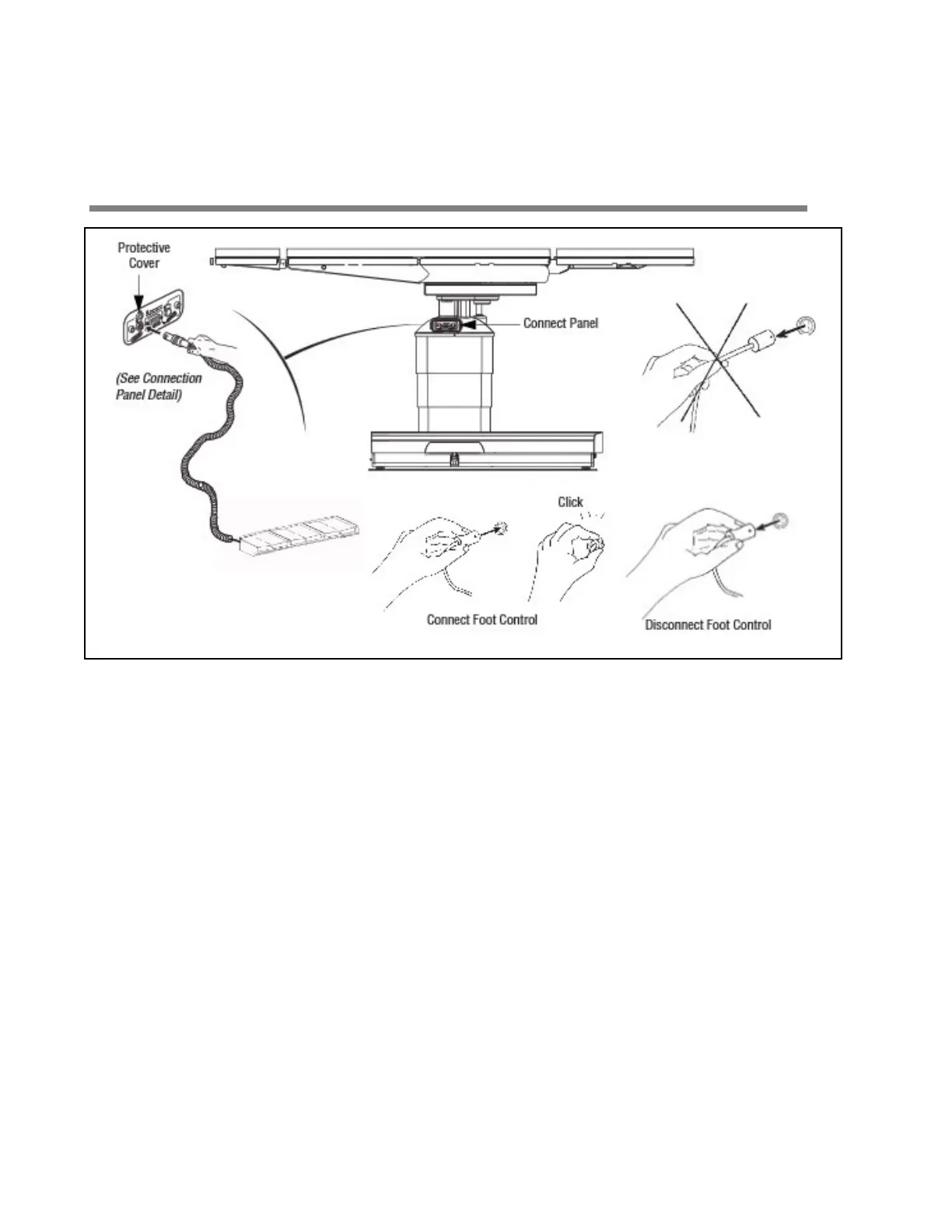
4.9 Connecting Optional Foot Control
Figure 4-6. Connecting Optional Foot Control
The optional foot control allows operator to control HEIGHT, TREND and TILT movements.
Install the option as follows, referring to Figure 4-6 and Figure 4-7 as needed.
1. Remove foot control from package.
2. Lift hinged plastic protective cover for foot control connection socket.
3. Align red mark (or arrow) on foot control plug with red mark on associated connection socket.














 To Next Page