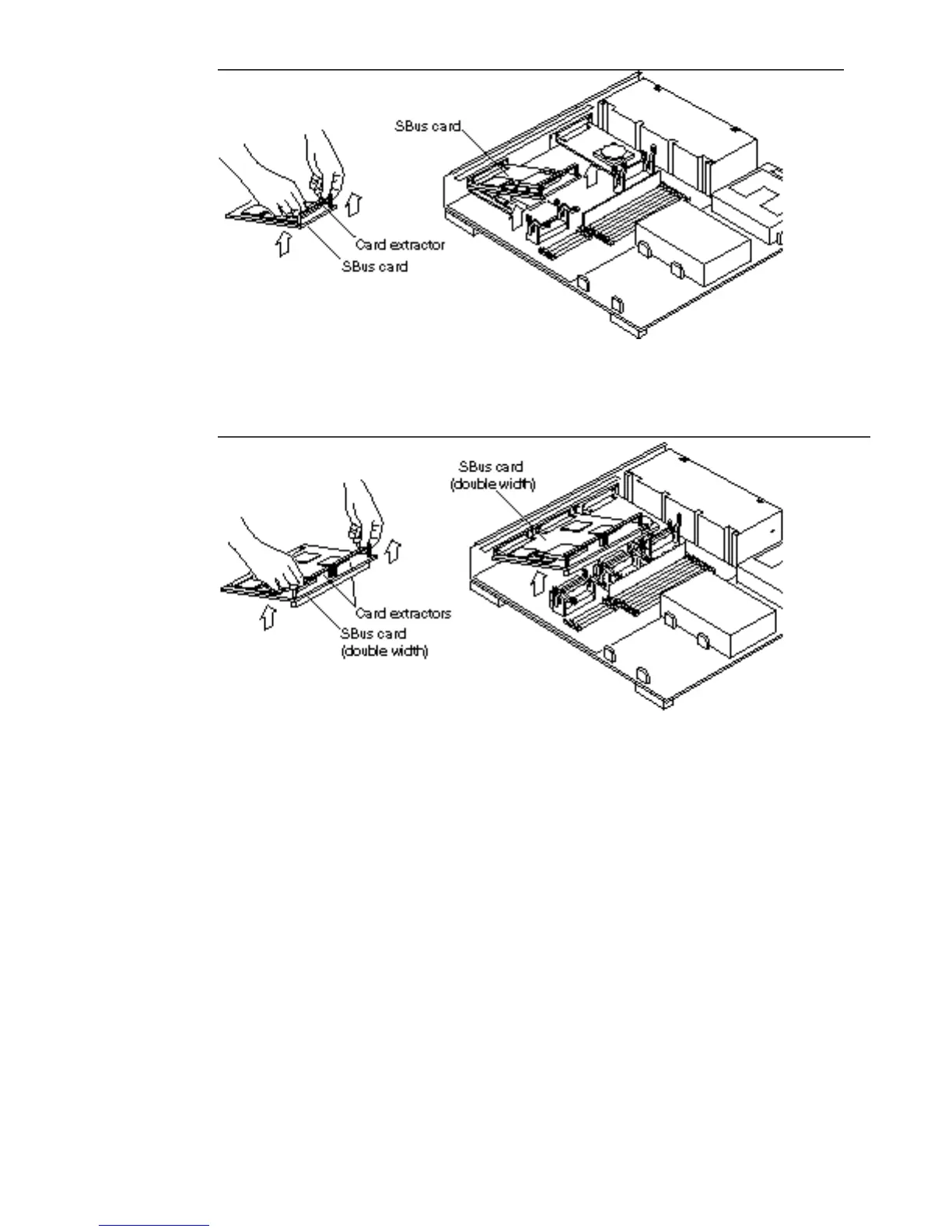
Figure 7–3 Removing a Single Width SBus Card
Figure 7–4 Removing a Double Width SBus Card
i. Remove the card extractor from the SBus card.
Save the card extractor for future use.
ii. Place the SBus card on the antistatic surface.
84
SPARCstation 10 Service Manual ♦ Revision A, July 1993














 To Next Page