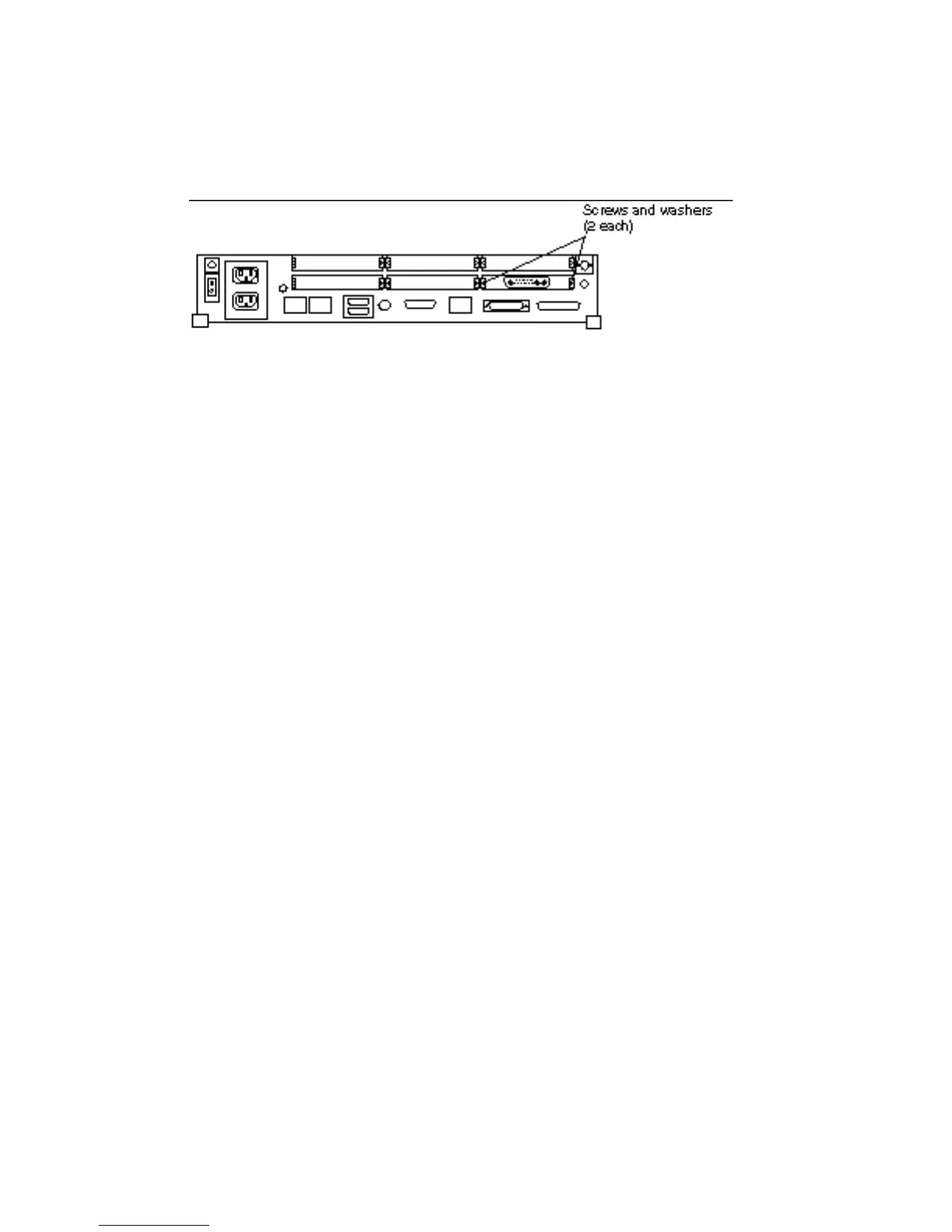
10. Install a washer and a screw into the screw hole adjacent to the SBus card on
the rear panel each at two places.
Double width SBus cards requires screws and washers in four places. Triple
width SBus cards require screws and washers in six places. The long side of the
washer should be oriented vertically. See Figure 7–7.
Figure 7–7 Rear Panel—Screws and Washers
11. Follow the instructions in Chapter 17 to detach the wrist strap, install the cover,
connect any expansion unit, and power on the system.
Non-Volatile RAM (NVRAM) 87














 To Next Page