8. Remove the card extractor from the replacement SBus card if it is installed.
Save the SBus card extractor for future use.
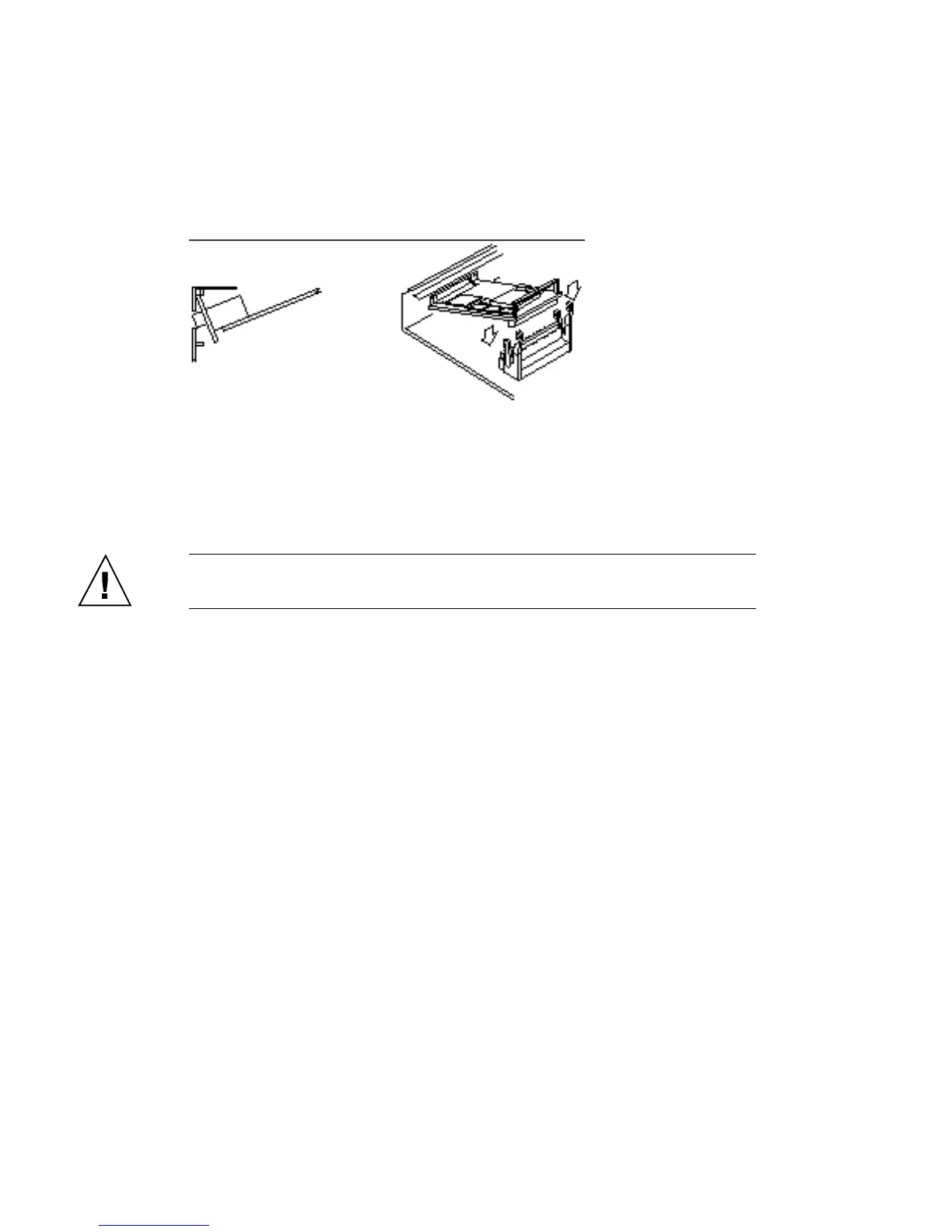
9. Slide the card at an angle into the back panel of the system. Hook the card
backplate under the lip on the back panel. Be sure the card backplate shows
through the slots on the back panel.
See Figure 10–12.
Figure 10–12 Inserting the SBus Card
10. Align the plug with the socket. Gently press the corners of the card to push the
plug into the socket. Do not force the card or you may damage the pins on the
card.
Caution - Excessive force may bend or damage the pins.
11. Press the card retainers forward over the edge of the SBus card.
See Figure 10–10.
12. Install the fastening hardware you removed earlier into the screw holes
adjacent to the SBus card on the back panel using a Phillips screwdriver. The
washers must be positioned vertically (narrow side across).
See Figure 10–13.
SBus Cards 113














 To Next Page