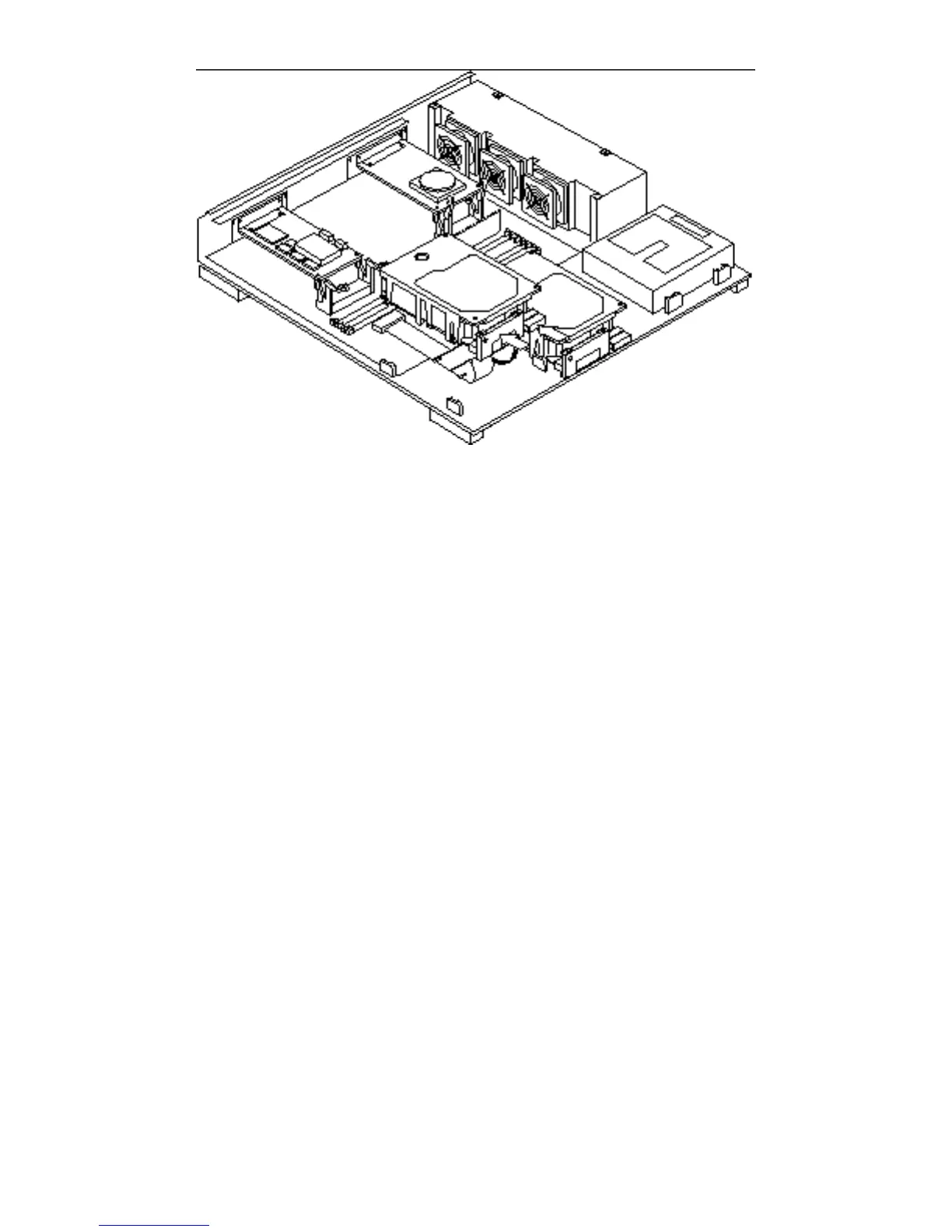
Figure 12–12 Lowering the Drive Into the Chassis
15. Connect the DC power connector to the disk drive.
The connectors are keyed so you can only connect them one way. See Figure
12–11.
a. To connect drive 0, attach the connector labeled P3 on the power harness to
the drive.
b. To connect drive 1, attach the connector labeled P4 on the power harness to
the drive.
16. Connect the internal disk data connector to the disk drive.
The connectors are keyed so you can only connect them one way. See Figure
12–11.
a. To connect drive 0, attach the internal disk data connector labeled J0107 on
the system board to the drive.
b. To connect drive 1, attach the internal disk data connector labeled J0106 on
the system board to the drive.
See Figure 12–13.
132
SPARCstation 10 Service Manual ♦ Revision A, July 1993














 To Next Page