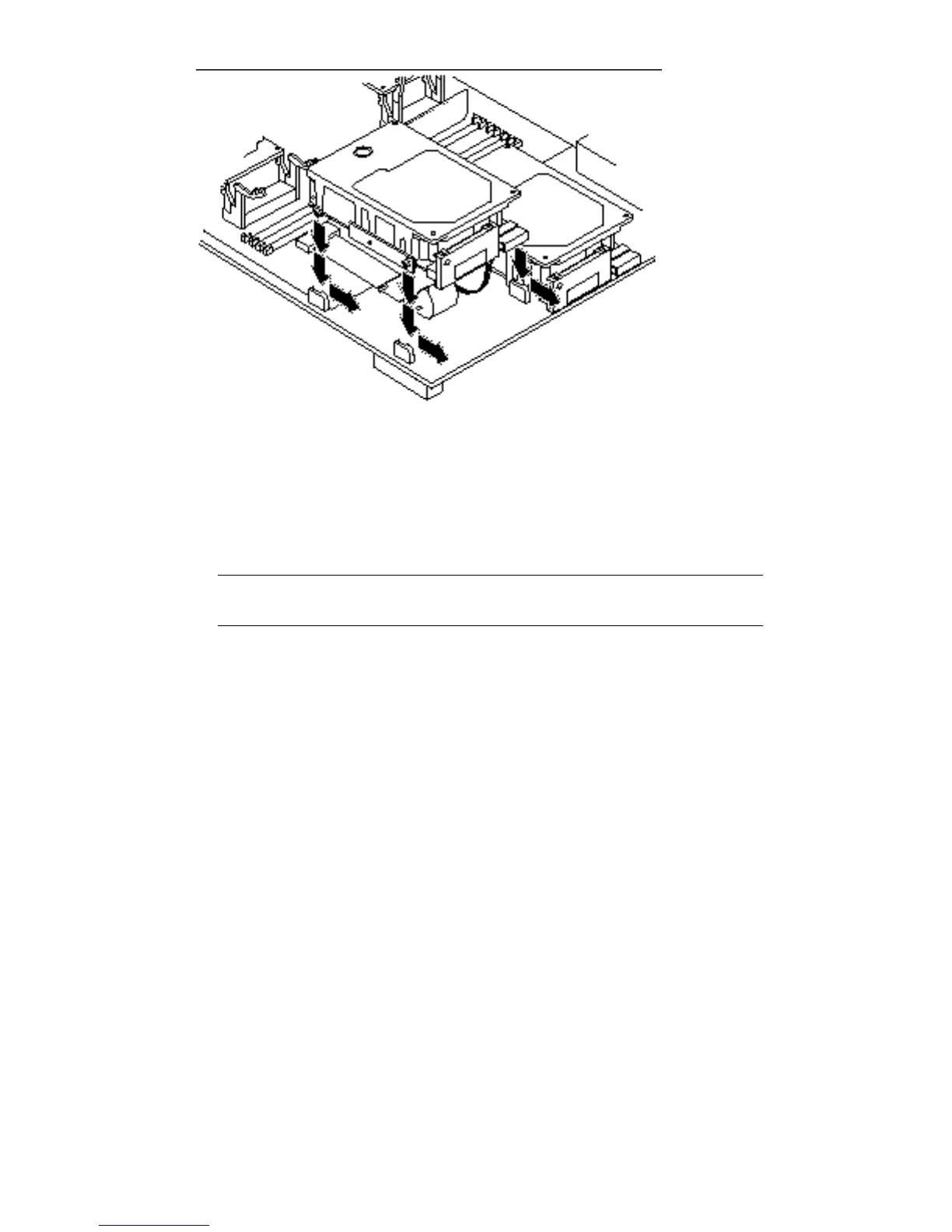
Figure 12–14 Seating the Disk Drive Grommets into the Drive Mounts
18. Detach the wrist strap and replace the top cover.
Perform the steps in the section “Installing the System Unit Cover” on page 169
in Chapter 17.
Note - The cover will not close if the disk drive is not fully forward in the disk
drive mounts.
19. Connect any expansion units you previously removed to the system.
20. Power on the system.
Perform the steps in the section “Turn On the Power” on page 172 in Chapter 17.
134
SPARCstation 10 Service Manual ♦ Revision A, July 1993














 To Next Page