To remove the LED:
1. Check that the system power cord remains connected to the system and the
wall outlet.
2. Remove the system unit cover.
Refer to “Removing the System Unit Cover” on page 32 in Chapter 4.
3. Attach the wrist strap.
Refer to “Attaching the Wrist Strap” on page 34 in Chapter 4.
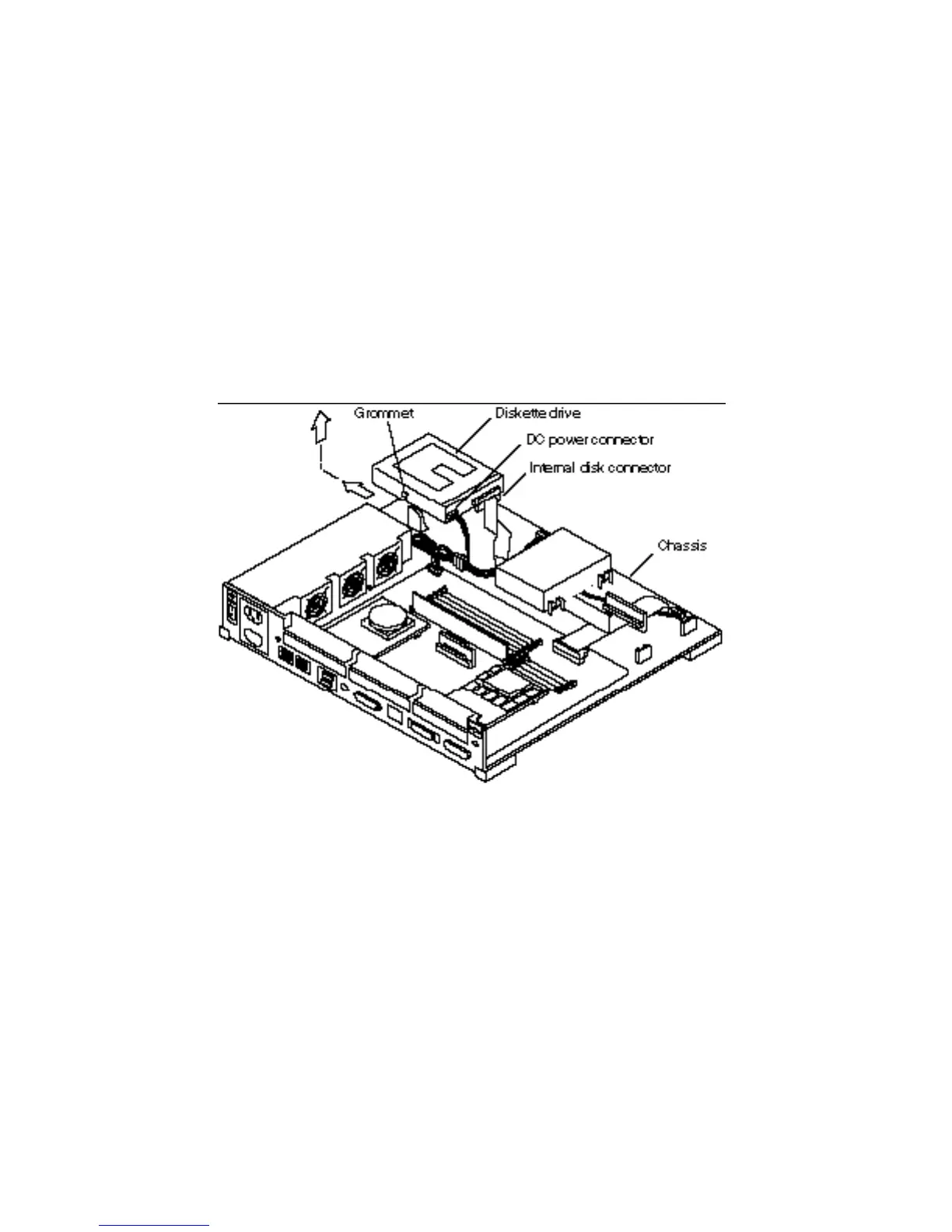
4. Remove the diskette drive from the system.
a. Slide the diskette drive toward the outer side of the chassis to free the
grommets from the drive mounts.
See Figure 16–1.
Figure 16–1 Removing a Diskette Drive
b. Disconnect the DC power connector from the diskette drive.
See Figure 16–1.
162
SPARCstation 10 Service Manual ♦ Revision A, July 1993














 To Next Page