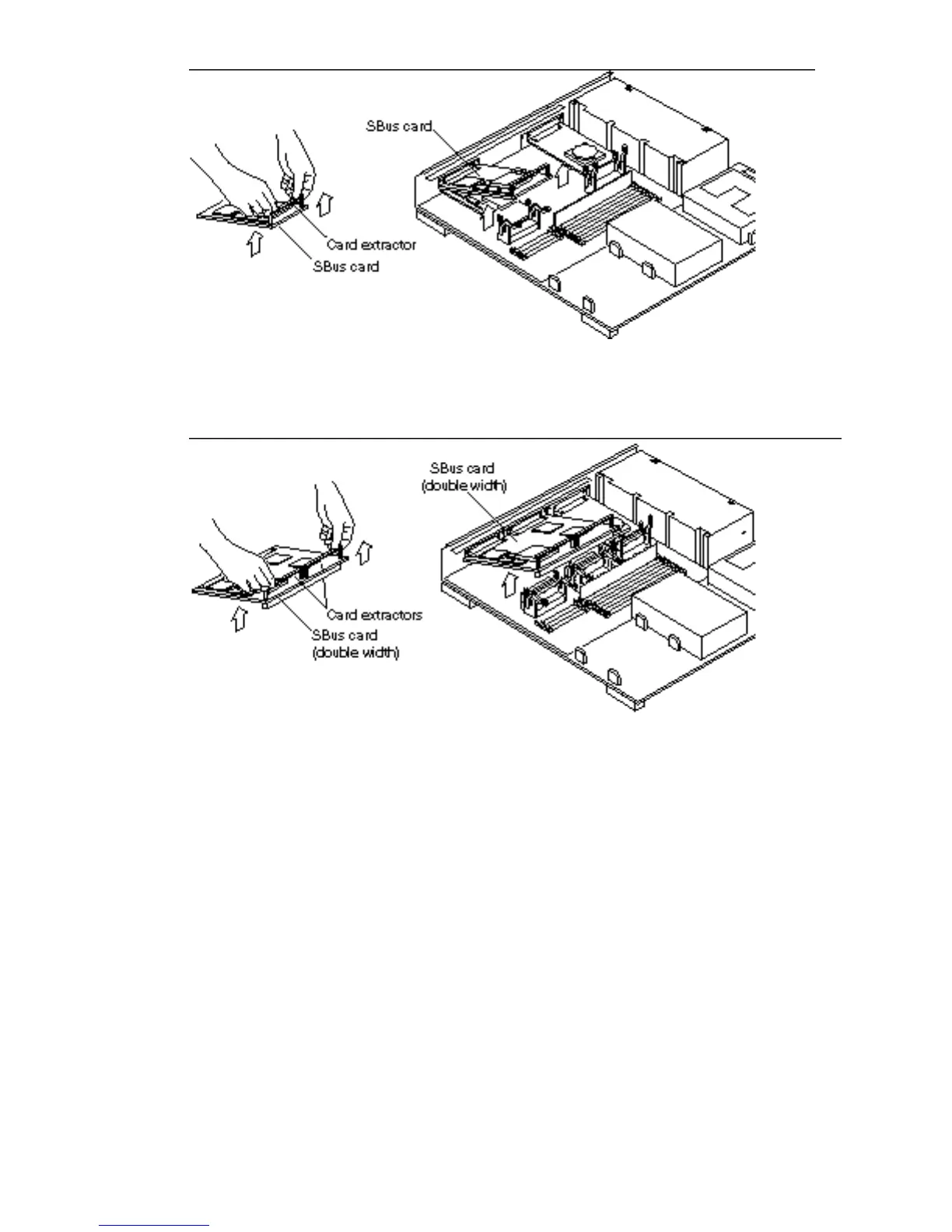
Figure 5–5 Removing a Single-width SBus Card
Figure 5–6 Removing a Double-width SBus Card
1. Remove the card extractor(s) from the SBus card.
a. Bend one leg of the extractor slightly to the outside until the hook clears the
hole in the SBus card.
b. Remove the other side of the extractor which should come out easily
without bending it.
Save the card extractor(s) for future use.
Main Logic Board 43














 To Next Page