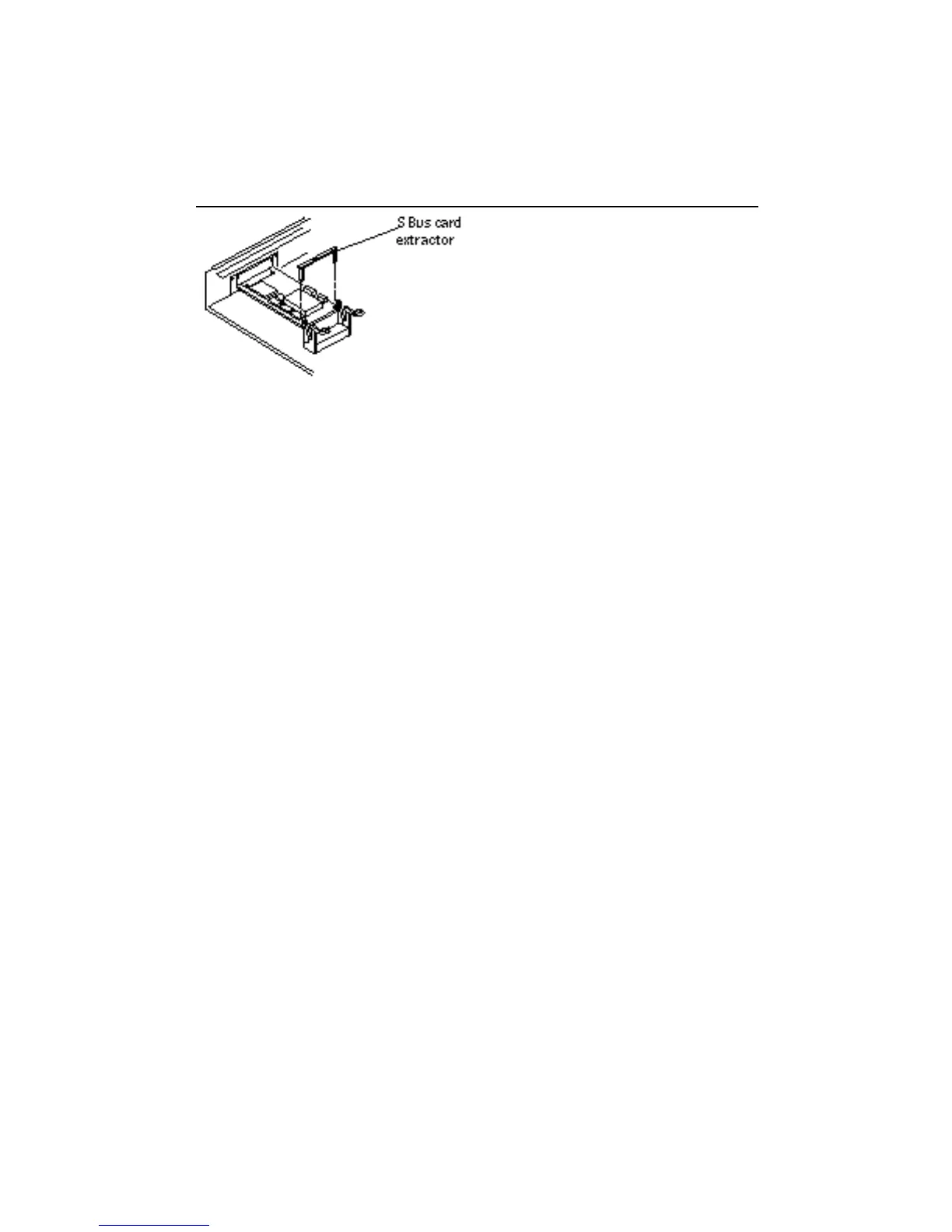
4. Install the card extractor on the SBus card.
See Figure 5–4. If you are removing a double-width SBus card, install two card
extractors on the card instead of one. You do not need card extractors to remove a
triple-width SBus card. Place your index fingers or thumbs on the corners of the
SBus card near the connectors and pull up on the card. Go to Step 1 on page 39
Figure 5–4 SBus Card Extractor
5. Hold both ends of the card extractor and pull upwards slowly until the
connector is out of the slot. If your system was not shipped with an SBus card
extractor, place your index fingers or thumbs on the corners of the SBus card
near the SBus connector. Pull up on the card.
Figure 5–5 shows a single-width SBus card and Figure 5–6 shows a double-width
SBus card.
42
SPARCstation 10 Service Manual ♦ Revision A, July 1993














 To Next Page