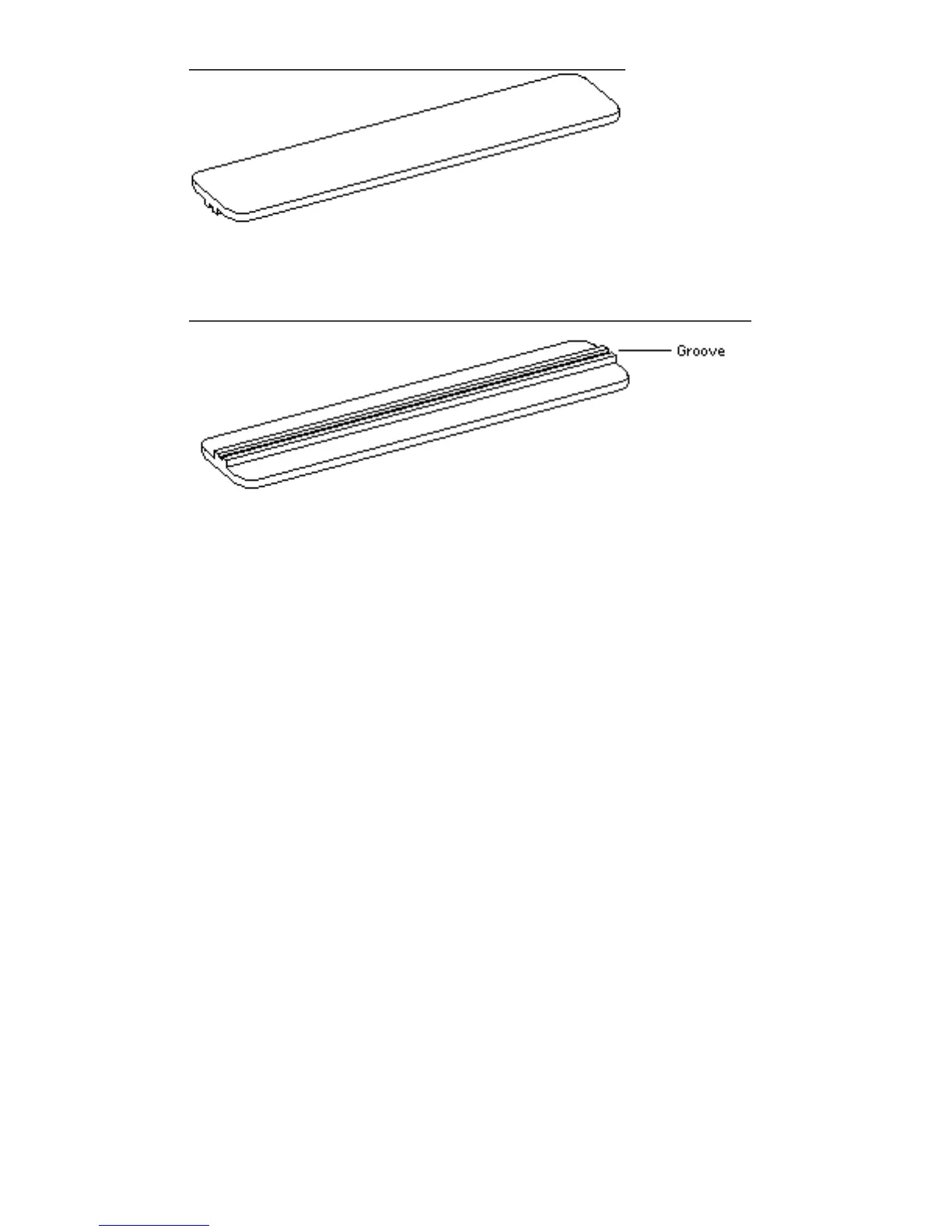
Figure 5–36 Insertion Tool, Pushing Surface
Figure 5–37 Insertion Tool, Grooved Surface
2. Holding a DSIMM at its edges, place it into the DSIMM plastic guides.
The surface without a center vertical chip must face the system unit front panel.
Be sure the center vertical chip is visible and that the key notch. See Figure 5–38.
Main Logic Board 69














 To Next Page