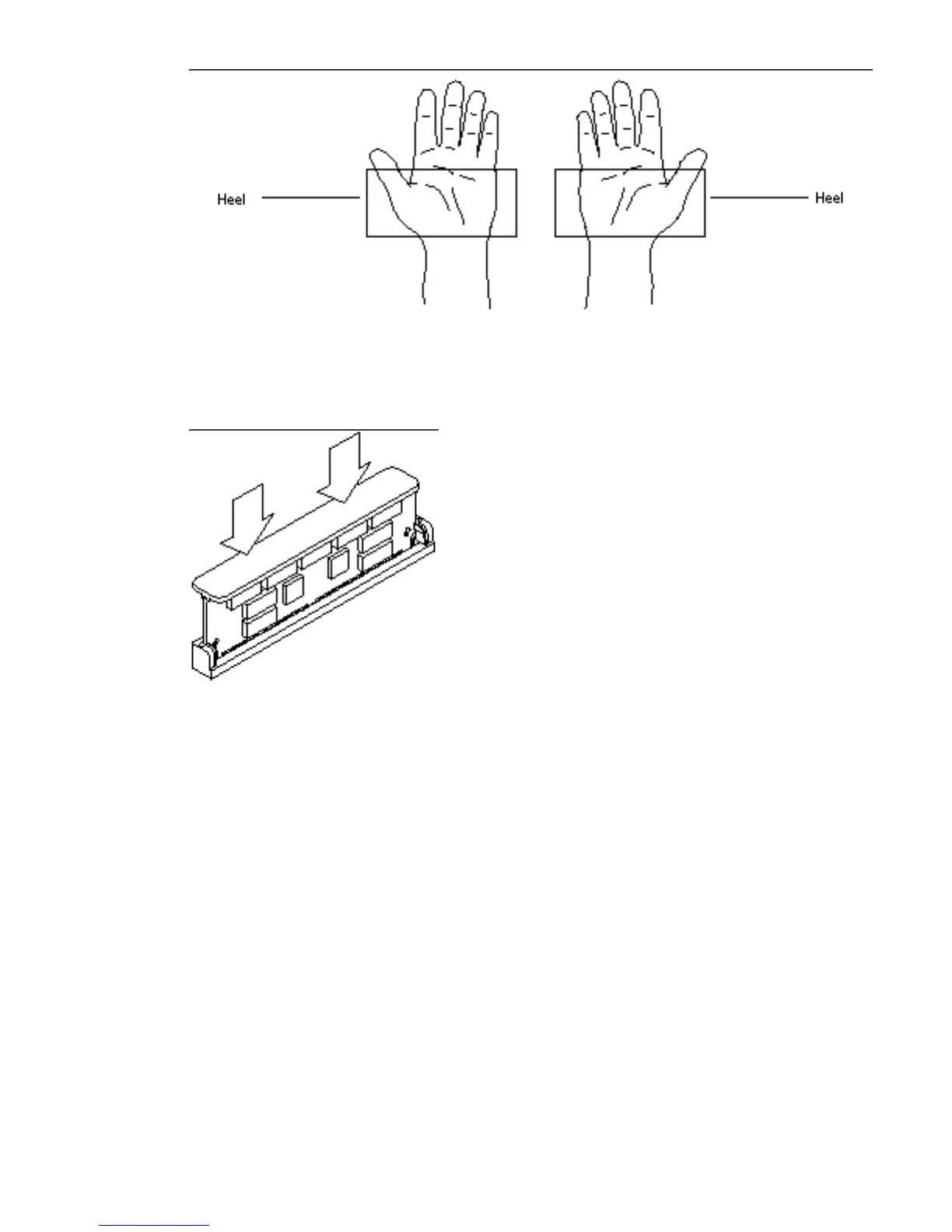
Figure 5–39 Heel of Each Hand
Figure 5–40 Using the Insertion Tool
5. Put the insertion tool away in a toolbox or other storage place. Do not leave the
tool inside the system.
6. Follow the instructions in Chapter 17 to detach the wrist strap, install the cover,
connect the expansion unit(s), and power on the system.
Main Logic Board 71














 To Next Page