12 Software description
CyFlow
®
Cube 8 | Operating Manual | May 2018 | Revision 032 139
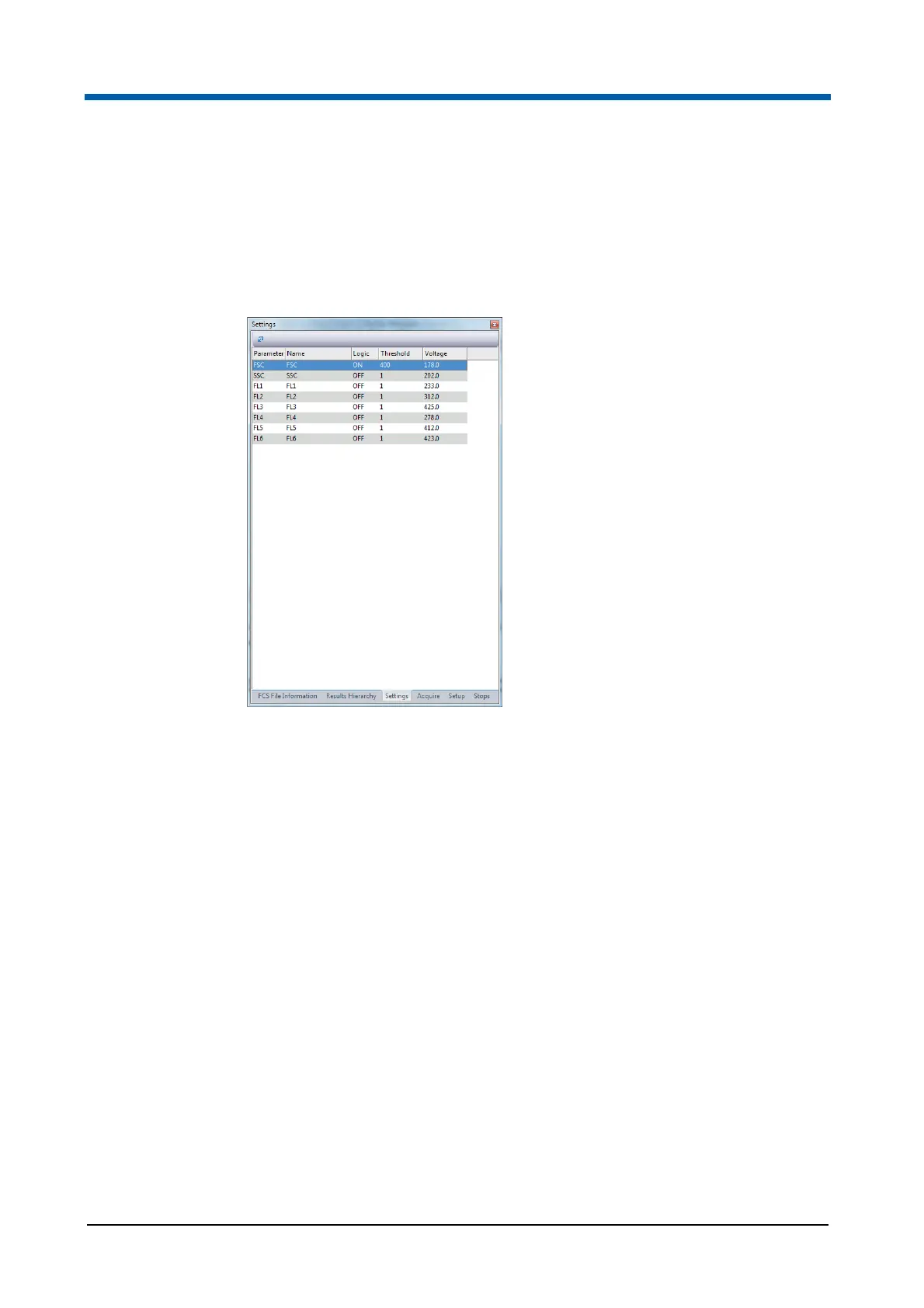
12.5.3 Settings pane
This pane displays a table of settings for the parameters. In Playlist mode,
the table is empty and the options are disabled. In Worklist mode, the table
entries can be edited for the samples to be measured. For samples already
measured, the table is read only.
The table contains the following columns:
Parameter: The column displays the default parameter name for each
parameter.
Name: The column displays the parameter name as selected in the
Customize tab of the Parameter Properties dialogue (see chapter
Parameter Properties on page 76). The name of a parameter can be
manually edited by double-clicking on the manual entry field.
Logic: The column defines which parameter data are triggered. By
default, the first parameter (FSC) is selected ("ON"), the other
parameters are deselected ("OFF").
To edit, click the desired row of the column and click the arrow to expand
a drop-down list. Select one parameter to be triggered ("ON").
For the other parameters, select "AND" to record data of both the "ON"
parameter and the current parameter. Select "OR" to trigger data of
either the "ON" parameter or the current parameter. Select "OFF" to
exclude data of the current parameter from the trigger.
Threshold: The column defines the threshold value for an event to be
recorded. The threshold allows cutting off background by setting a lower
limit of the acquired data in the corresponding parameter. To edit, enter a



 To Next Page