12 Software description
140 CyFlow
®
Cube 8 | Operating Manual | May 2018 | Revision 032
value or use the up/down arrows. Threshold limits are between 1 and
2000. Threshold value can only be set when logic is not deactivated (off).
Voltage: The voltage of the individual optical parameters defines the
photomultiplier signal amplification and therefore the signal intensity to be
displayed. To edit, enter a value or use the up/down arrows. Voltage
limits are between 1 V and 1000 V.
12.5.4 Acquire pane
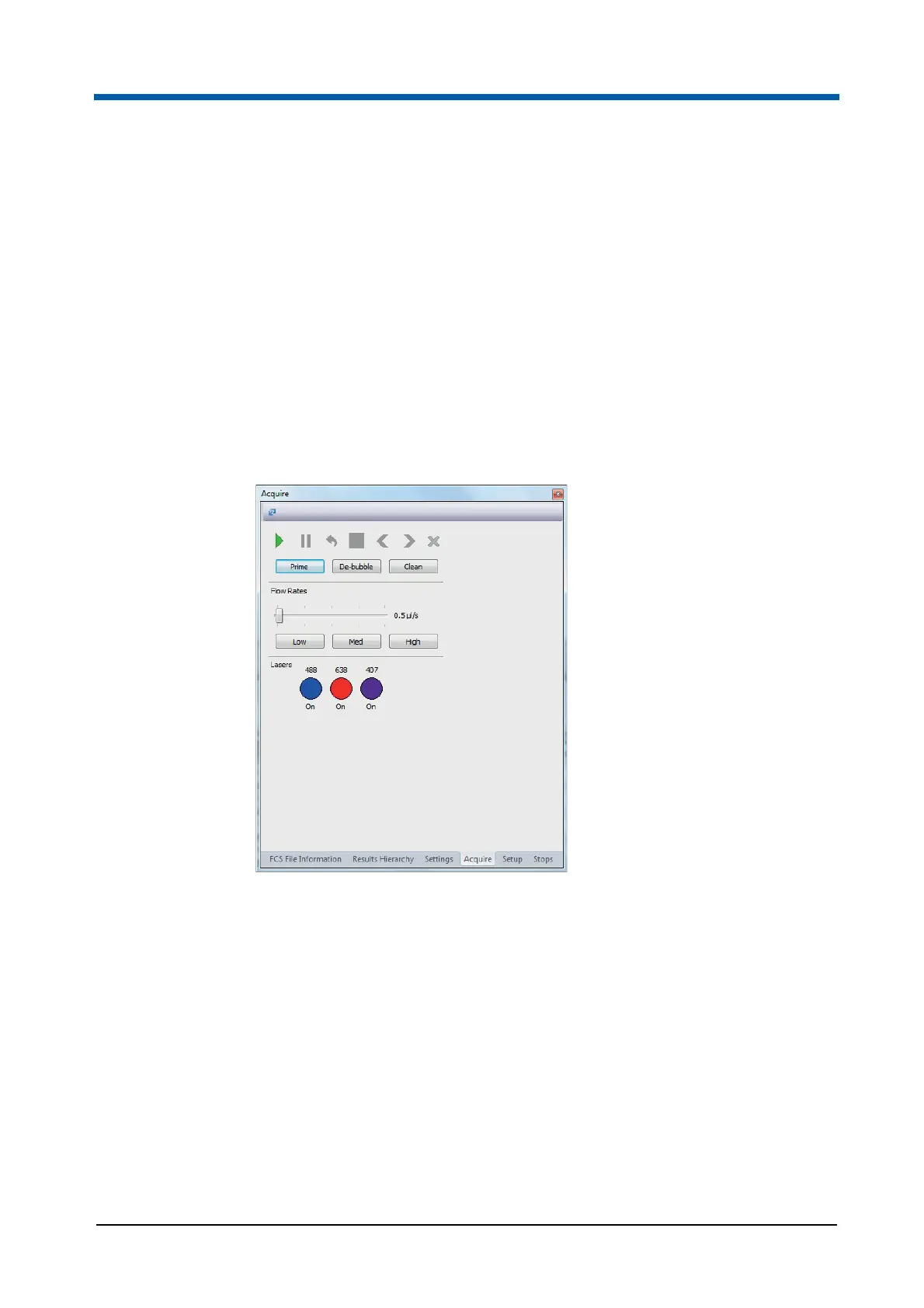
The Acquire pane displays the acquisition controls which run the flow
cytometer and controls for priming and cleaning procedures.
The options within the Acquire pane are disabled in Playlist mode and when
the software is offline.
The Acquire pane contains the following buttons for acquiring data:
Play: Click the button to start measuring a sample.
The acquisition will start.
Pause: The button is only enabled if acquisition is in progress. Click the
button to interrupt the acquisition process. The sample flow is interrupted
while the sheath flow is continued. The data already acquired are held in
memory but not saved until acquisition is completed or stopped. When
clicked, the pause button is disabled.
To resume acquisition from the paused state and continue the collection
of data, click the Play button.
To restart the acquisition discarding any previously held data for the
sample, click the Restart button.



 To Next Page