12 Software description
CyFlow
®
Cube 8 | Operating Manual | May 2018 | Revision 032 105
12.4.10 Cytometer tab
The Cytometer tab provides controls to start cleaning procedures of the
device, to sort cells if a cell sorter is connected, and to prepare
compensation settings for measurements.
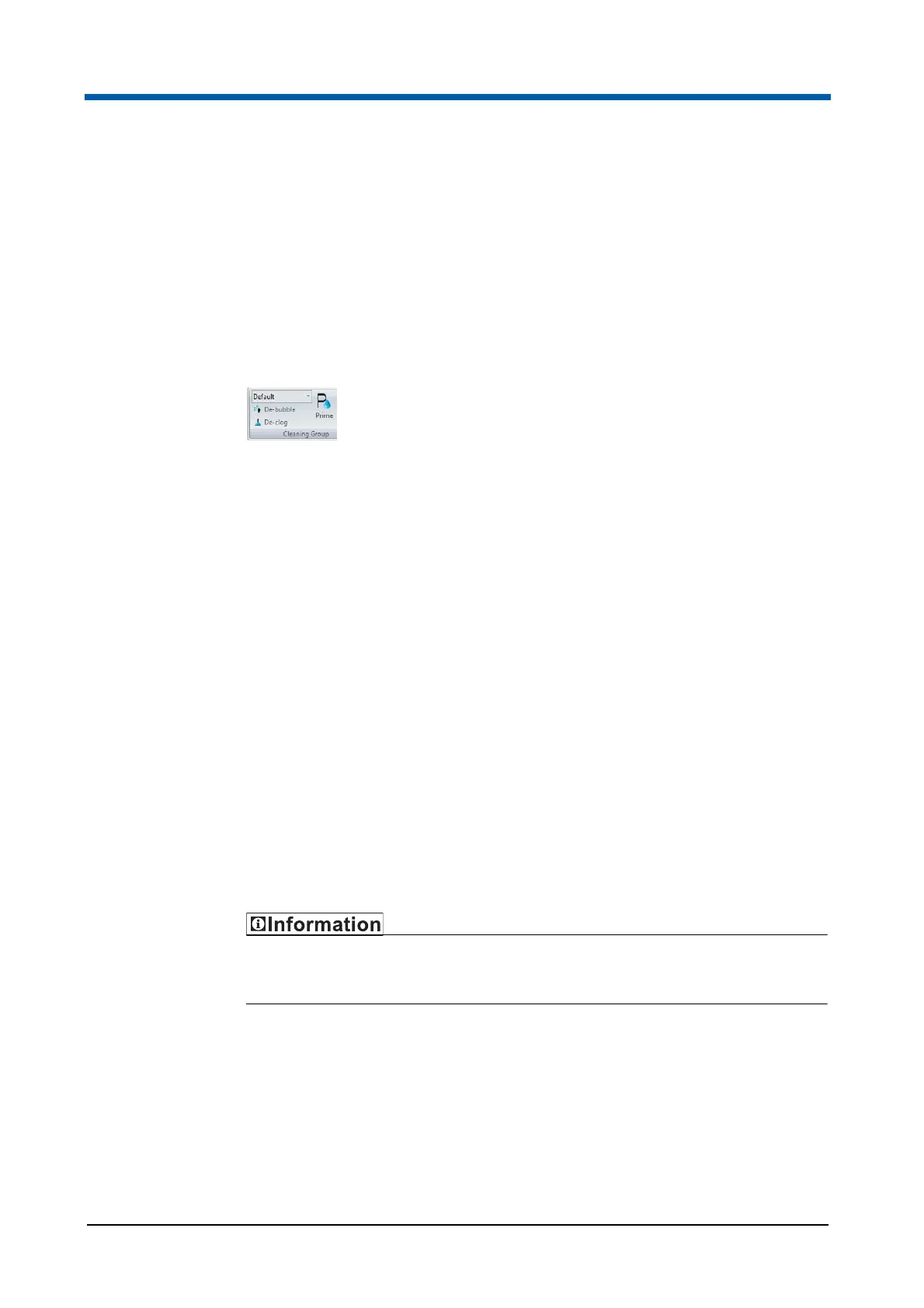
Cleaning group
The Cleaning group contains options for starting priming and cleaning
procedures.
The Cleaning group contains the following options:
Script Selection: In this box, the intensity of the cleaning procedure to
be performed can be preselected. Click the arrow to expand a drop-down
list containing the scripts specified for the level of cleaning functions and
select the desired intensity. The "Default" option is the generally used
cleaning level. The "Deep" option preselects a thorough procedure, the
"Quick" option preselects a short cleaning procedure.
De-bubble: Click the button to start a procedure to clear bubbles from
the flow cuvette. Once started, the software guides you through the
process.
De-clog: Click the button to start a procedure to clear residual particles
from the device lines when clogged. Once started, the software guides
you through the process.
Prime: Click the button to start a priming procedure. Once started, the
software guides you through the process.
Clean: Click the button to start a cleaning procedure. Once started, the
software guides you through the process.
Sort group
The Sort group is only displayed if the necessary sorter upgrade is
connected and ready to use.



 To Next Page