12 Software description
128 CyFlow
®
Cube 8 | Operating Manual | May 2018 | Revision 032
12.4.15 Region Format tab
The Region Format tab is only available when a region is selected in the
Plots area.
You can use the options on the Region Format tab to modify the appearance
and type of a selected region. The region label can also be repositioned and
regions can be tracked to other regions.
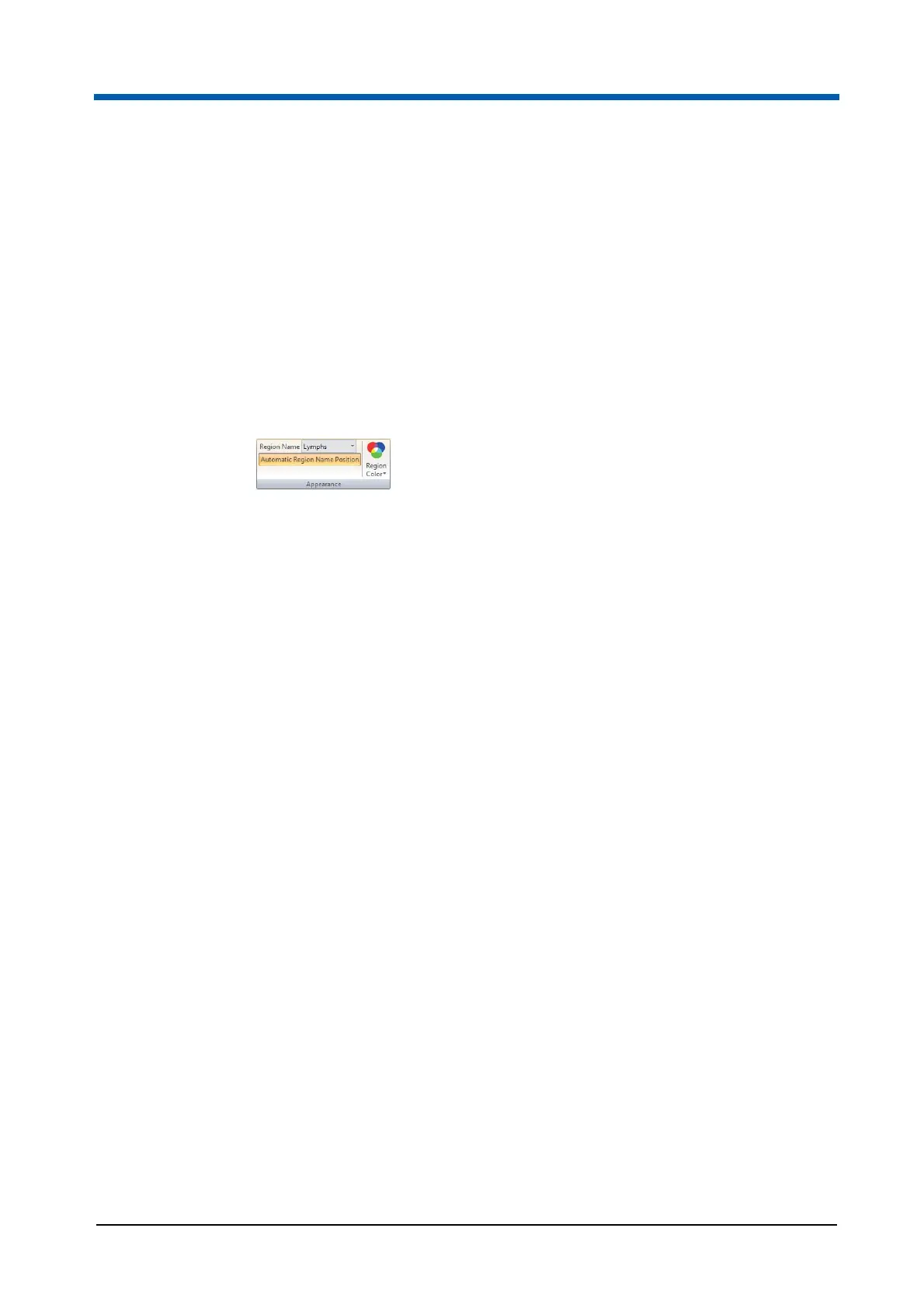
Appearance group
The Appearance group contains options to change region colour, rename a
region and reselect the automatic positioning of region names.
The Appearance group contains the following options:
Region Name: The box displays the name of the currently selected
region. To change the region name, enter a name or select a name from
the drop-down list. The region name on the plot and in the box will
update.
The drop-down list is populated with the names provided on the Region
page in the software options (see chapter Region page on page 188).
A region name can also be changed by double-clicking on the region
name on the plot.
Try to avoid applying long region names. If a name is too long, the region
label will not be displayed on the plot. You should use region names that
are significantly different.
Region Color: Click the button to display a colour control and select the
desired colour for the region.
The region colour on the plot will update. If the region has an associated
gate, changing the region colour will not change the gate colour. The
gate colour can be changed using the Edit Gates button in the Analyze
tab (see chapter Gate group on page 69).
Automatic Region Name Position: Once a region has been created, a
unique name for the region is automatically generated. The region name
and associated statistic are displayed adjacent to the region. You can
position the name as desired within the limits of the plot. To return a
region name to its default position, select the region and click the
Automatic Region Name Position button.



 To Next Page