12 Software description
52 CyFlow
®
Cube 8 | Operating Manual | May 2018 | Revision 032
12.2 Views of the software window
The software window view can be adapted by displaying or hiding the panes
and by docking and undocking the panes. Undocked panes can be
positioned and docked as required.
The view settings are persisted between sessions.
Displaying and hiding the panes
By default, the panes are open and pinned to the left-hand side of the
software window. The tabs of the panes are located at the bottom of the
panes.
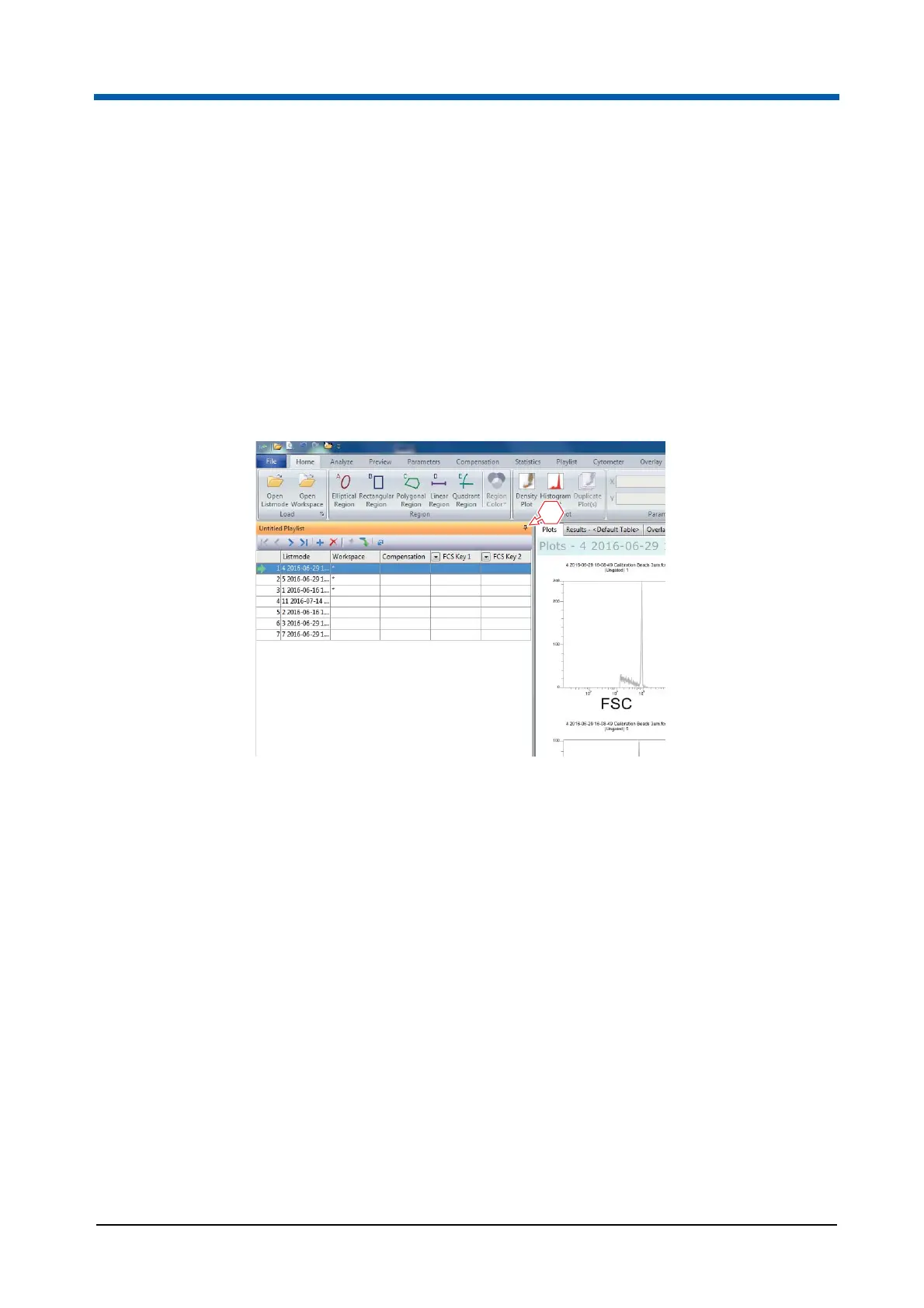
To hide the panes, click the pin-shaped Auto Hide button.
The panes are hidden and the tabs of the panes appear on the left-hand side
of the software window.
1 Auto Hide button
1



 To Next Page