12 Software description
50 CyFlow
®
Cube 8 | Operating Manual | May 2018 | Revision 032
12 Software description
The device is operated by means of the CyFlow
®
software. This chapter
describes the software functions. Performing routine tasks using the
software is described in chapter 6.6 Software operation on page 30.
12.1 Overview
Data acquisition, device control and data analysis are controlled and
performed by the integrated software.
The software can be run in two different modes:
In Worklist mode, data can be acquired. The hardware and software
settings for each measurement are predefined and organised in a list
called Worklist.
In Playlist mode, acquired data can be analysed and settings for future
measurements can be prepared. Files are organised and edited in a
Playlist.
Opening a Playlist sets the software to Playlist mode. Opening a Worklist
sets the software to Worklist mode. Only one Worklist or Playlist can be
open at a time.
When starting the device, the software is opened in Worklist mode.
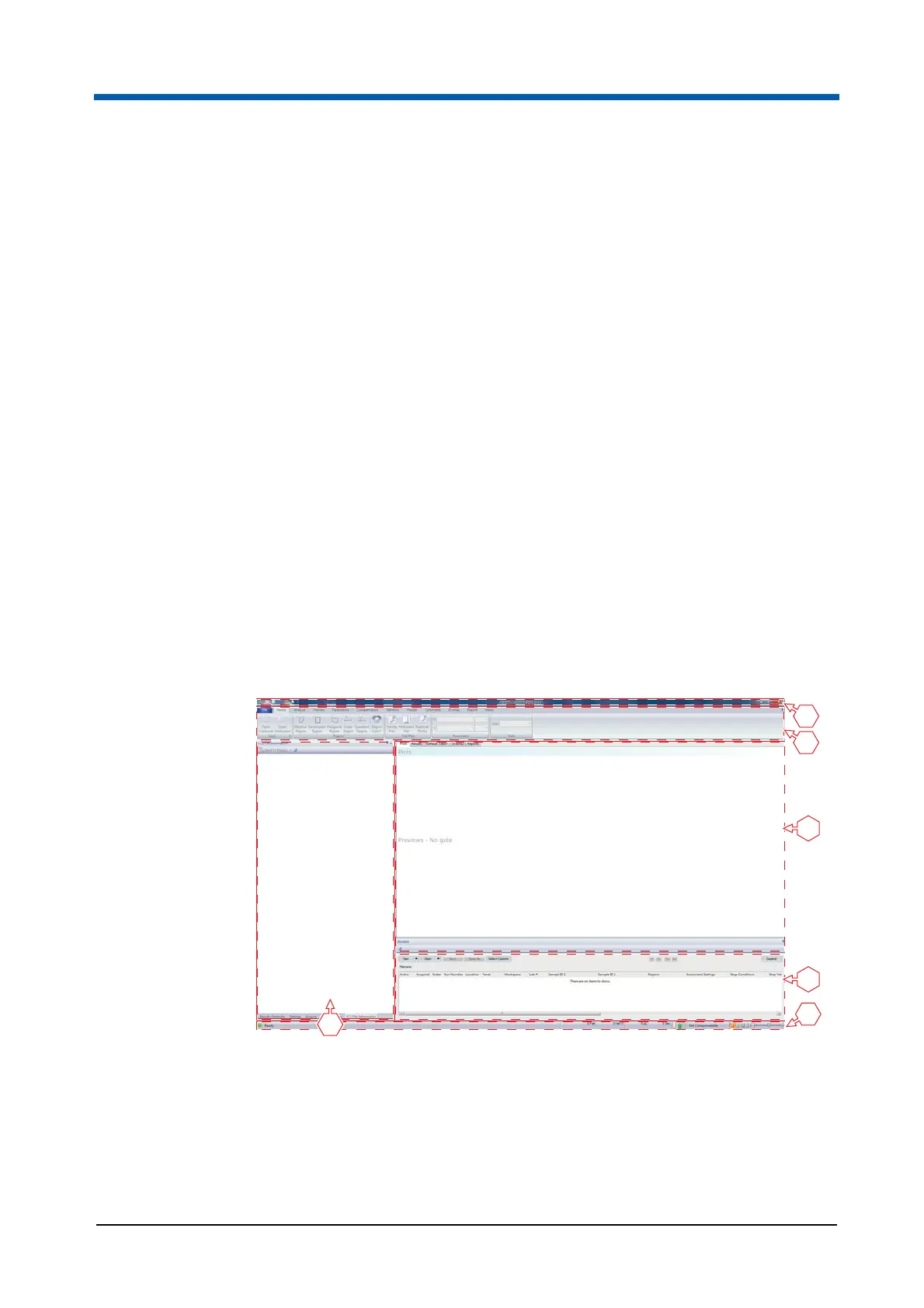
1 Quick Access Toolbar
2 Ribbon
3 Workspace
4 Worklist pane
5 Status bar
6 Panes
4
3
5
6
1
2



 To Next Page