12 Software description
58 CyFlow
®
Cube 8 | Operating Manual | May 2018 | Revision 032
12.4 Ribbon
The Ribbon is the area at the top of the software window that presents an
easy-to-browse main set of commands.
The Ribbon is organised into a set of tabs which represent the main
functionality groups of the software.
12.4.1 File tab
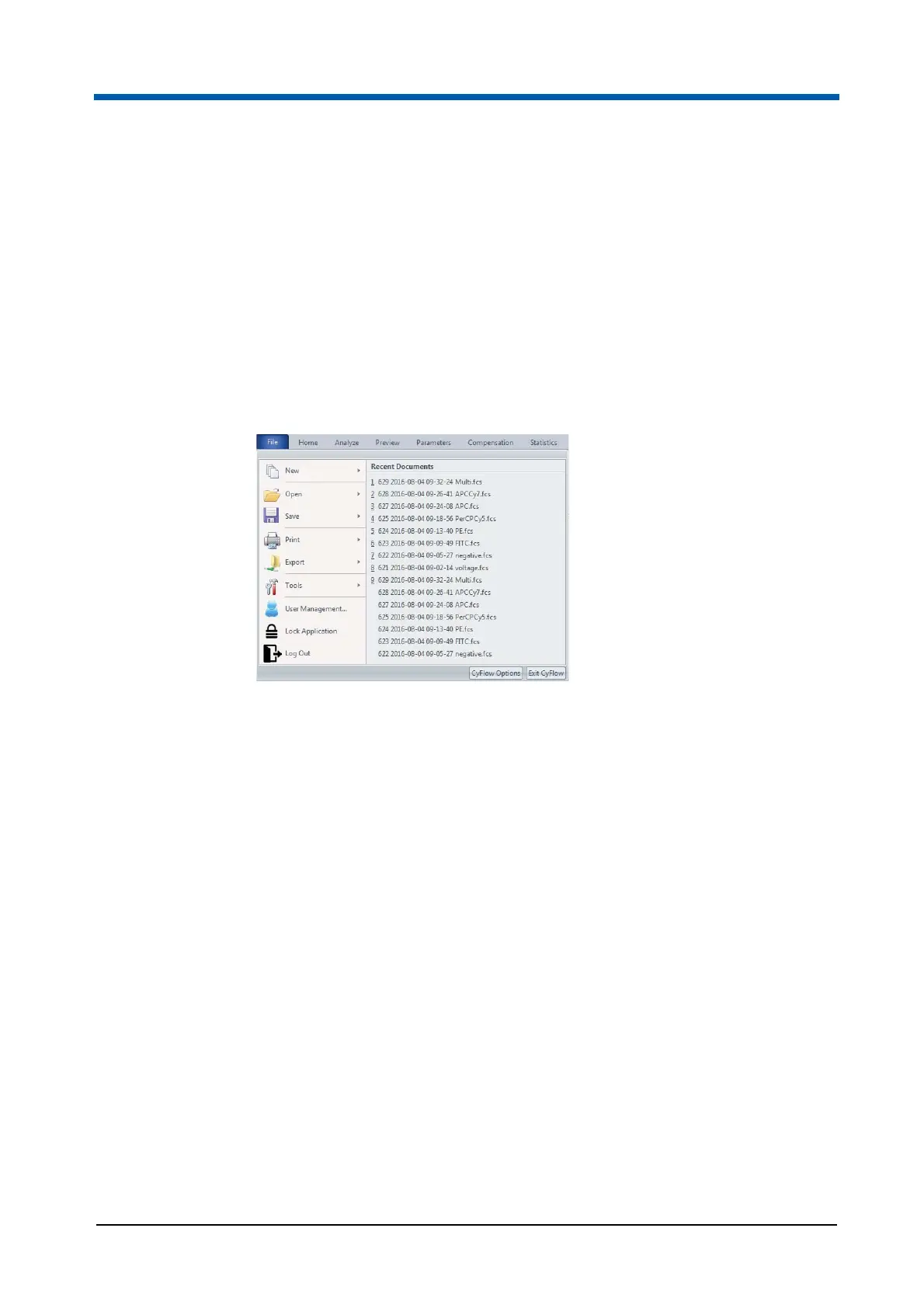
The File tab contains file open, printing and export options. The File tab also
provides access to the user management and to the software options.
Recent documents
When clicking on the File tab, a list of recently used documents is displayed.
In Worklist mode, recently used Worklist files are shown. In Playlist mode,
the list comprises of recently used listmode, Workspace and Playlist files. A
maximum of 10 files can be presented in this list.
Click a file name to open the file.
New
The New menu contains the following options:
New Playlist: Click the menu item to create a new Playlist. Selecting this
option will clear the current Playlist or Worklist, and a new blank Playlist
will be displayed in the Playlist pane.
New Worklist: Click the menu item to create a new Worklist. Selecting
this option will clear the current Worklist or Playlist.
A new Worklist with 400 blank Worklist items is created.



 To Next Page