12 Software description
CyFlow
®
Cube 8 | Operating Manual | May 2018 | Revision 032 187
12.10 CyFlow Options
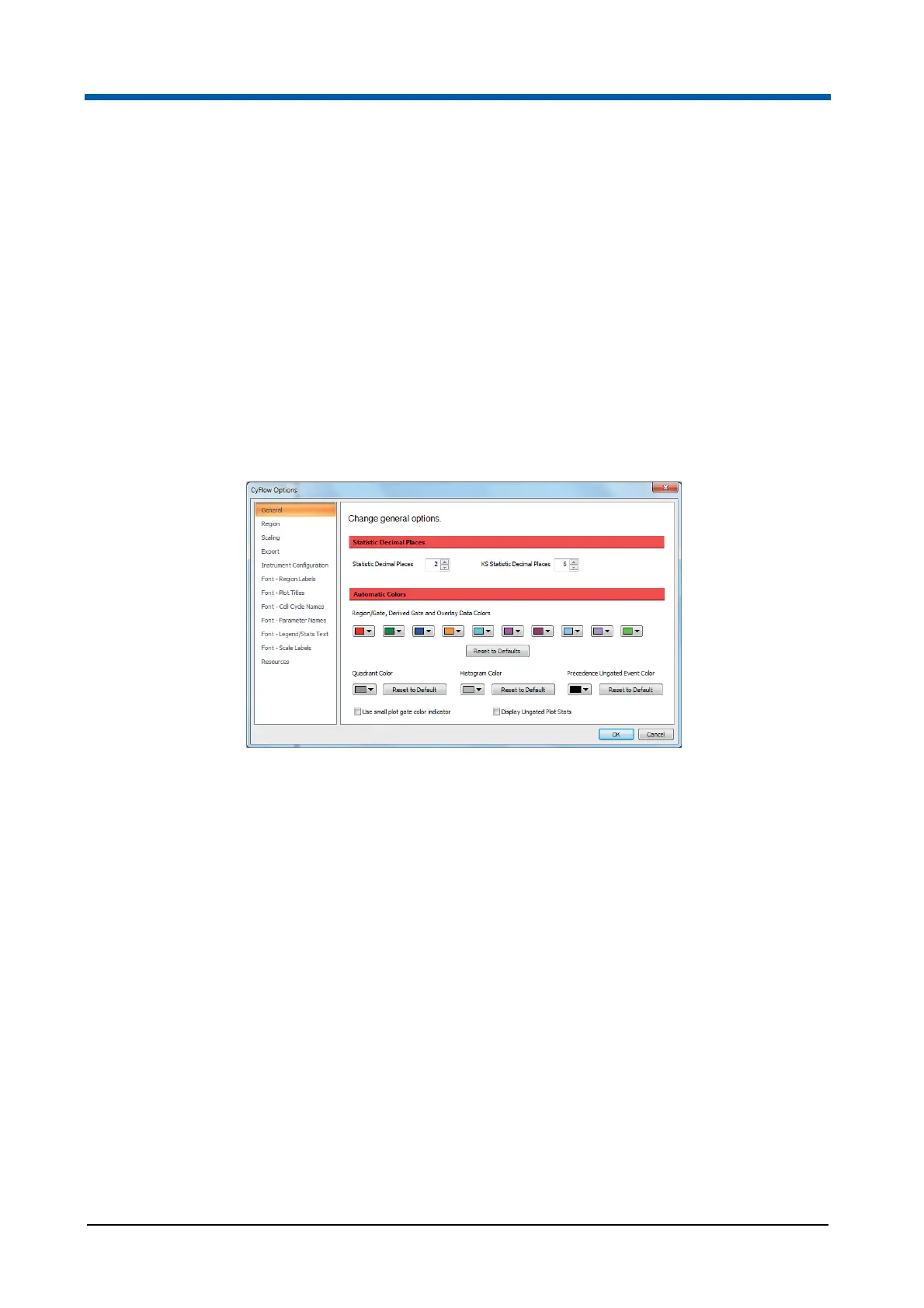
The CyFlow Options dialogue contains controls to set various default options
for the software. It is launched from the CyFlow Options button on the File
tab of the Ribbon (see chapter 12.4.1 File tab on page 58).
The CyFlow Options dialogue has several pages accessed by selecting the
options in the list to the left of the dialogue. The button for the currently
selected page is highlighted in the list.
General page
The General page contains options to specify how statistics displayed on
plots are to be rounded and to set the default colours used for regions,
gates, overlay plot histograms and histogram plots.
The page contains the following options:
Statistic Decimal Places: This control allows you to set the number of
decimal places to which the statistics displayed on the plots and results
table are rounded. The default is 2 decimal places. To edit, enter a value
or use the up/down arrows to select a number. The acceptable range is
between 0 and 10 decimal places.
KS Statistic Decimal Places: This control allows you to set the number
of decimal places to which the statistics displayed on gallery plots of
overlays and results are rounded. The default is 6 decimal places. To
edit, enter a value or use the up/down arrows to select a number. The
acceptable range is between 0 and 10 decimal places.
Region/gate and overlay data colors: The ten-colour index displayed
here controls the default order in which colours are used when creating
regions, gates and overlay plots. To modify a colour used in this default
index, click the corresponding arrow button to display a colour control
and select the desired colour. The colour assigned to the existing regions
is not changed.
Click the Reset to Default button to return the region colours to their
default settings.



 To Next Page