12 Software description
188 CyFlow
®
Cube 8 | Operating Manual | May 2018 | Revision 032
Quadrant Color: The box displays the default colour for the quadrant
divider lines and is used when quadrant regions are created. This will not
affect the colour of quadrant gates. The default colour is Grey-40%. To
edit, click the arrow and select a colour. The colours of previously
created quadrant divider lines are not changed.
Click the Reset to Default button to return the quadrant region colour to
its default setting.
Histogram Color: The box displays the colour for histograms displayed
in the Plots area. The default colour is coloured Gray-25%. To edit, click
the arrow and select a colour.
Click the Reset to Default button to return the histogram colour to its
default setting.
Precedence Ungated Event Color: The box displays the colour for
ungated events on precedence plots. The default colour is black. To edit,
click the arrow and select a colour.
Click the Reset to Default button to return the ungated event colour to its
default setting.
Use small plot gate color indicator: This option is checked by default.
When checked, the gate colour indication present on the plot is reduced
to a 3D colour circle in the top right-hand corner of the plot. When
unchecked, the plot border will be a gradient fill based on the plot gate
colour.
Display Ungated Plot Stats: This option is unchecked by default.
Selecting the check box will display plot gate statistics in all results
tables.
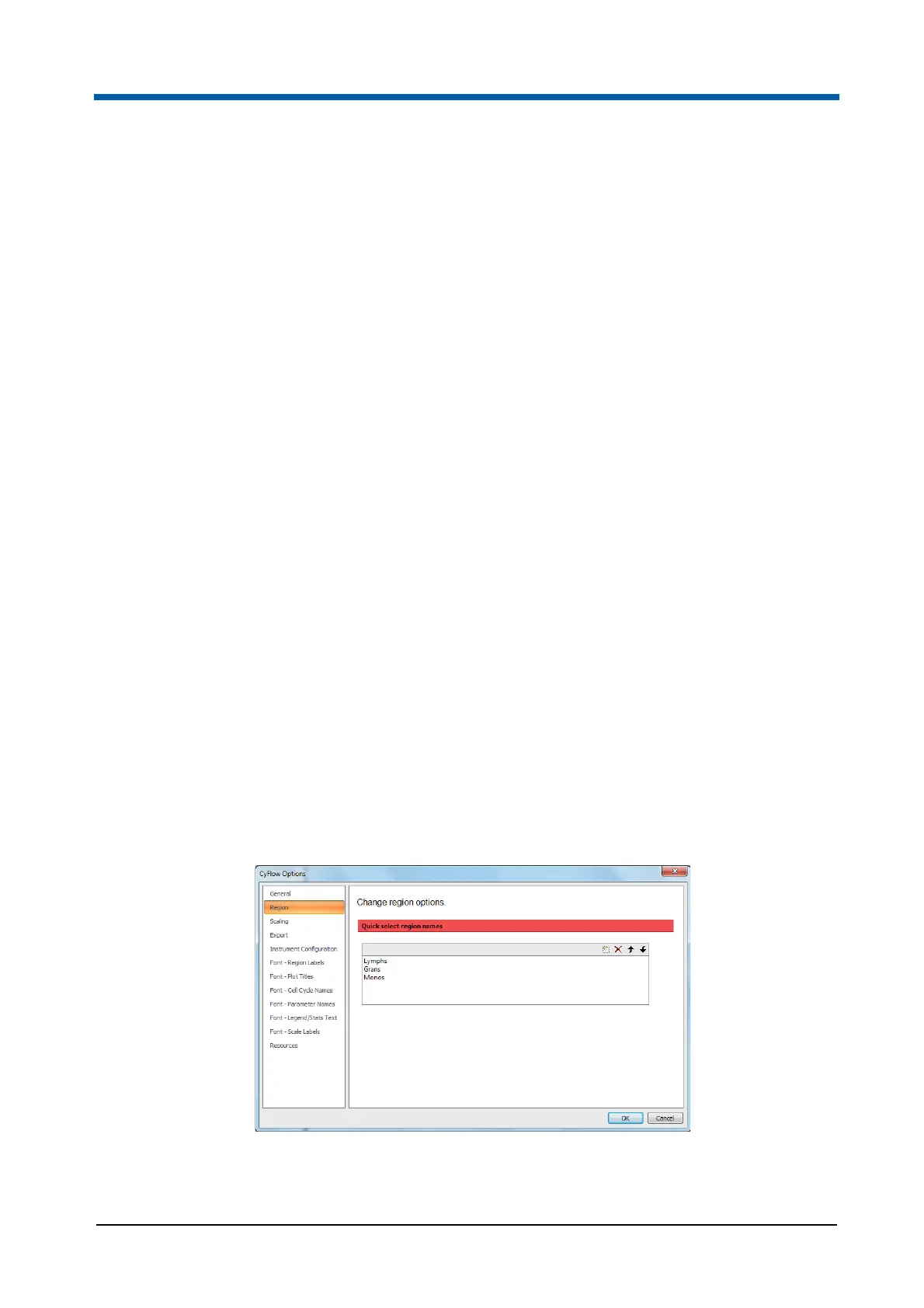
Region page
The Region page contains options to specify the available default region
names.



 To Next Page