12 Software description
CyFlow
®
Cube 8 | Operating Manual | May 2018 | Revision 032 189
The page contains the following options:
Quick select region names: By default, the software offers three region
names that can be designated to regions: Lymphs, Grans, Monos. To
edit, double-click on a region name. To add new region names, click the
New button or double-click below the last name in the list. To delete,
select the name and click the Delete button. Regions can be reordered
using the arrow buttons.
The region names listed here can be applied to a selected region by
clicking the "Region Name" drop-down list in the Region Format tab (see
chapter Appearance group on page 128).
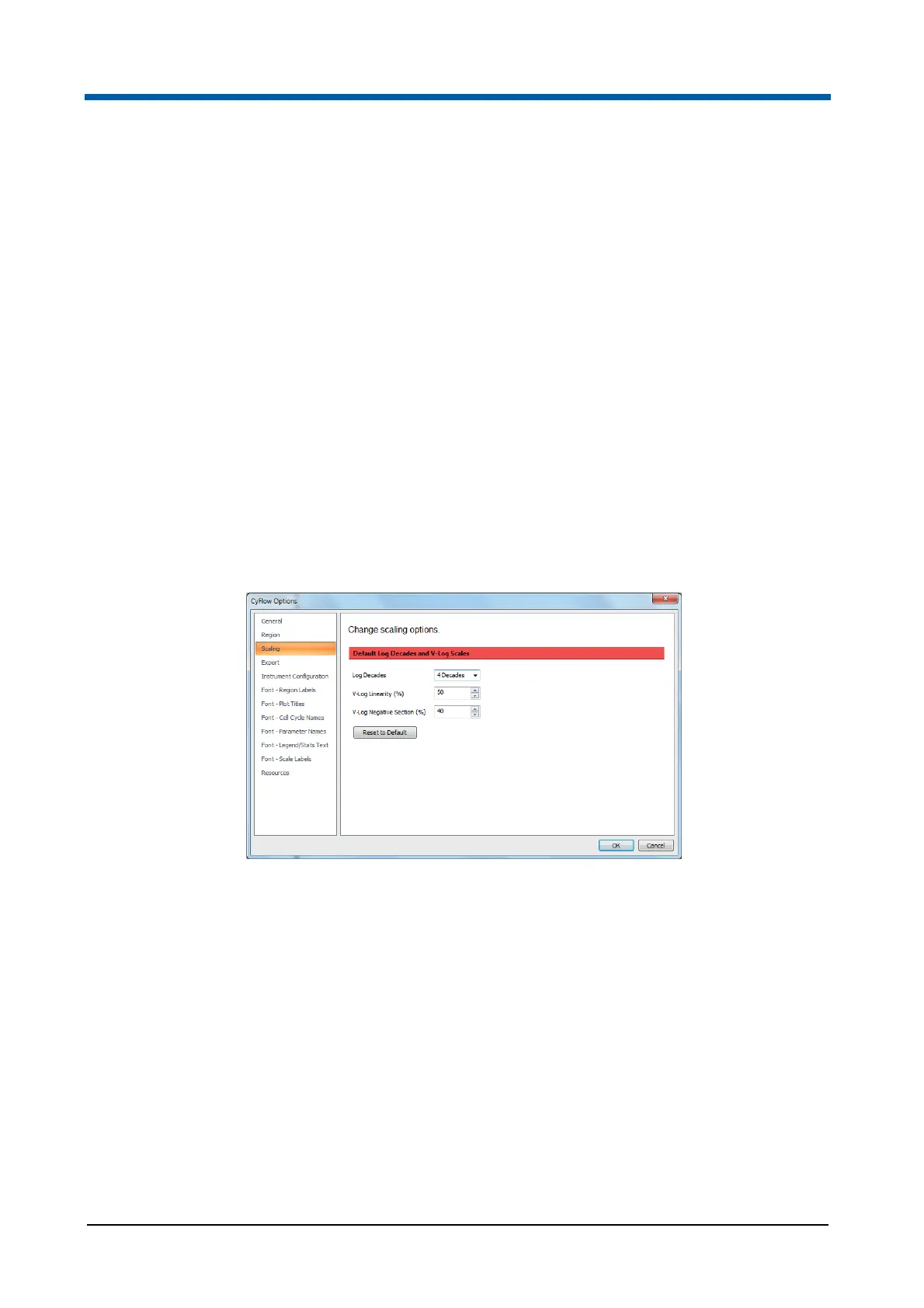
Scaling page
The Scaling page contains options to specify the default options used for
Log and V-Log scaling. The setting here is only used if there is no
Workspace file or if the open Workspace file and the current listmode file do
not contain any defined scaling. As soon as a Workspace or listmode file
which contains scaling values is opened, those values are used instead of
the default values.
The page contains the following options:
Log Decades: The value set here determines the number of decades
shown when logarithmic data is displayed and is used for scaling all
relevant plots and statistics. Click the arrow to display a drop-down list
and select the desired value (4 decades, 5 decades or full range) or enter
a value.
When full range is selected, the data for all logarithmic scaled
parameters in the Workspace defaults to the full range of data in the
listmode file. This is the default selection.
The accepted range for log decades is between 0 and 10.00. The
number that you enter here should match the number of decades
provided by your device. If you enter a value that is higher than the
maximum range in the listmode file, the data will be offset from its correct
position on the scale. The number of decades selection has no effect on
low-resolution files with less than 12 bit data resolution.



 To Next Page