12 Software description
146 CyFlow
®
Cube 8 | Operating Manual | May 2018 | Revision 032
12.6 Worklist pane
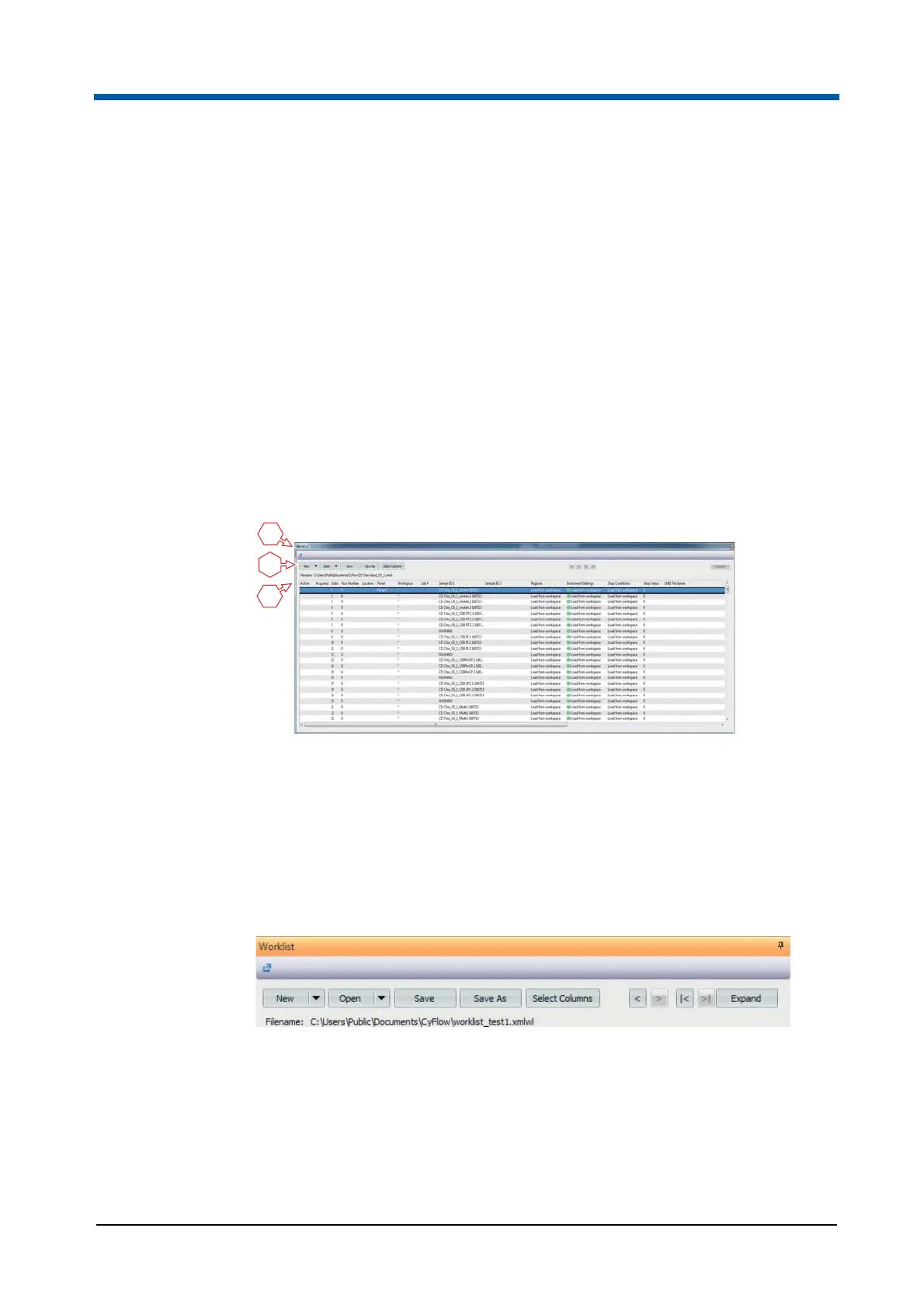
The Worklist pane is displayed in Worklist mode and by default docked to
the bottom of the Workspace.
A Worklist contains the predefinitions of hardware and software settings for
data acquisition. Each Worklist item contains the definitions for a single
sample measurement. These definitions comprise information on
Workspace, regions, compensation, instrument settings, stop conditions and
stop values.
The Worklist is used to define a set of samples for acquisition and to acquire
the data. Up to 400 Worklist items can be provided in the Worklist.
When measuring a sample is completed, the Worklist item information is
stored in an FCS file and can be opened in a Playlist.
The Worklist can be saved as a Worklist file.
Worklist title bar
The Worklist title bar displays the name of the Worklist file.
Worklist buttons
The Worklist buttons are disabled during acquisition except for the
Expand/Restore button.
The functionality of the New, Open, Save and Save as buttons is the same
as on the File tab of the Ribbon.
1 Worklist title bar
2 Worklist buttons
3 Worklist
2
1
3



 To Next Page