12 Software description
144 CyFlow
®
Cube 8 | Operating Manual | May 2018 | Revision 032
The "TVAC" check box is selected when the TVAC stop condition has
been set in the Stops pane. Using TVAC (True Volumetric Absolute
Counting), a fixed volume of 200 µl between the start and stop electrodes
in the sample is measured. This setting creates and enables the TVAC
parameter to be recorded during acquisition. The TVAC parameter is not
a parameter defined by the device configuration.
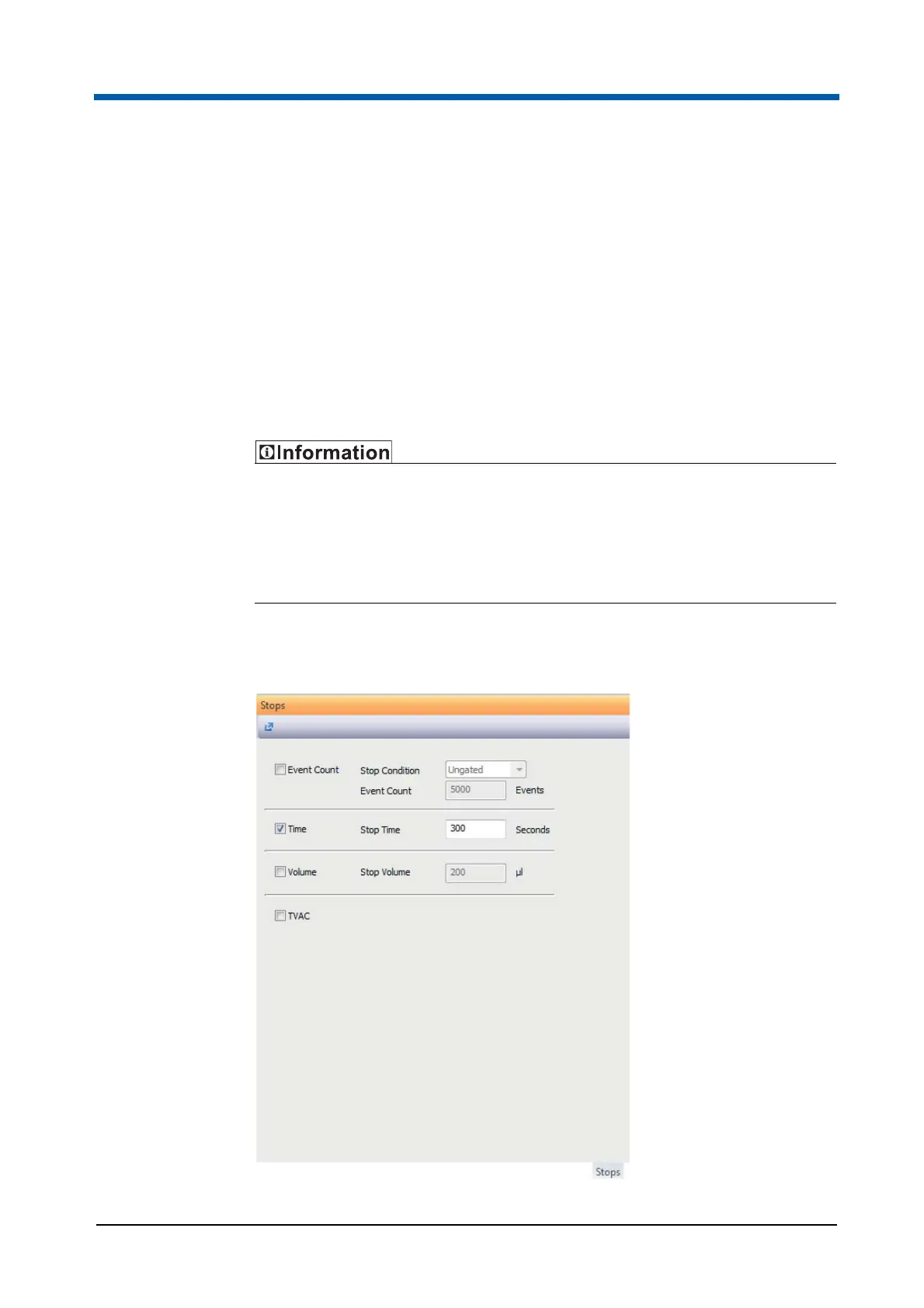
12.5.6 Stops pane
This pane provides options for setting stop conditions. In default mode, the
sample is run until its level reaches the stop electrode.
The sample analysis automatically stops when the sample is empty (the
stop electrode is reached) even if the selected stop condition is not yet
realised.
If the Worklist contains differing stop conditions, the Worklist conditions
will override the stop conditions set in the Stops pane.
The options within the Stops pane are disabled when the software is in
Playlist mode.



 To Next Page