12 Software description
CyFlow
®
Cube 8 | Operating Manual | May 2018 | Revision 032 127
Histogram Smoothing Level Selection Slider: The slider is only visible
if a smoothing method (bin reduction, moving average) is selected.
When Bin Reduction is selected, the slider has 4 tick marks representing
levels 1 – 4. Level 1 (1024 bins) is no smoothing. When Moving Average
is selected, the slider has 10 tick marks, representing levels 1 – 10. Level
1 is no smoothing, level 10 is the greatest level of smoothing. The
currently selected level in the slider is marked by an arrow.
Click the "minus" button or to the left of the arrow on the slider to
decrease the level by one. Click the "plus" button or to the right of the
arrow on the slider to increase the level by one. The level can also be
changed by dragging and dropping the arrow with the mouse.
The smoothing level selected is applied to all currently selected single
parameter histograms and cell cycle plots. The default setting is level 1
(No smoothing). The level setting for each method is persisted for each
plot and saved in the Workspace.
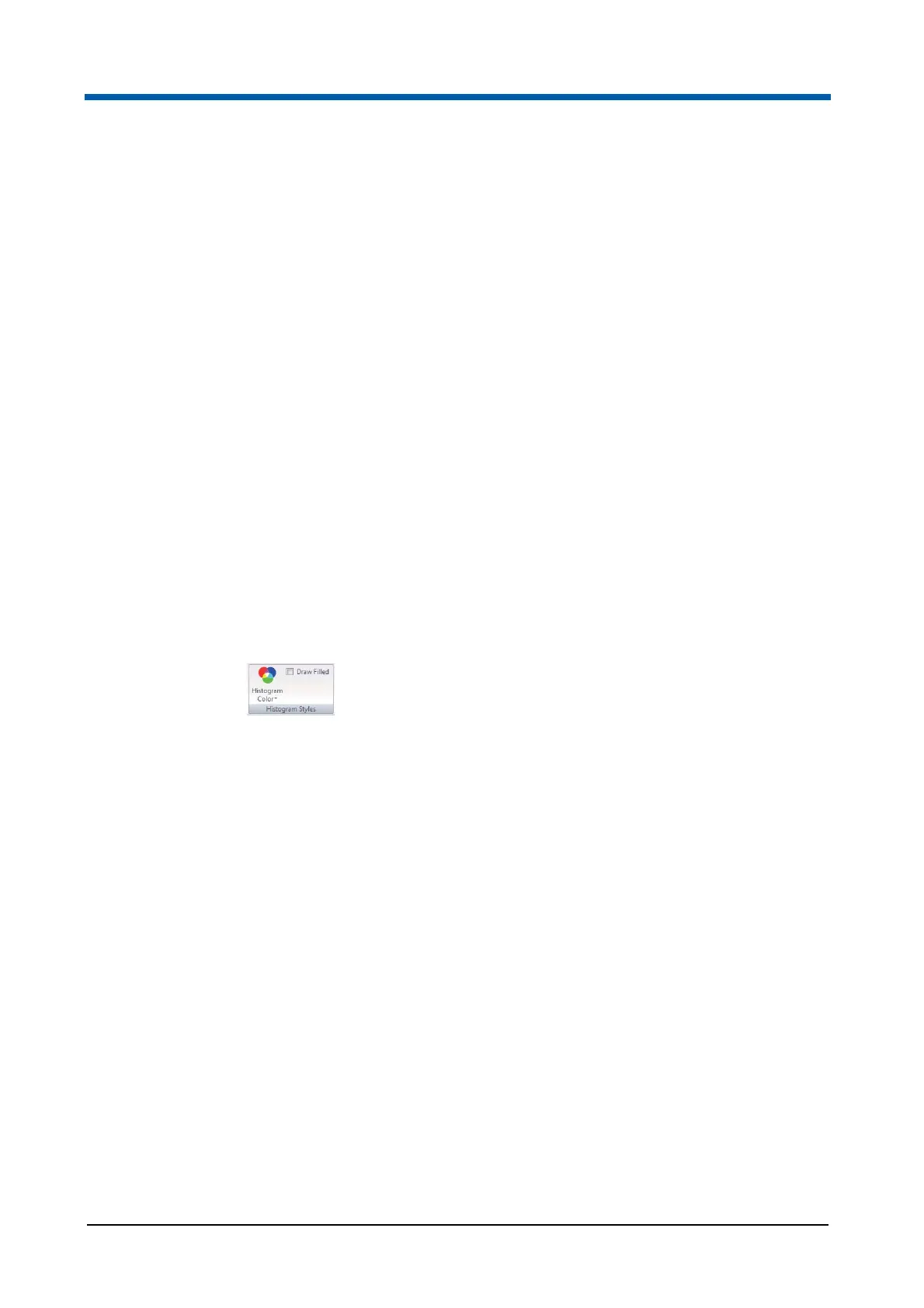
Histogram Styles group
The Histogram Styles group contains options to choose colour and filling of
the selected histograms. By default, histograms are displayed using the
colour specified in the software options (see chapter General page on
page 187).
The Histogram Styles group contains the following options:
Histogram Color: Click the button and select the desired colour to
modify the line and fill colour of the selected histogram(s) in the Plots
area.
Draw Filled: Check the check box to fill the selected histograms of the
current file with the colour set with the Histogram Color button. The
"Draw Filled" selection is saved in the Workspace.



 To Next Page