12 Software description
CyFlow
®
Cube 8 | Operating Manual | May 2018 | Revision 032 83
Enter the desired value or use the arrows to increase or decrease the
value in the field. For example, when set at 100%, the number of
decades displayed on the negative section of the scale will be the same
as the number of decades displayed on the positive side of the scale.
When set at 0% the number of decades displayed on the negative
section of the scale will be 0.
OK: Click the button to apply the changes made in the dialogue to the
Workspace and to close the dialogue.
Apply: Click the button if you wish to apply the changes made without
closing the dialogue.
Cancel: Click the button to close the dialogue and cancel all changes.
Note that only changes made after the Apply button was clicked will be
cancelled.
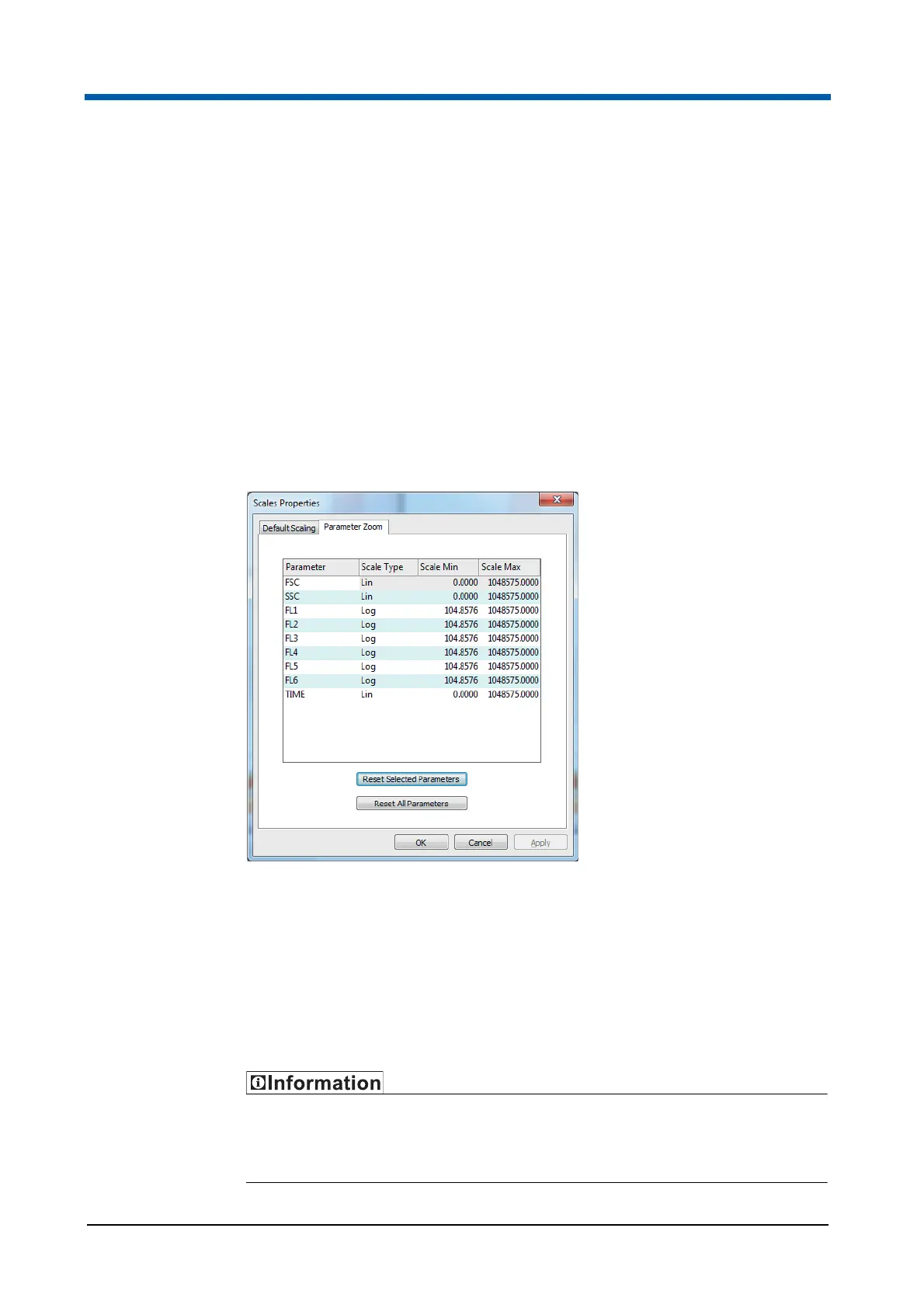
The Parameter Zoom tab lists all the parameters in the current file and
allows you to edit the displayed scale values for each parameter in order to
optimise the way in which your data is displayed. The selected range is only
applied to the selected scale type (Lin, Log or V-Log). The selected zoom
values are only applied to plots that have been selected to display zoomed
parameters.
The Parameter Zoom tool is not available when a low-resolution LMD file is
currently opened in the Workspace.
If you change the zoom status on a plot with a region, the region position
does not change. You may need to reposition any regions set on zoomed
parameters.



 To Next Page