Restoring the factory settings
Use the
INITIALIZE
item to restore the various settings of
this unit to their factory settings.
1 Use the + or − button to select
INITIALIZE
, and press
the ENTER/MARK or / button to highlight
Exec
.
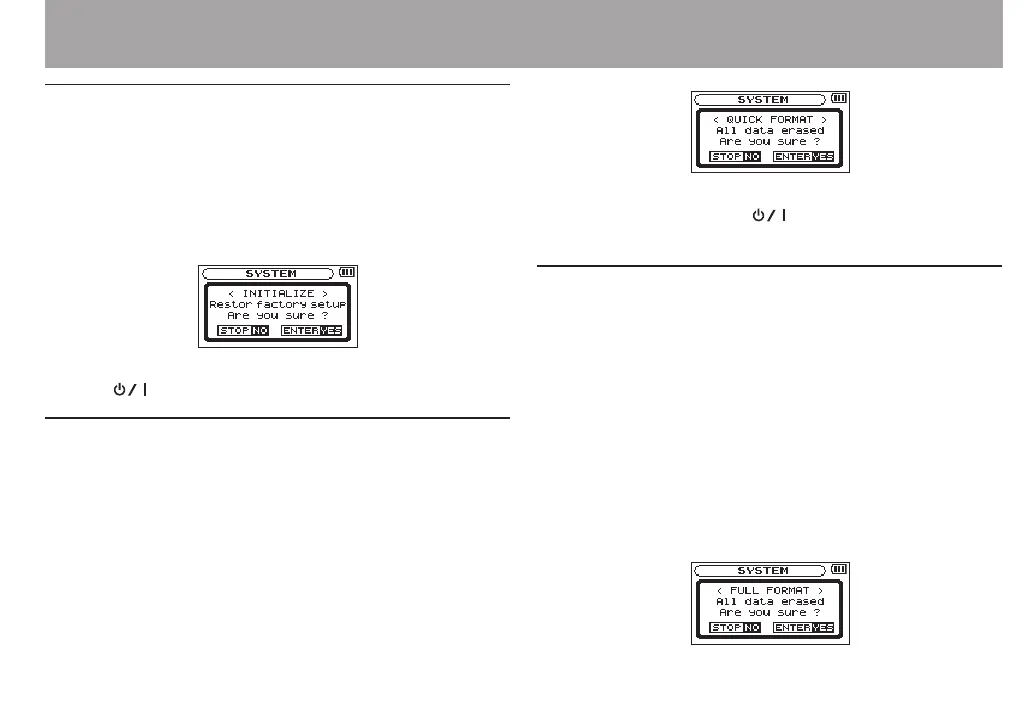
2 Press the ENTER/MARK button again to open a
confirmation pop-up window.
3 Press the ENTER/MARK button to initialize the unit.
Press (HOME) [8] to cancel initialization.
Using QUICK FORMAT
Using
QUICK
FORMAT
erases all music les on the card and
automatically creates new MUSIC and UTILITY folders as well as
the “dr-1.sys” le that is necessary to use the SD card with the
DR-40.
1 Use the + or − button to select
QUICK
FORMAT
, and press
the ENTER/MARK or / button to highlight
Exec
.
2 Press the ENTER/MARK button to open a pop-up
confirmation window.
3 Press the ENTER/MARK button to execute the quick
formatting, or press the (HOME) [8] button to
cancel formatting.
Using FULL FORMAT
Use the
FULL
FORMAT
item to completely format the SD card.
Full formatting checks the memory for errors while formatting,
so it takes more time than quick formatting.
Using
FULL
FORMAT
erases all music les on the card and
automatically creates new MUSIC and UTILITY folders as well as
the “dr-1.sys” le that is necessary to use the SD card with the
DR-40.
1 Use the + or − button to select
FULL
FORMAT
, and press
the ENTER/MARK or / button to highlight
Exec
.
2 Press the ENTER/MARK button to open a pop-up
confirmation window.
12 – Settings and Information



 To Next Page