When recording starts, the indicator lights and the display
shows the elapsed and remaining recording times.
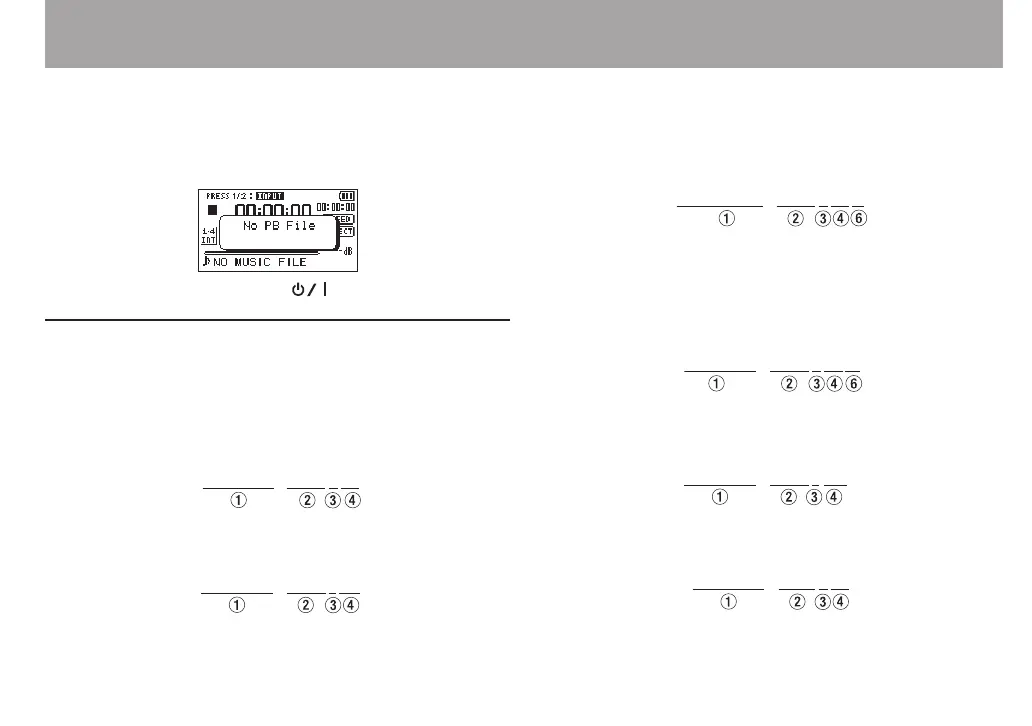
The following error message appears if the selected file
cannot be played back.
3 To stop recording, press the (HOME) [8] button.
File names when recording in overdubbing
When overdubbing, le names are generated dierently
according to the DUB mode setting.
SEPARATE mode
8
Playback le
File-A:
The newly recorded le (recorded without the playback
signal)
File-B:
If you record again using the same playback le (File-A),
the name of File-B above is changed to the le name below
(File-C), and the new recording le is given the File-B le
name.
File-C:
If you record one more time using the same playback le
(File-A) (and File-B and File-C above are saved), the le name
for File-B changes as shown below, with the number at 6
increased by one, and the new recording le given the File-B
le name.
File-D:
MIX mode
8
Playback le
File-A:
The newly recorded le (recorded with the playback signal
(File-A))
File-E:
4 – Recording



 To Next Page