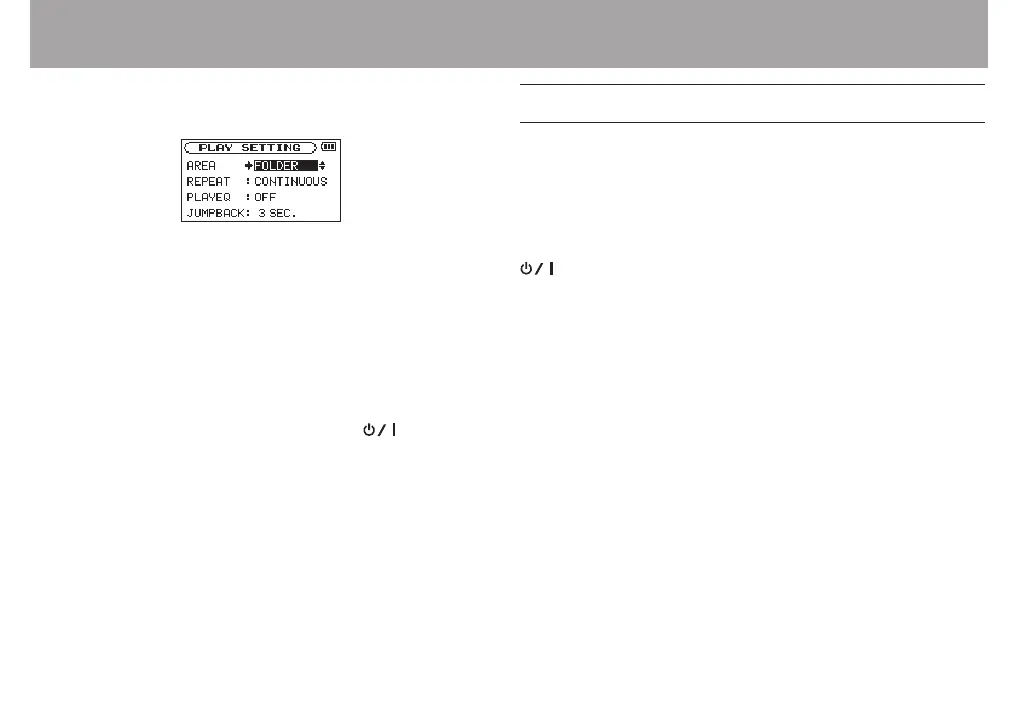
4 Use the ENTER/MARK or / button to move the cursor
to highlight the value of the setting.
5 Use the + or – button to change the setting.
6 Press the . button to set a different item in the same
menu.
This enables you to select a new item. Use the + or −
button again to select an item to be set.
7 Repeat step 3 to 6 as necessary to set each item.
8 To open the
MENU
screen (or
OTHERS
submenu screen),
press the MENU button.
To return to the Home Screen, press the (HOME) [8]
button.
Basic operation
Use the following buttons to operate the various screens.
MENU button:
Opens the
MENU
screen.
PB CONT button:
This opens the Playback Control screen.
(HOME) [8] button:
When any other screen is open, press this to return to the
Home Screen. Use this to answer “
NO
” to a confirmation
message.
ENTER/MARK button:
Use this to confirm the selection of a setting item or to
answer “YES” to a confirmation message.
/ button:
Use this to move the cursor (the highlighted area) to the
right on the screen, and to open folders on the
BROWSE
screen.
. button:
Use this to move the cursor (the highlighted area) to the
left on the screen, and to close folders on the
BROWSE
screen.
2 – Names and Functions of Parts



 To Next Page