5 Press the (HOME) [8] button to return to the
Home Screen.
TIP
By using this in combination with the AUTO REC function, you
can record events without losing the beginnings of sounds.
NOTE
If the amount of time in record standby is less than two
•
seconds, the sound for that amount of time is recorded.
The prerecording function is disabled in OVERDUB mode.
•
Self-timer function
Like a camera, the unit has a self-timer to trigger the start of
recording after a set period of time.
1 Press RECORD [0] button when stopped or playing
back to set the unit in recording standby, and press the
PB CONT button.
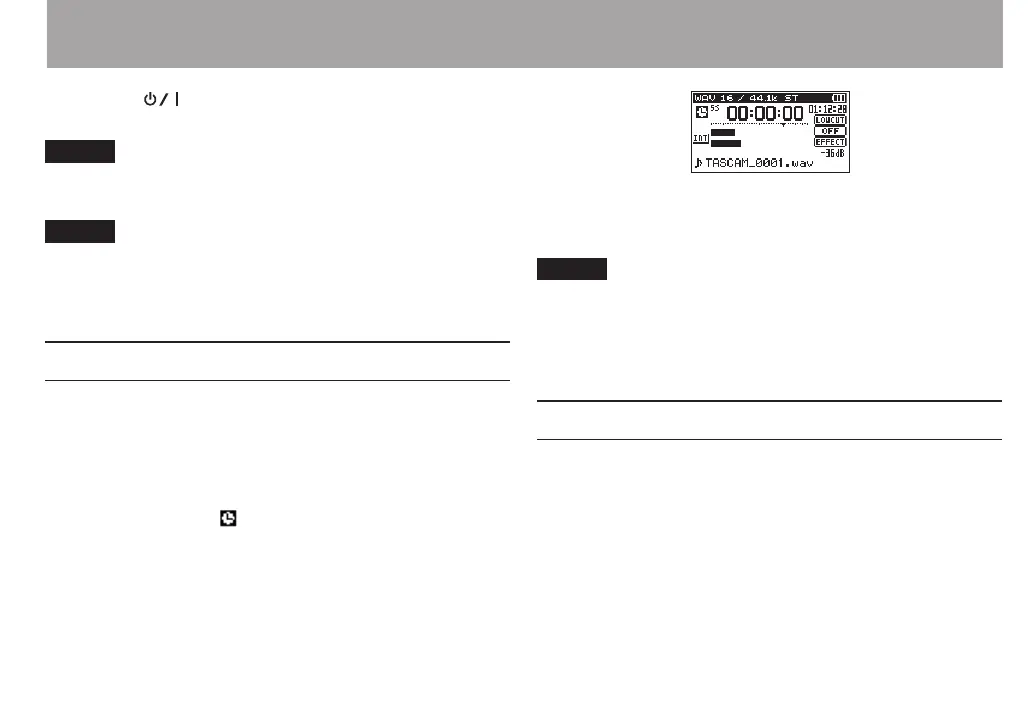
2 The self-timer icon appears in the recorder status
screen, and time is shown on the right.
Each time you press the PB CONT button, the setting
changes as follows:
OFF
(default) q
5S
(5 seconds) q
10S
(10 seconds) q
OFF
3 Set the time period, and press the RECORD[0] or PLAY
[7] button.
Recording will start after the set time period.
NOTE
This function cannot be used when recording is paused in
•
the middle of recording.
Self-timer function is not possible when using the AUTO
•
REC function.
Solo function
Press and hold the 1/2 [SOLO] or 3/4 [SOLO] button to enable
the solo function.
Use this in 4-channel mode and other cases when multiple
inputs are being recorded to monitor only one of the inputs.
You can check the solo status with the input source icons.
4 – Recording



 To Next Page