1
REPEAT
:
The current file is played repeatedly. The icon appears
on the Home Screen.
ALL
REPEAT
:
All files in the selected playback area are played back
repeatedly. The icon appears on the Home Screen.
NOTE
If you start loop playback, the repeat operation automatically
switches to
CONTINUOUS
if it is in
SINGLE
,
1 REPEAT
, or
ALL
REPEAT
mode.
5 Press the (HOME) [8] button to return to the Home
Screen.
Special Playback Control Functions
The unit has some special playback control functions.
For example, you can playback a selected section of a le
repeatedly or change the tempo of music without changing
the pitch. You can also enhance the perceived overall sound
pressure for comfortable listening when the playback is
indiscernible.
These playback control functions serve for eective practice
on musical instruments and analysis of musical passages.
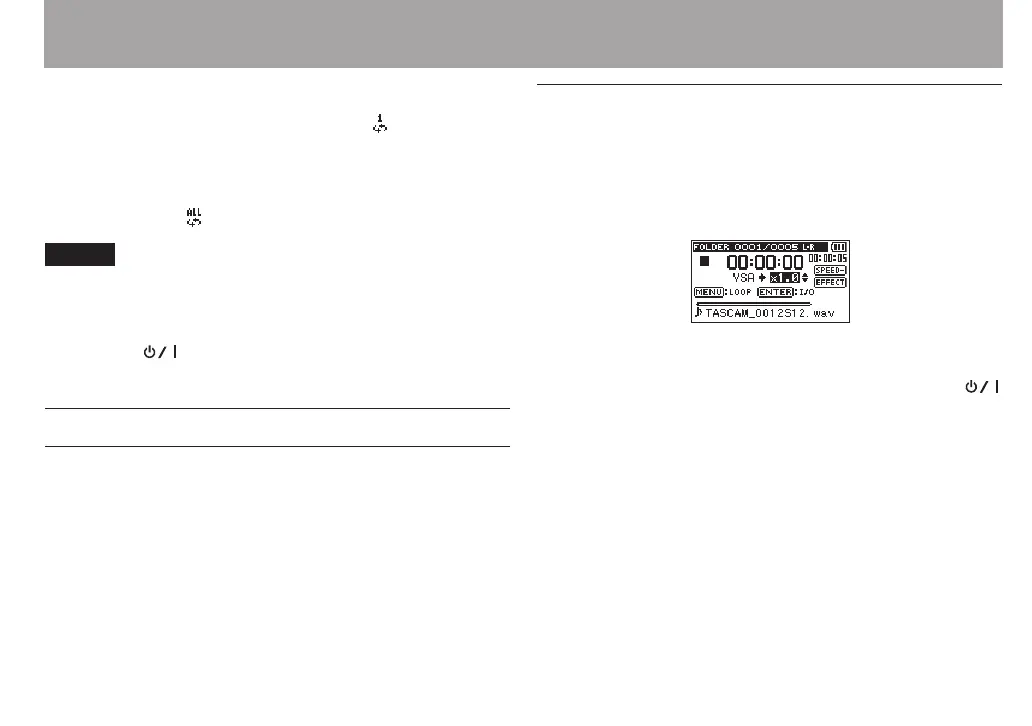
Playback Control Screen
Use the Playback Control screen to set the playback control
functions.
While the Home Screen is open when stopped or playing
back, press the PB CONT button to open the Playback Control
screen.
This screen can be used to make settings for the playback
speed and loop playback.
After you nish making settings on this screen, press the
(HOME) [8] button (or press the PB CONT button) to return
to the Home Screen.
6 – Playback



 To Next Page