October 2017 RiverPro and RioPro ADCP Guide
Page 10
EAR-Controlled Technology Subject to Restrictions Contained on the Cover Page.
10. Click the Test Port button. The RiverPro/RioPro banner appears.
>break
RiverPro/RioPro
Teledyne RD Instruments (c) 2015
All rights reserved.
Firmware Version: 56.xx
>
11. Click the Close button to exit the Test Port Dialog.
12. Click the Close button once more to exit the Peripherals Configuration Dialog.
13. Start a new measurement in WinRiver II.
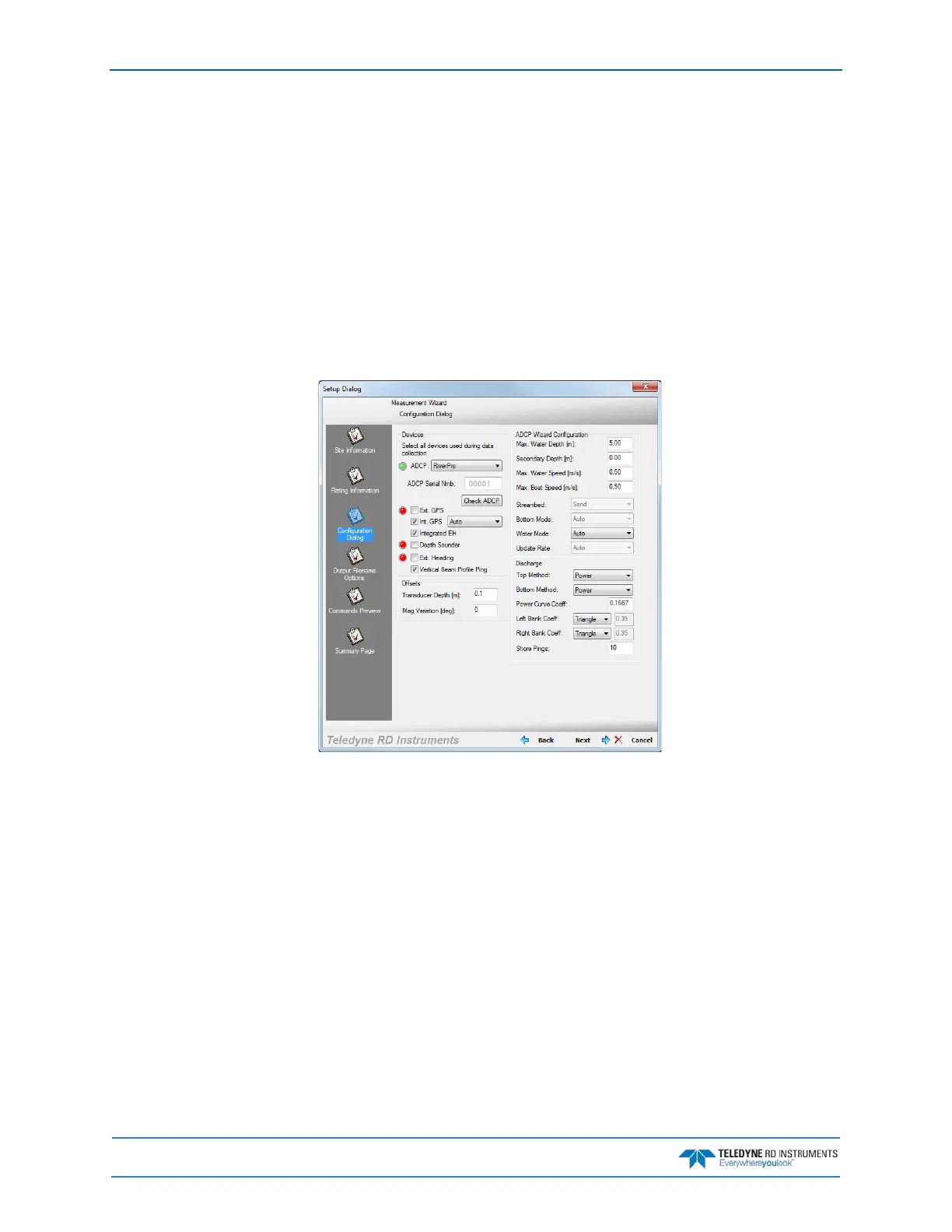
14. On the Configuration Dialog, ensure the ADCP type matches the RiverPro/RioPro and the
indicator next to the RiverPro/RioPro is green. Verify the blue LED on the RiverPro/RioPro
ADCP is on.



 To Next Page