Chapter 3 Operation
3-43
Zero.
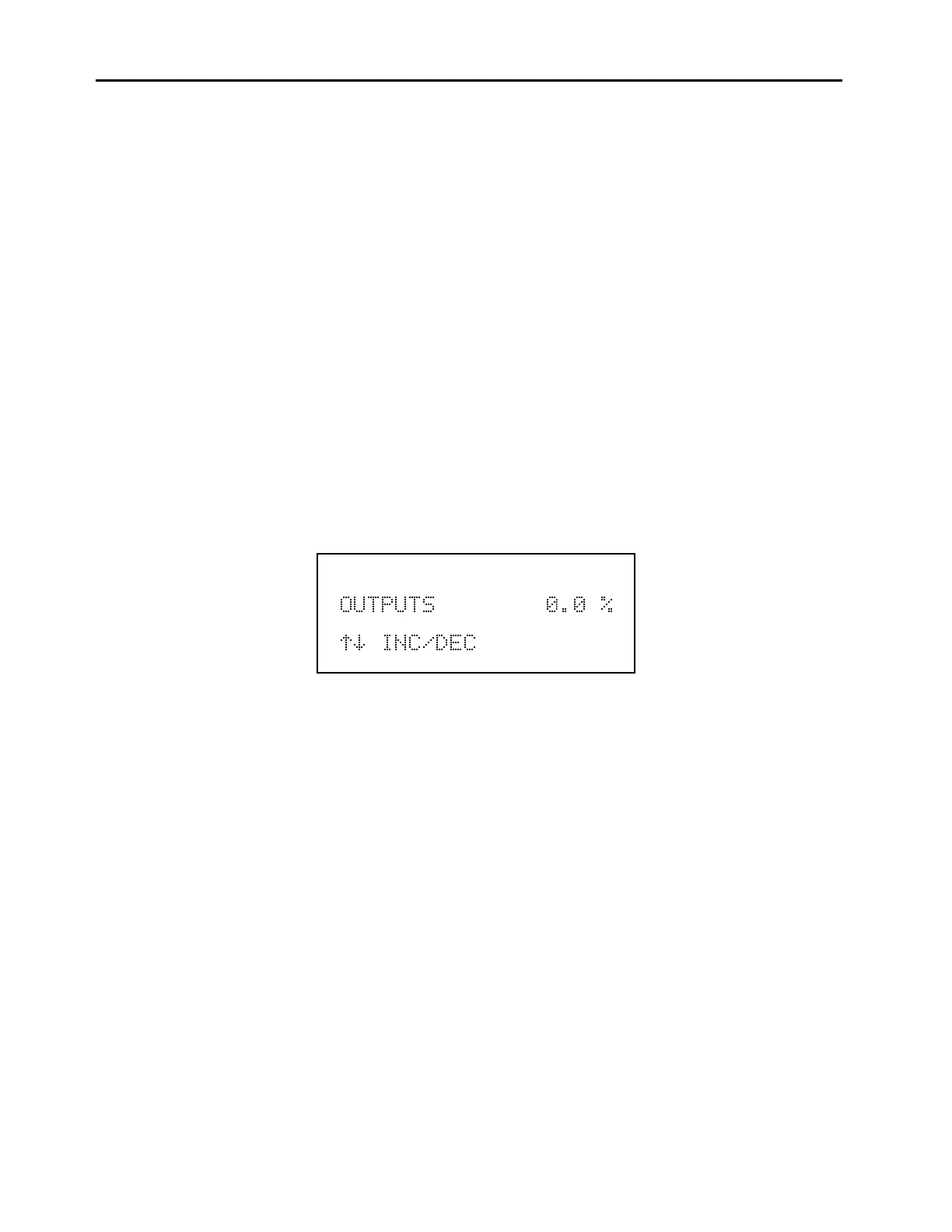
The Zero screen, as shown below, sets the analog outputs to zero volts.
Use the
↑
and
↓
pushbuttons to increment/decrement the output level. For
example, to set the analog outputs to 5%, use the
↑
pushbutton to increment the
0.0 to 5.0%.
To display the Zero screen:
From the Main Menu choose Diagnostics
From the Diagnostics menu choose Test Analog Outputs
From the Test Analog Outputs menu choose Zero
To use the Zero screen:
Use the
↑
and
↓
pushbuttons to increment/decrement the output level
Press
MENU
to return to the Diagnostics menu and cancel the zero output
Press
RUN
to return to the Run screen and cancel the zero output
Zero Analog Outputs Screen



 To Next Page