Operating Instructions
99
Selecting Keypad Lockout
This feature must be enabled in Guarded Access to be
available. See “Keypad Lockout” on page 96 for more
information about Keypad Lockout. Use the following steps to
select Keypad Lockout:
1. Begin at the Standard Display.
If the Temperature Watch Display is showing, press any
soft key to return to the Standard Display.
2. Press the M
ENU soft key on the Standard Display.
3. Press the N
EXT soft key until the Mode Menu appears.
4. Press the S
ELECT soft key to enter the Mode Menu. The
Turn CYCLE-SENTRY On/Off Screen will appear.
5. Press the N
EXT soft key until the Keypad Lockout Display
appears.
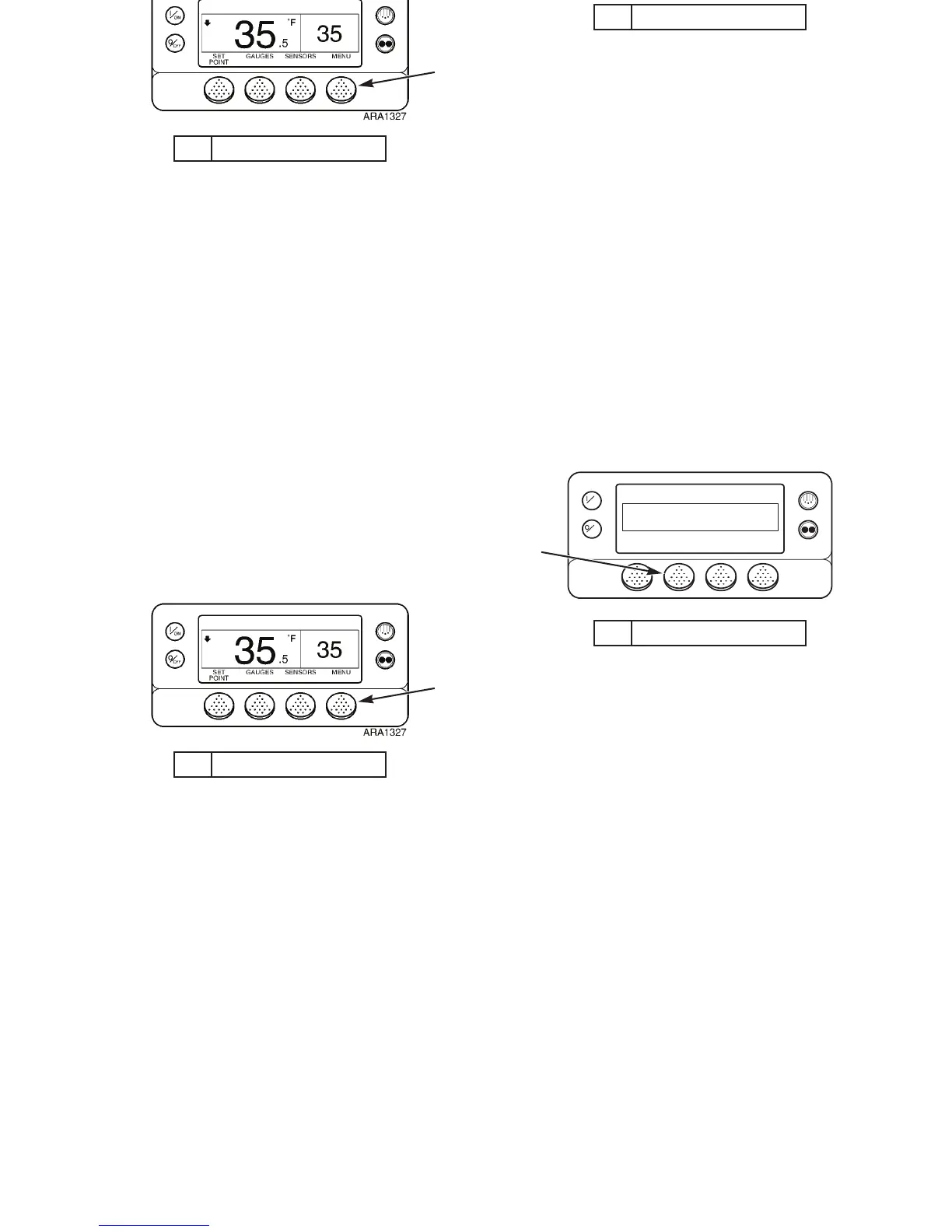
1. Press Menu Soft Key
Figure 70: Standard Display
1
1. Press Select Soft Key
Figure 71: Mode Menu Display
OFF
ON
MAIN MENU
MODE
NEXTEXIT BACKSELECT
ARA832
1
Operating Instructions
99
Selecting Keypad Lockout
This feature must be enabled in Guarded Access to be
available. See “Keypad Lockout” on page 96 for more
information about Keypad Lockout. Use the following steps to
select Keypad Lockout:
1. Begin at the Standard Display.
If the Temperature Watch Display is showing, press any
soft key to return to the Standard Display.
2. Press the M
ENU soft key on the Standard Display.
3. Press the N
EXT soft key until the Mode Menu appears.
4. Press the S
ELECT soft key to enter the Mode Menu. The
Turn CYCLE-SENTRY On/Off Screen will appear.
5. Press the N
EXT soft key until the Keypad Lockout Display
appears.
1. Press Menu Soft Key
Figure 70: Standard Display
1
1. Press Select Soft Key
Figure 71: Mode Menu Display
OFF
ON
MAIN MENU
MODE
NEXTEXIT BACKSELECT
ARA832
1



 To Next Page