Operating Instructions
63
Switching from Diesel to Electric
Units equipped with the Electric Standby option only
If the Diesel to Electric Autoswitch Enabled feature in
Guarded Access is set YES then the unit will automatically
switch to Electric Mode operation when standby power is
connected and available.
If the Diesel to Electric Autoswitch Enabled feature in
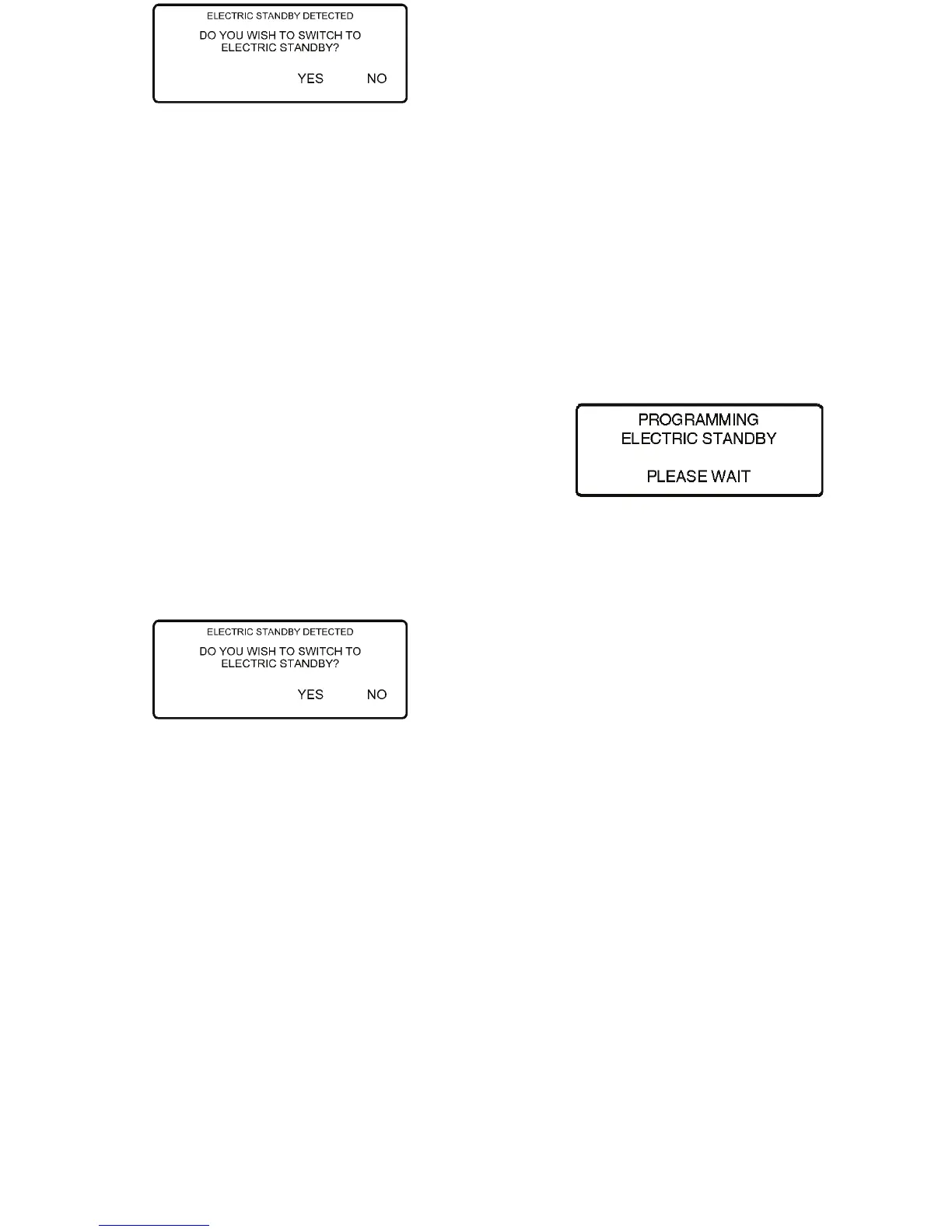
Guarded Access is set NO, then the prompt screen shown
below will appear when standby power is connected and
available.
Figure 37: Electric Standby Detected Screen
If YES is selected then the display will briefly show the screen
below.
Figure 38: Programming Electric Standby Screen
Electric Mode operation will briefly be confirmed. If unit
operation is required the electric motor will start as shown in
“Starting the Unit on Electric Standby Operation” on page 61.
Operating Instructions
63
Switching from Diesel to Electric
Units equipped with the Electric Standby option only
If the Diesel to Electric Autoswitch Enabled feature in
Guarded Access is set YES then the unit will automatically
switch to Electric Mode operation when standby power is
connected and available.
If the Diesel to Electric Autoswitch Enabled feature in
Guarded Access is set NO, then the prompt screen shown
below will appear when standby power is connected and
available.
Figure 37: Electric Standby Detected Screen
If YES is selected then the display will briefly show the screen
below.
Figure 38: Programming Electric Standby Screen
Electric Mode operation will briefly be confirmed. If unit
operation is required the electric motor will start as shown in
“Starting the Unit on Electric Standby Operation” on page 61.



 To Next Page