Operating Instructions
100
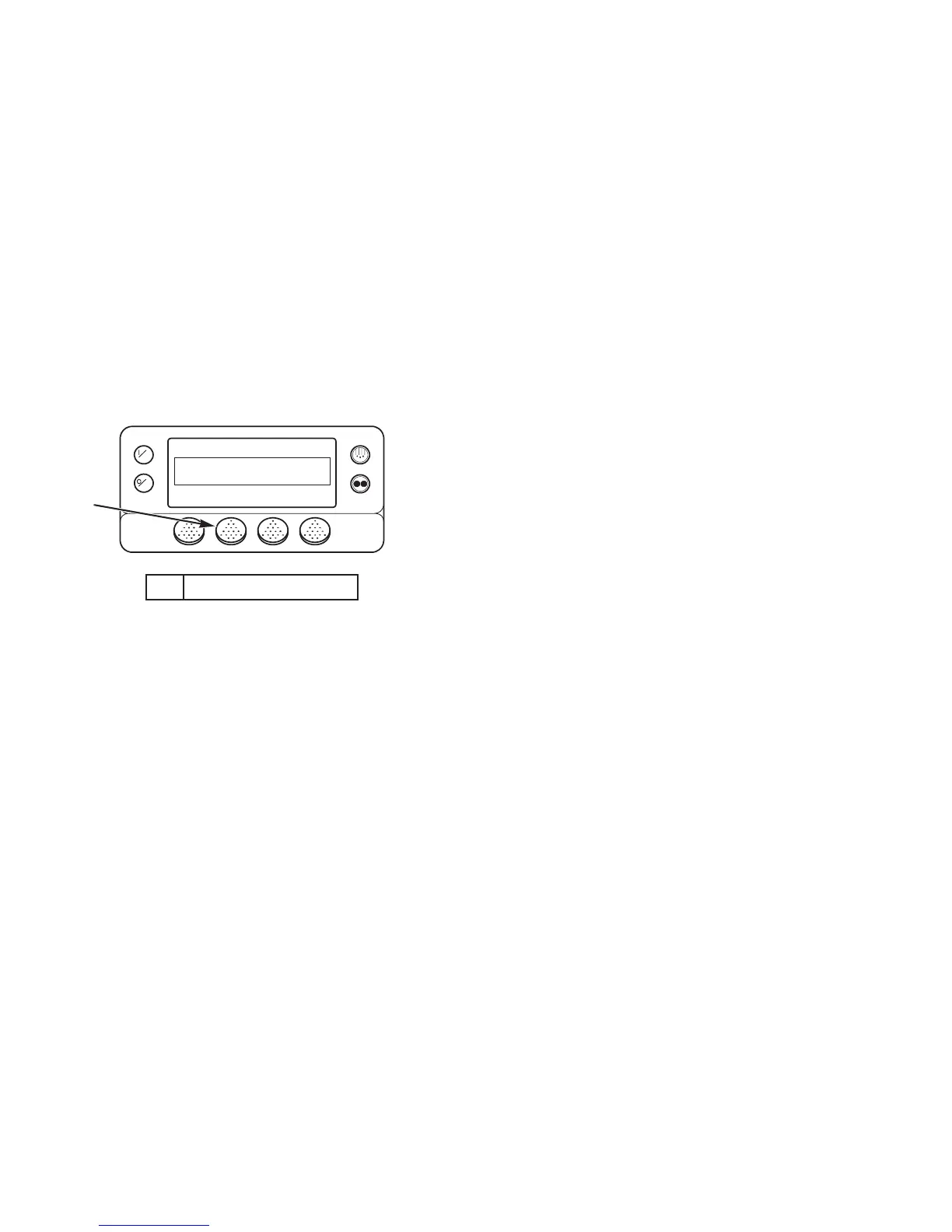
6. Press the SELECT soft key to select Keypad Lockout.
7. The new mode is then confirmed for 10 seconds.
8. The display then returns to the Mode Menu.
9. Press the Exit soft key to return to the Standard Display. If
no keys are pressed within 30 seconds, the screen will
return to the Standard Display.
NOTE: If Keypad Lockout is active, press and hold any soft
key for 5 seconds to deactivate the feature.
1. Press Select Soft Key
Figure 72: Keypad Lockout Display
OFF
ON
CHANGE MODE
KEYPAD LOCKOUT
NEXTEXIT SELECT
BACK
ARA834
1
Operating Instructions
100
6. Press the SELECT soft key to select Keypad Lockout.
7. The new mode is then confirmed for 10 seconds.
8. The display then returns to the Mode Menu.
9. Press the Exit soft key to return to the Standard Display. If
no keys are pressed within 30 seconds, the screen will
return to the Standard Display.
NOTE: If Keypad Lockout is active, press and hold any soft
key for 5 seconds to deactivate the feature.
1. Press Select Soft Key
Figure 72: Keypad Lockout Display
OFF
ON
CHANGE MODE
KEYPAD LOCKOUT
NEXTEXIT SELECT
BACK
ARA834
1



 To Next Page