Optional Rear Remote Control Panel
139
Displaying the Discharge Air
Temperature
The discharge air temperature can be shown using the Select
Key.
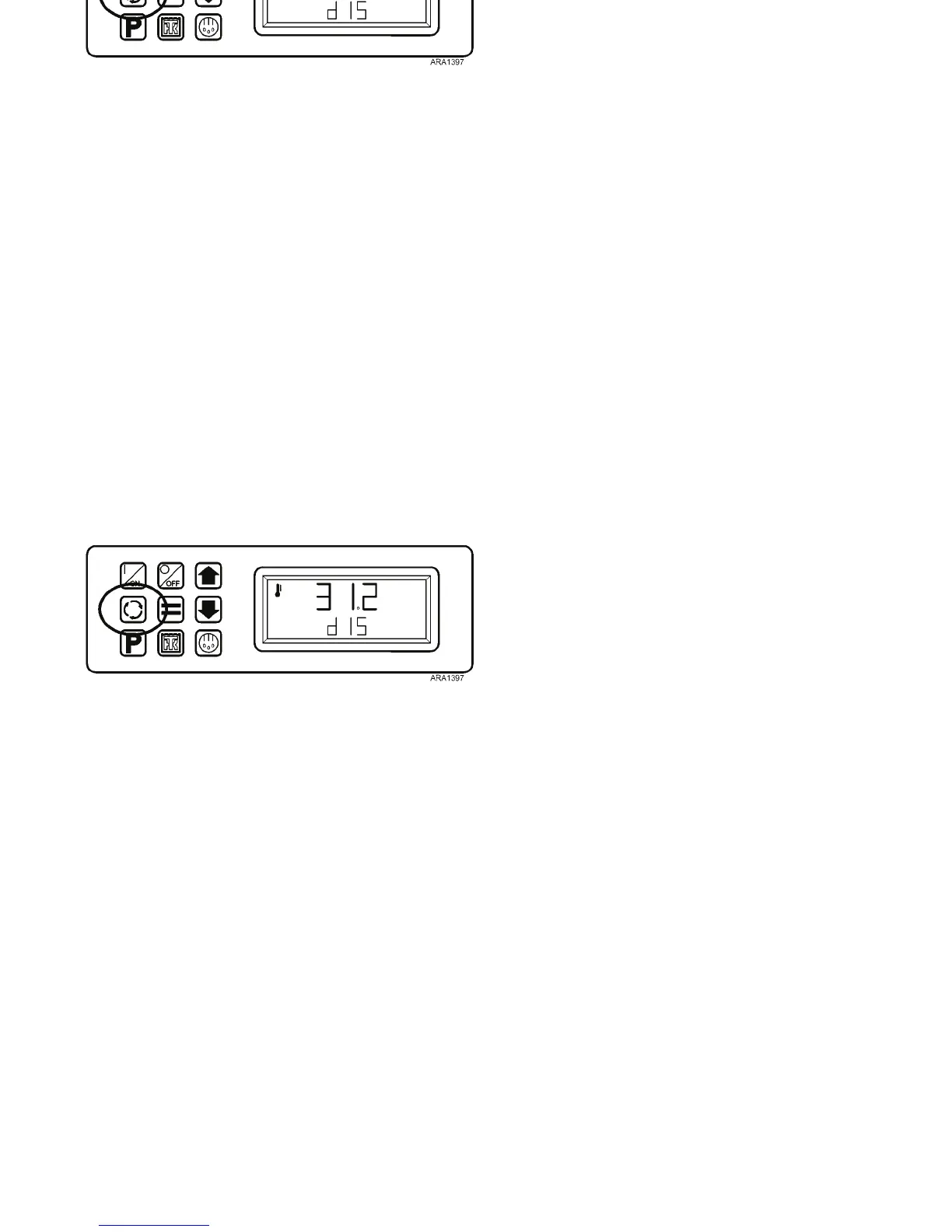
1. Press the Select Key twice. The discharge air temperature
will be shown in the display for about 10 seconds.
Figure 108: Press Select Key Twice
2. The display will then return to the Remote Standard
Display.
Optional Rear Remote Control Panel
139
Displaying the Discharge Air
Temperature
The discharge air temperature can be shown using the Select
Key.
1. Press the Select Key twice. The discharge air temperature
will be shown in the display for about 10 seconds.
Figure 108: Press Select Key Twice
2. The display will then return to the Remote Standard
Display.



 To Next Page