Operating Instructions
111
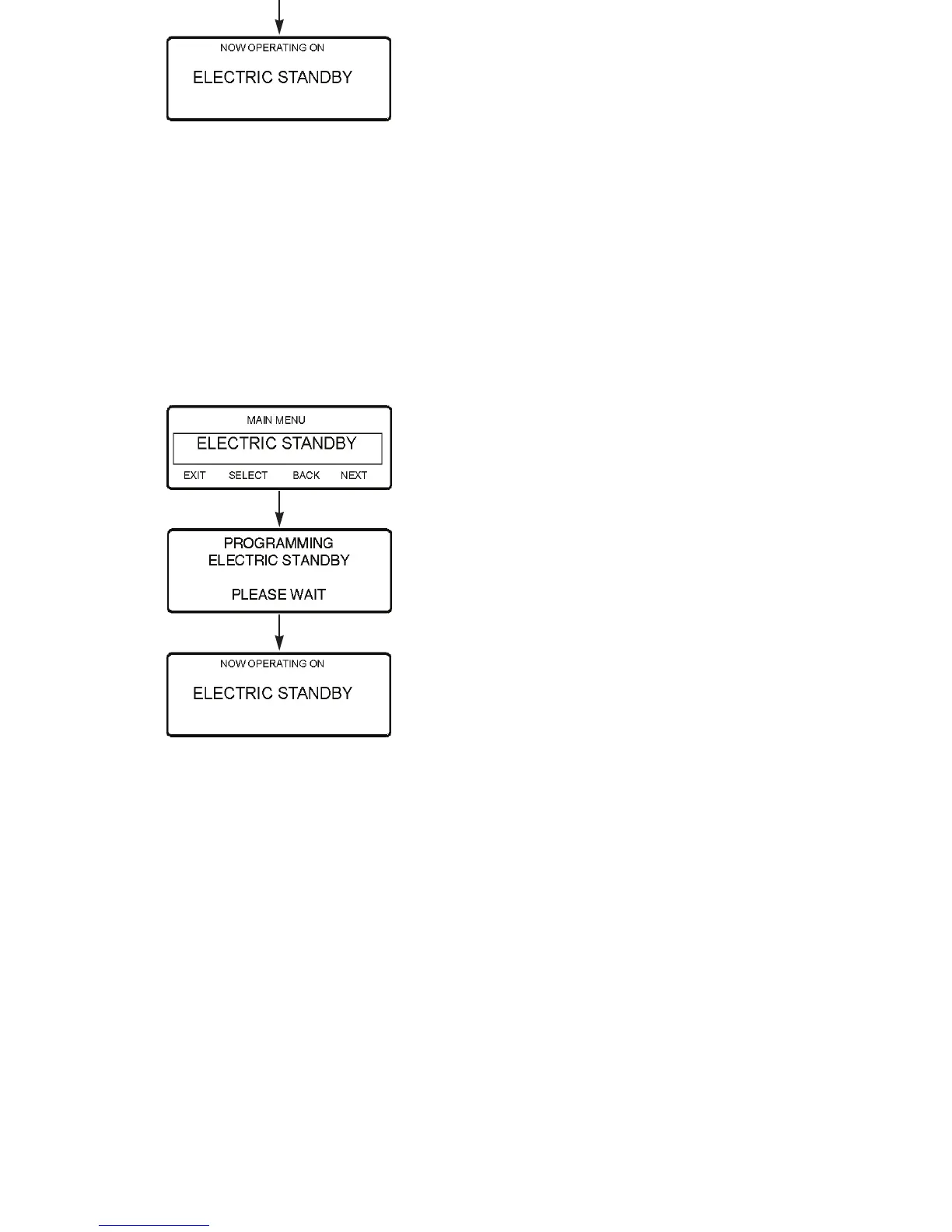
Figure 80: Programming Electric Standby Mode
Adjust Brightness Menu
The brightness of the HMI Control Panel display backlight can
be adjusted to allow for changing ambient light conditions. The
choices available to the operator are HIGH, MEDIUM, LOW,
and OFF. OFF actually results in a very dim backlight suitable
for low light conditions.
IMPORTANT: Before replacing an HMI with no backlight,
check the Adjust Backlight feature to be sure the backlight is
turned on.
Adjust the display brightness as follows:
1. Begin at the Standard Display.
If the Temperature Watch Display is showing, press the
M
ENU soft key once to return to the Standard Display.
S
ELECT
Key
Operating Instructions
111
Figure 80: Programming Electric Standby Mode
Adjust Brightness Menu
The brightness of the HMI Control Panel display backlight can
be adjusted to allow for changing ambient light conditions. The
choices available to the operator are HIGH, MEDIUM, LOW,
and OFF. OFF actually results in a very dim backlight suitable
for low light conditions.
IMPORTANT: Before replacing an HMI with no backlight,
check the Adjust Backlight feature to be sure the backlight is
turned on.
Adjust the display brightness as follows:
1. Begin at the Standard Display.
If the Temperature Watch Display is showing, press the
M
ENU soft key once to return to the Standard Display.
S
ELECT
Key



 To Next Page