Operating Instructions
115
OptiSet Plus
The controller can be programmed with OptiSet Plus
temperature profiles that allow the user to select named
products. Contact your Thermo King dealer for information
about programming the controller with OptiSet Plus
temperature profiles.
• Named products can have a single setpoint, or they can
have a setpoint range that allows the user to select a
setpoint within that range.
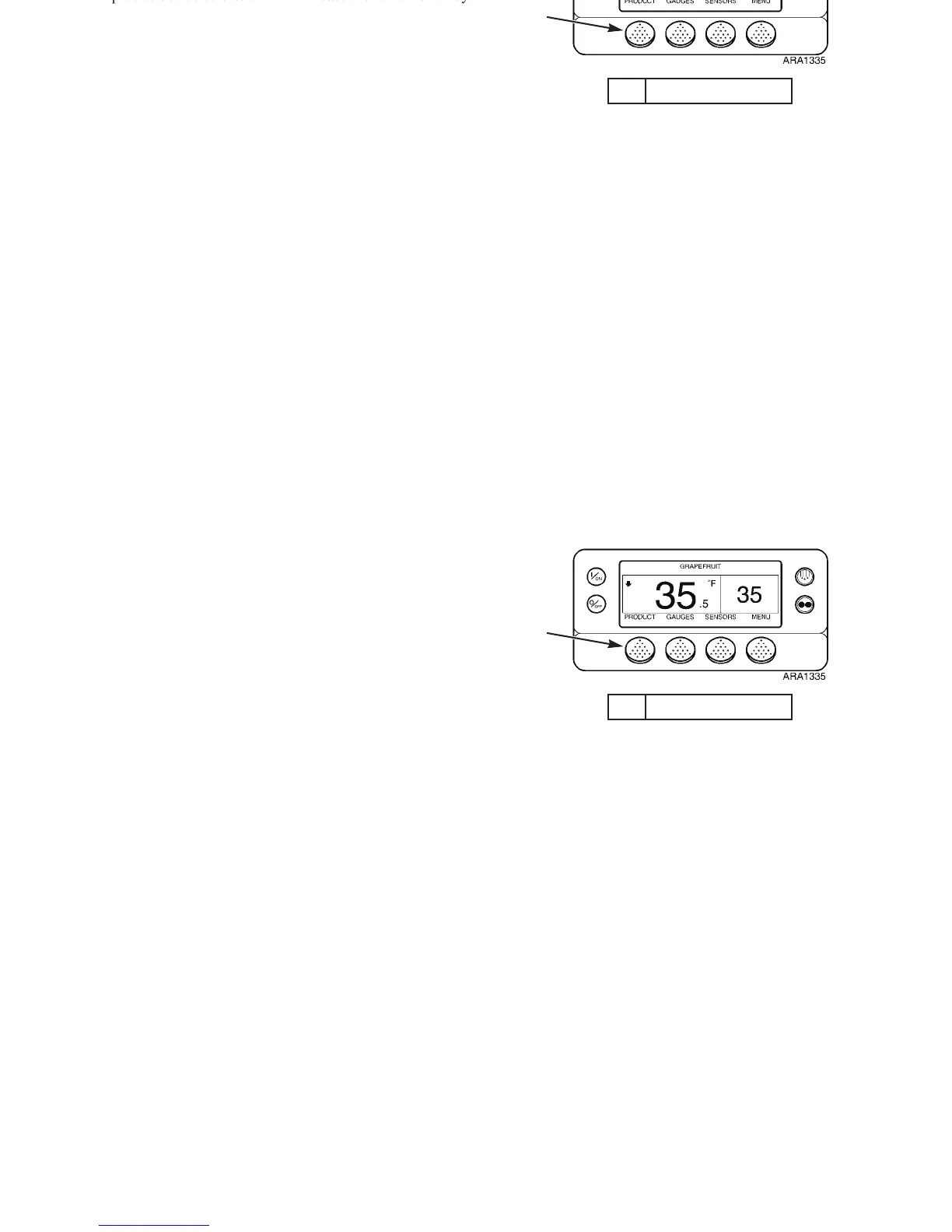
• The controller can be programmed to allow only named
products to be selected. In which case the far left soft key
will display P
RODUCT. See Figure 84.
• The controller can be programmed to allow named
products or numeric setpoints to be selected. In which case
the far left soft key will display P
RODUCT/SETPOINT. See
Figure 85.
NOTE: In OptiSet Plus the terms “numeric setpoint”
and “setpoint” mean the same thing and are displayed as
numbers. The terms “named product” and “product”
mean the same thing and are displayed as words.
See “Selecting a Named Product” on page 117 for information
about selecting or changing the named product.
See “Changing the Setpoint for a Named Product” on page 122
for information about changing the setpoint for a named
product.
See “Selecting a Setpoint” on page 125 for information about
selecting or changing the setpoint.
1. Product Soft Key
Figure 84: Standard Display with Product Soft Key
1
Operating Instructions
115
OptiSet Plus
The controller can be programmed with OptiSet Plus
temperature profiles that allow the user to select named
products. Contact your Thermo King dealer for information
about programming the controller with OptiSet Plus
temperature profiles.
• Named products can have a single setpoint, or they can
have a setpoint range that allows the user to select a
setpoint within that range.
• The controller can be programmed to allow only named
products to be selected. In which case the far left soft key
will display P
RODUCT. See Figure 84.
• The controller can be programmed to allow named
products or numeric setpoints to be selected. In which case
the far left soft key will display P
RODUCT/SETPOINT. See
Figure 85.
NOTE: In OptiSet Plus the terms “numeric setpoint”
and “setpoint” mean the same thing and are displayed as
numbers. The terms “named product” and “product”
mean the same thing and are displayed as words.
See “Selecting a Named Product” on page 117 for information
about selecting or changing the named product.
See “Changing the Setpoint for a Named Product” on page 122
for information about changing the setpoint for a named
product.
See “Selecting a Setpoint” on page 125 for information about
selecting or changing the setpoint.
1. Product Soft Key
Figure 84: Standard Display with Product Soft Key
1



 To Next Page