145
Alarm Codes
Introduction
An alarm code is generated when the microprocessor senses an
abnormal condition. Alarms direct an operator or service
technician to the source of a problem.
Multiple alarms can be present at one time. All generated
alarms will be stored in memory until cleared by the operator.
Document all alarm occurrences and report them to the service
technician.
See “Alarms Menu” in the Operation Instructions Chapter for
information about viewing and clearing alarms.
NOTE: Some alarms (3, 4, 74, 203, and 204) cannot be
cleared in the Alarms Menu, they must be cleared in the
Maintenance Menu or the Guarded Access Menu. Contact
your supervisor or a Thermo King dealer about clearing
those alarms.
Alarm Types
The four types of alarms are described below.
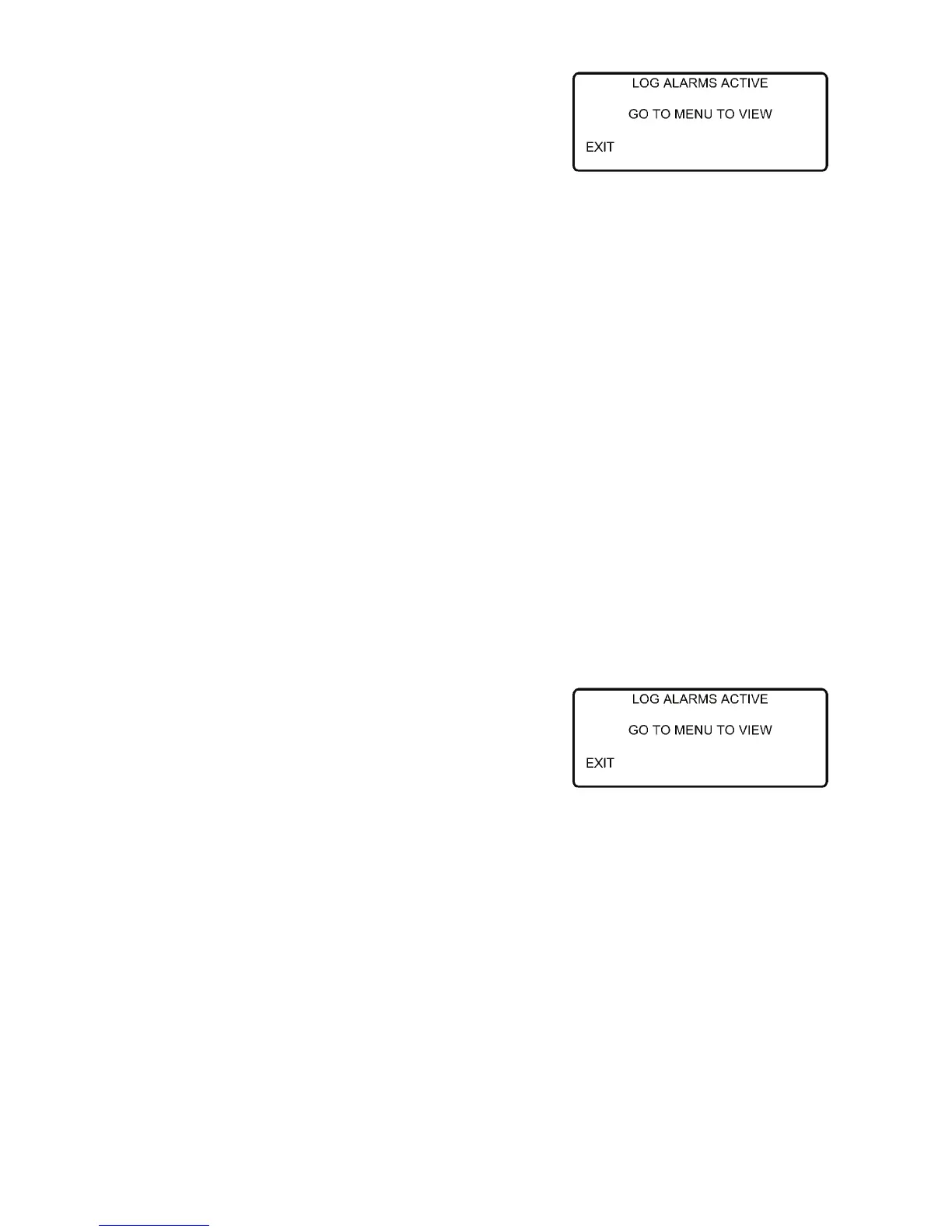
Log Alarms: Log Alarms are indicated by the Log Alarms
screen, which appears for approximately 30 seconds (just
before the Standard Display appears) each time the unit is
turned on. The Alarm Display must be used to view the
existing alarms. This level of alarm serves as a notice to take
corrective action before a problem becomes severe.
Maintenance items such as a maintenance reminder hour meter
reaching its time limit are log alarms.
Figure 121: Log Alarms Screen
145
Alarm Codes
Introduction
An alarm code is generated when the microprocessor senses an
abnormal condition. Alarms direct an operator or service
technician to the source of a problem.
Multiple alarms can be present at one time. All generated
alarms will be stored in memory until cleared by the operator.
Document all alarm occurrences and report them to the service
technician.
See “Alarms Menu” in the Operation Instructions Chapter for
information about viewing and clearing alarms.
NOTE: Some alarms (3, 4, 74, 203, and 204) cannot be
cleared in the Alarms Menu, they must be cleared in the
Maintenance Menu or the Guarded Access Menu. Contact
your supervisor or a Thermo King dealer about clearing
those alarms.
Alarm Types
The four types of alarms are described below.
Log Alarms: Log Alarms are indicated by the Log Alarms
screen, which appears for approximately 30 seconds (just
before the Standard Display appears) each time the unit is
turned on. The Alarm Display must be used to view the
existing alarms. This level of alarm serves as a notice to take
corrective action before a problem becomes severe.
Maintenance items such as a maintenance reminder hour meter
reaching its time limit are log alarms.
Figure 121: Log Alarms Screen



 To Next Page