Operating Instructions
50
Control Panel Keys
The four keys on the left and right sides of the display screen
are “dedicated keys” (see Figure 25). Their functions are listed
below.
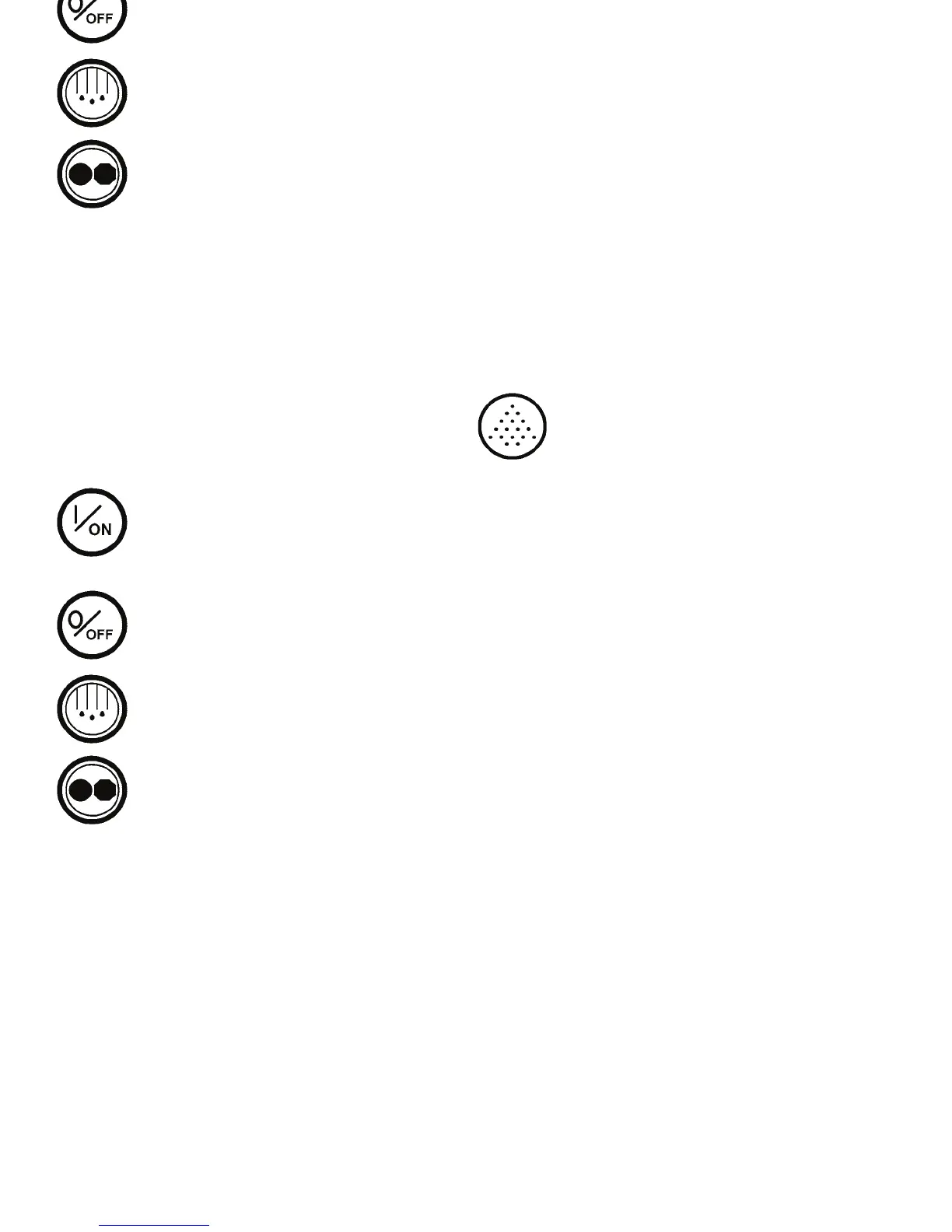
On Key: Press this key to turn the unit on. The
Thermo King Logo screen will appear briefly.
The display will then show the Standard Display
of box temperature and setpoint when the unit is
ready to run.
Off Key: Press this key to turn the unit off. The
engine will stop immediately. Then the HMI
control panel will enter the power-down
sequence.
Defrost Key: Press this key to initiate a Manual
Defrost cycle.
Mode Key: Press this key to switch back and
forth between the CYCLE-SENTRY mode and
the Continuous Run mode.
The four “soft” keys under the display are
multi-purpose keys (see Figure 25). Their
function changes depending on the operation
being performed. If a soft key is active, it’s
function will be shown in the display directly
above the key.
Typical soft key applications:
• Set Point
• Gauges
• Sensors
• Menu
• Next/Back
• Yes/No
• +/–
• Up/Down
• Select/Exit
• Clear/Help
Operating Instructions
50
Control Panel Keys
The four keys on the left and right sides of the display screen
are “dedicated keys” (see Figure 25). Their functions are listed
below.
On Key: Press this key to turn the unit on. The
Thermo King Logo screen will appear briefly.
The display will then show the Standard Display
of box temperature and setpoint when the unit is
ready to run.
Off Key: Press this key to turn the unit off. The
engine will stop immediately. Then the HMI
control panel will enter the power-down
sequence.
Defrost Key: Press this key to initiate a Manual
Defrost cycle.
Mode Key: Press this key to switch back and
forth between the CYCLE-SENTRY mode and
the Continuous Run mode.
The four “soft” keys under the display are
multi-purpose keys (see Figure 25). Their
function changes depending on the operation
being performed. If a soft key is active, it’s
function will be shown in the display directly
above the key.
Typical soft key applications:
• Set Point
• Gauges
• Sensors
• Menu
• Next/Back
• Yes/No
• +/–
• Up/Down
• Select/Exit
• Clear/Help



 To Next Page